NX Server, High RAM usage and server failure
Completed
Hi All,
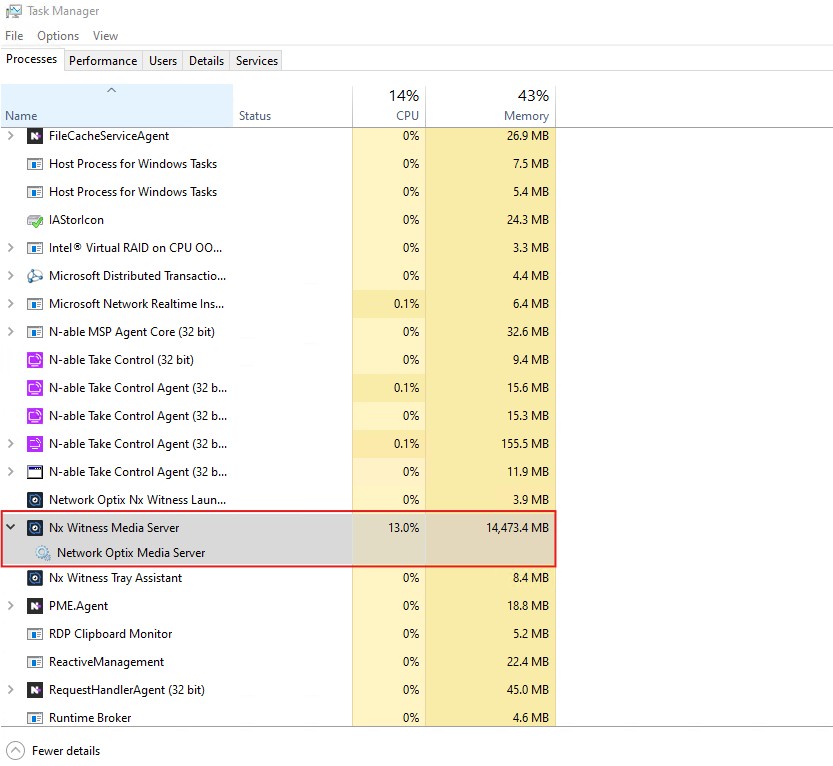
We have identified an issue where our servers are becoming unresponsive during weekends due to high RAM usage on the NX Server.
Currently, memory utilisation sits at around 40% during busy operation. However, over the weekends, operations are lower, and it increases to approximately 90%, which results in server failure.
For your reference, here are the system details:
- Total cameras on the server: 53
- Total bitrate used by cameras: 48 Mbps
- Total system memory: 128 GB
Could you please assist us in investigating and resolving this issue?
-

What NX version are you using?
Is there an NX client also open directly on the server?
I've got several NX servers with varying amounts of cameras up to 120 and I haven't been able to consume 16GB RAM yet.
When running NX 5.1.5, I did have memory leaking happening on three NX clients where they would go up to 100% RAM usage causing one or more of the screens or the whole computer to fail. This was solved by updating to NX 6.0.3 and then running the batch file from NX to use Direct X instead of Open GL rendering.
1 -
Hi Edward,
Currently, we are using version 6.1.1.42624.
Yes, the NX client can also open directly on the server.
Thanks,
0 -

Hi Edward,
A couple of quick things worth checking on your end:
Have you had a chance to look at whether your storage or disk might be close to full? When that happens, it can cause a lot of system interruptions that might explain what you're seeing. (i,e I/O interruptions and content switch for OS system calls.)
The details we have so far are a bit limited, so the OS event log could be helpful here. What events or messages show up in your system's OS log around the time the issue occurs?
0 -

Hi Sagar
In case of version 6.1.1.42624, please update to version 6.1.2.42921 first, and verify the reported issue.
If the issue persists, it does requires a deeper dive into your specific setup, and we highly recommend reaching out to your Authorized Reseller.
They are best equipped to investigate the root cause of this specific issue and get it resolved or escalated for you.
Best regards.
0 -

Hello :)
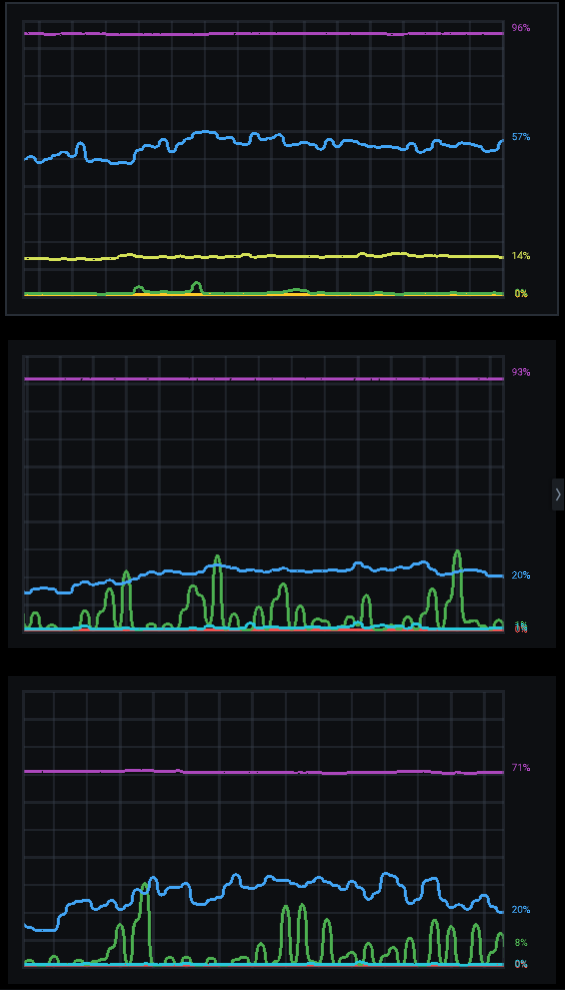
I have the same problem →on version 6.1.2.42921
First server have 60+GB RAM and other 40GB.
Cam per server max 120


 0
0
Please sign in to leave a comment.
Comments
5 comments