NX VMS API Cannot access devices via Cloud token, only via Digest auth
Answered
Hi everyone,
I’m currently working with the NX VMS API and running into an issue with authentication and accessing devices.
What I’m trying to do
I want to retrieve camera devices (/rest/v4/devices) using API, ideally using a Cloud (OAuth) token.
What works
-
Calling:
https://{logged in as owner for cloud serverId}.relay.vmsproxy.com/rest/v4/devices - Using the token from OAuth
-
This successfully returns all cameras
What does NOT work
- Using a OAuth token for shared server, it will work only when digest auth is used, even with the same cloud account used
-
Result: no devices returned / unauthorized
What I’ve already confirmed
- The system is successfully connected to Cloud
- I can see the cameras in Nx Desktop Client via Cloud login
-
API works correctly when using Digest auth
My questions
- Is it possible to use a Cloud token directly with
/rest/v4 endpoints for the shared server? - If not, what is the correct flow to:
- authenticate via Cloud
- then access server APIs (e.g.
/devices) without Digest auth?
- Is there a way to exchange a Cloud token for a server session token?
Goal
I’m trying to build an integration where:
- users authenticate via Cloud
- then access cameras from own server along with other shared server via API (without needing any manual input credentials other than the OAuth token used)
Any guidance or recommended architecture would be really helpful.
Thanks!
-

Hi Jack,
I have some working tools like this and I can use the cloud token to call that same endpoint. Would you like to share your request headers with us?
Mohammed
0 -
-
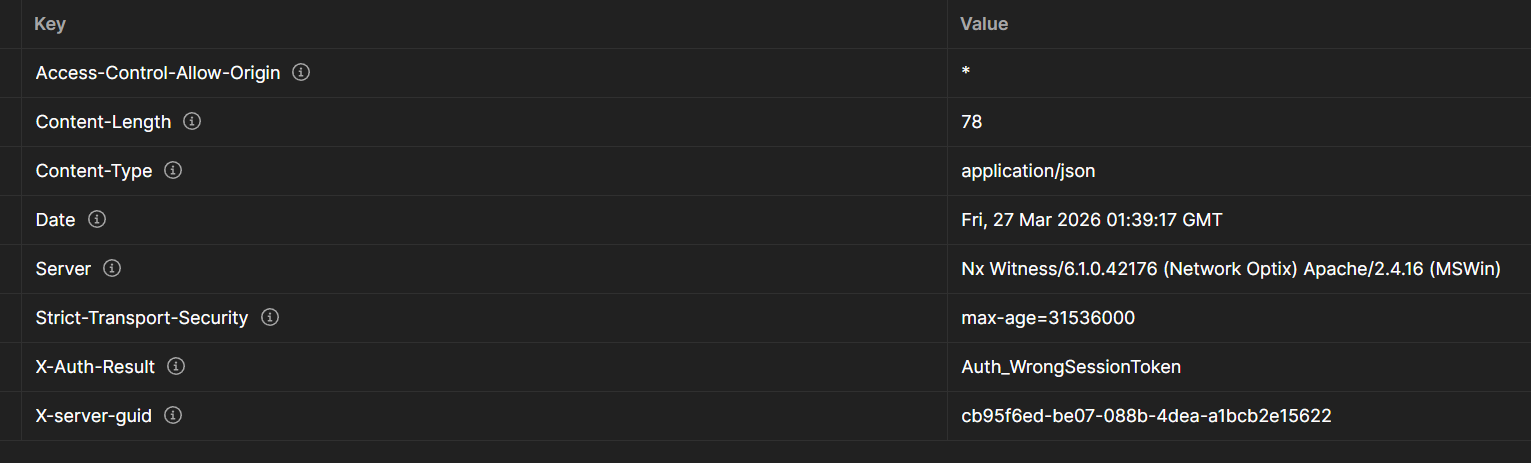
I’m not sure if this is what you mean regarding the request headers, is this the correct one?
 0
0 -
That's the response header.
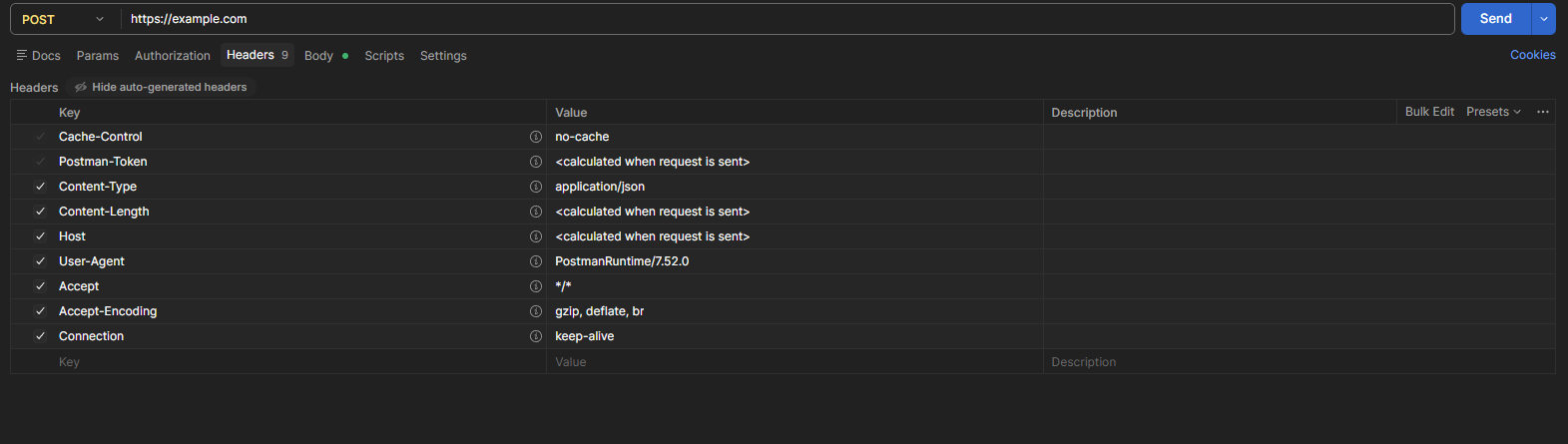
I want to see what you're calling your endpoint with?
 0
0 -
-

Hi Jack Prez,
Here you can find the cloud API.https://meta.nxvms.com/cdb/docs/api/v1/swagger/index.html#/
Specifically the
POST /cdb/oauth2/tokenendpoint.This should result in a long token, starting with
nxdb-.HERE a sample script utilizing the endpoint.
0 -
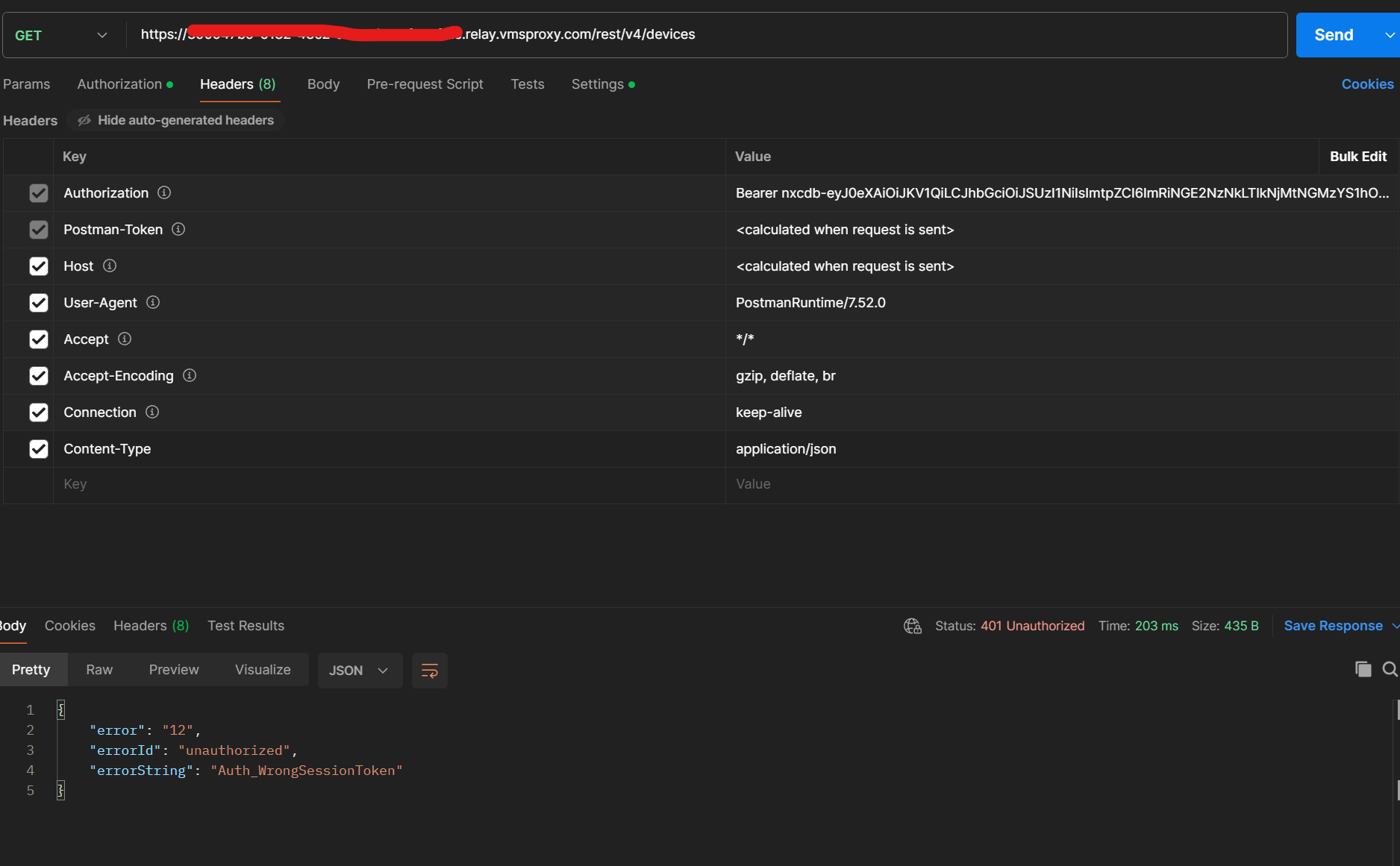
the problem is that I'm logged in as user A, but then I want to access the server that user B shared to me, it is working fine in the NX Witness app, I can access the devices even with normal digest auth, but this API seems to not allow me
 0
0 -

Hi Jack Prez,
There are a few key points we would like to clarify:
Users do not share individual servers. Instead, a user shares a site (system). A site/system may contain one or multiple servers. Therefore, referring to a “shared server” may cause confusion—we recommend consistently using the term site/system.
You may have the wrong usage to Token scope and permissions. You mentioned that User B shared the system with you. It may not use the updated cloudSystemId. Please ensure you are using a newly generated token with the correct access scope.
For your Postman testing, could you confirm whether the “Forward Authorization Header” setting is enabled While it is likely already configured, we would like to double-check.
Regarding the issue, based on your description, the behavior you are observing is likely expected, and is related to resource access and scope configuration.We did not see details about how your scope is defined. In this case, the issue is not related to Digest Authentication. It is highly likely caused by scope and resource permission settings.
When accessing a site/system resource (e.g., /rest/v4/devices), you must include the appropriate cloudSystemId in the token’s scope.
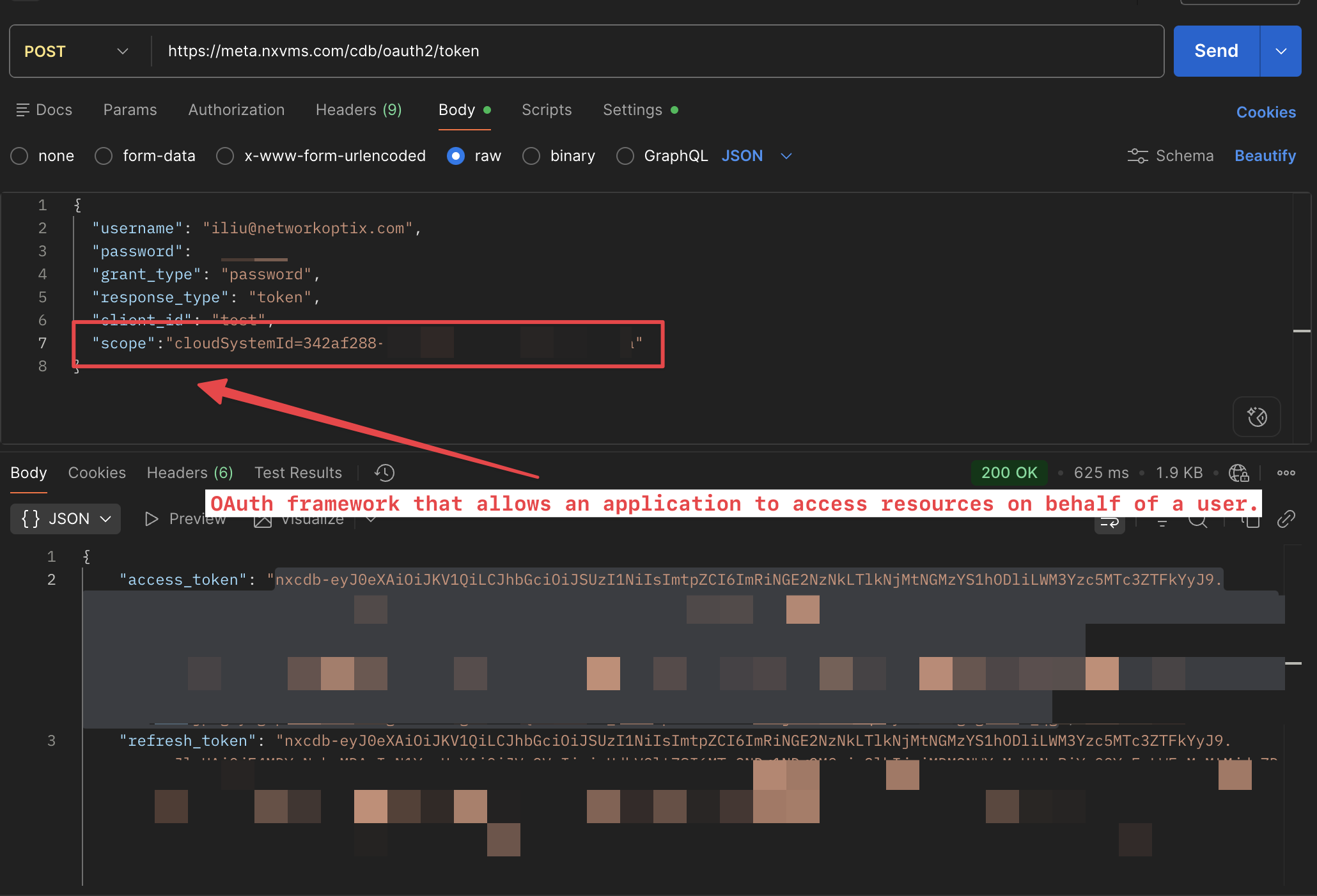
To access a site/system that has been shared with you, it is essential to include the correct scope (cloudSystemId) when generating the token. This is a fundamental step in OAuth2-based access control. That said, you need to put the cloudSystemId = {The system UserB shared to you}
For more details, please refer to the following documentation: https://meta.nxvms.com/docs/developers/knowledgebase/323-api-spec
Thanks.
0
Please sign in to leave a comment.
Comments
6 comments