NX Witness Mac client not loading webpages
Answered
Hello,
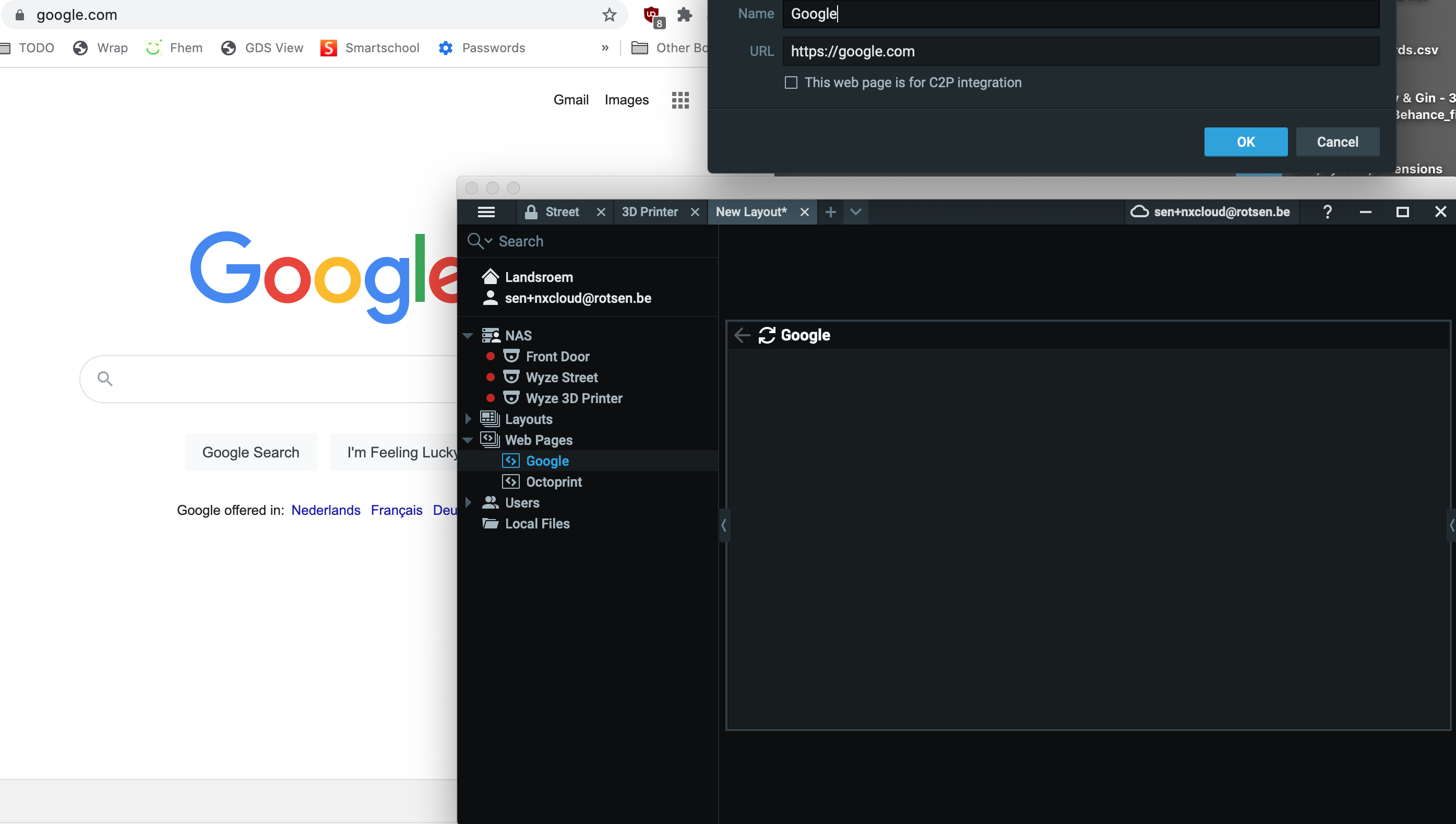
I'm not able to display webpages anymore.The 3 loading dots appear/disappear but the webpage stays dark gray. I have also Windows client which displays the webpage just fine. I tried with https://google.com.
Nx Witness Client version 4.1.0.32212 (7259e0f382b5).
Built for macosx-x64 with clang.
OpenGL version: 4.1 INTEL-14.7.8.
OpenGL renderer: Intel Iris OpenGL Engine.
OpenGL vendor: Intel Inc..
OpenGL max texture size: 16384.
NAS (172.16.20.2): v4.1.0.32045
-

Hi Sen Haerens ,
The loading dots mean the page is under loading.
Have you tried to use the browser (Ex: Google Chrome or Safari on the same MAC to check the availability?0 -
The page is loading fine in the browser, only not displayed in NX client
 lient.0
 -
Hi Sen
Can you try http://google.com?
It looks like it is the https page are not available due to some reasons0 -
Hi Sen,
BTW, are you using the latest MAC with M1 chip?
If yes, you would need to use Rosetta. This has its limitations, mainly the in-client web browser, and most likely some more, since these devices aren't part of our QA process at this stage.In 4.3, our in-client web browser will be modified, so it should work with Rosetta.
At the moment, likely the M1 chip compatibility is not yet covered all previous application on x86.
Thanks.
0 -
I’m running on an older macbook pro from 2013. I will test the released version, I think the issue appeared since I upgraded to the patch version.
0 -
Hi Sen,
OK, thanks.
We have tested the function on 2018 and 2019 MACBook Pro, but the webpage is working perfectly. The webpage works on Catalina and BigSur as well.
Likely there are some more other conditions we don't know, but we have done the test on release version, and all patch versions so far.
Look forward to your reply.
0 -
I’m still on Catalina. I will try to test with the release 4.1 this evening. Do I have to downgrade the server as well?
0 -
Hi Sen,
Yes, you would need to downgrade.
However, I would suggest you to fully uninstall the Nx Client then reinstall.
For now, it looks like nothing to do with server, but the client, so changing the server might not be an ideal operation.You might be able to use APPCLEANER
0 -
I removed NX Witness preferences and Application Support folder but still no webpage displayed.
I found out that I can successfully save a webpage with Page > Save Page. The saved .mhtml file contains the correct HTML code, So the client loads the webpage, it is only not displayed. Seems an issue in the software to me (maybe with older Macbook Pro GPU?)
0 -
Hi Sen,
I am not sure if that is an issue on the GPU. But i have tried the 4.1.0.31398 (Release) and the latest patch(4.1.0.32212). The popular pages are working fine.
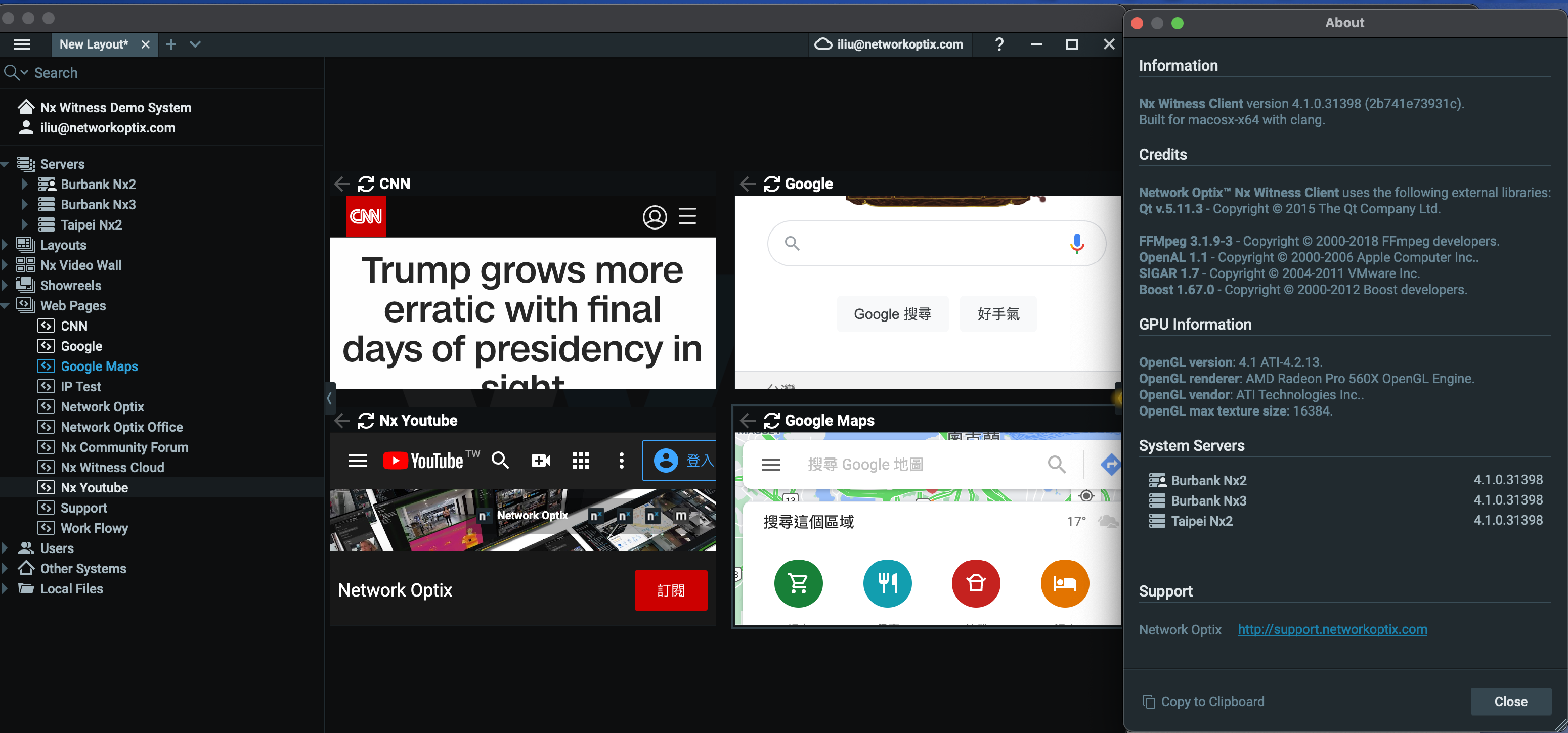
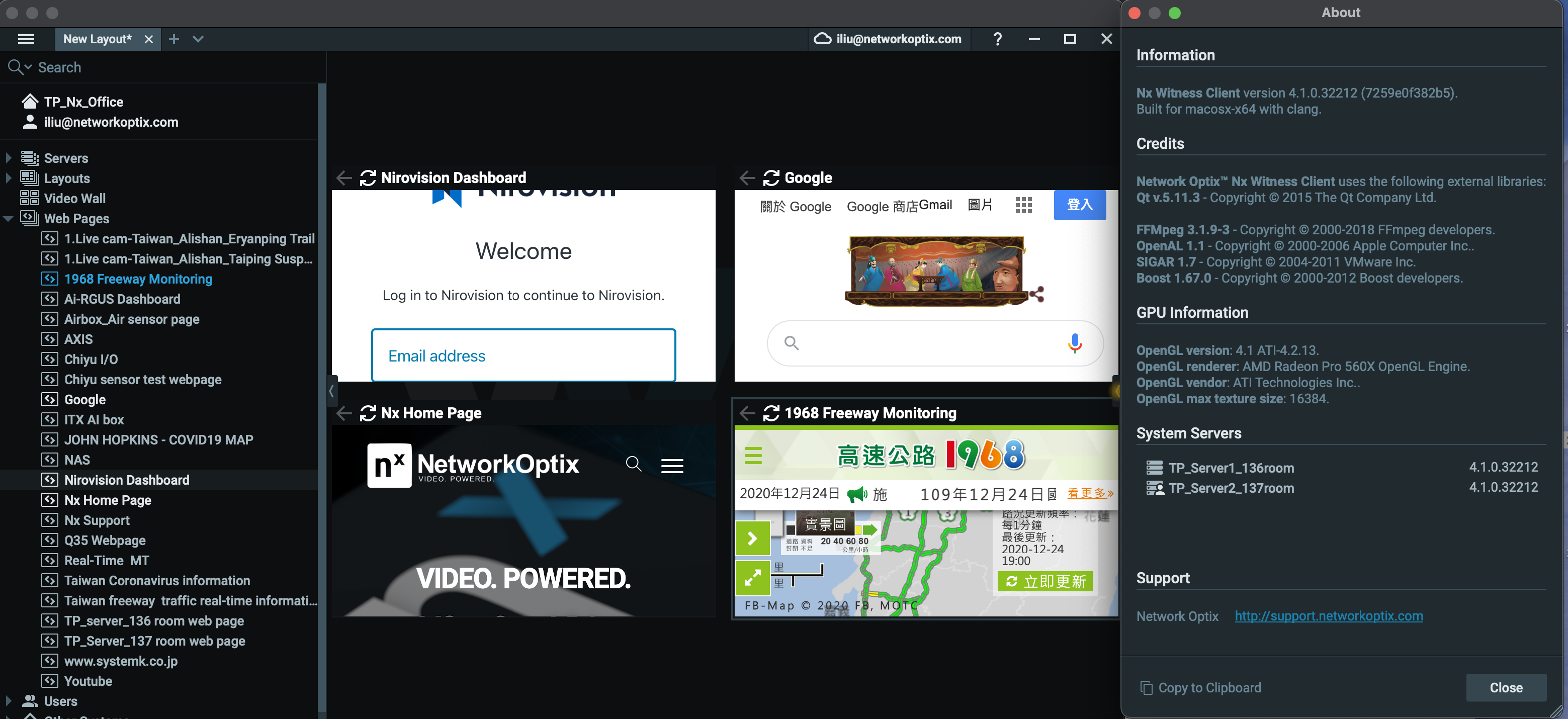
Do you try on other MAC?
0 -
I don’t have another Mac to test on. I have provided as much info as I could. Did you read my previous post? Why can I save the webpage but is it not displayed in UI?
0 -
Hi Sen,
I am not sure why you can save the page but the cell can't display the page correctly.
Maybe you could try to install the chromium for MAC to verify.The browser embedded in Nx Witness Client is the same one as Chromium.
If the Chromium is able to display the page but the Nx Client isn't, likely we will need to access the MAC you are using to confirm.
If the Chromium is not able to display the page, then likely the issue would be on the Chromium.Thanks.
0 -
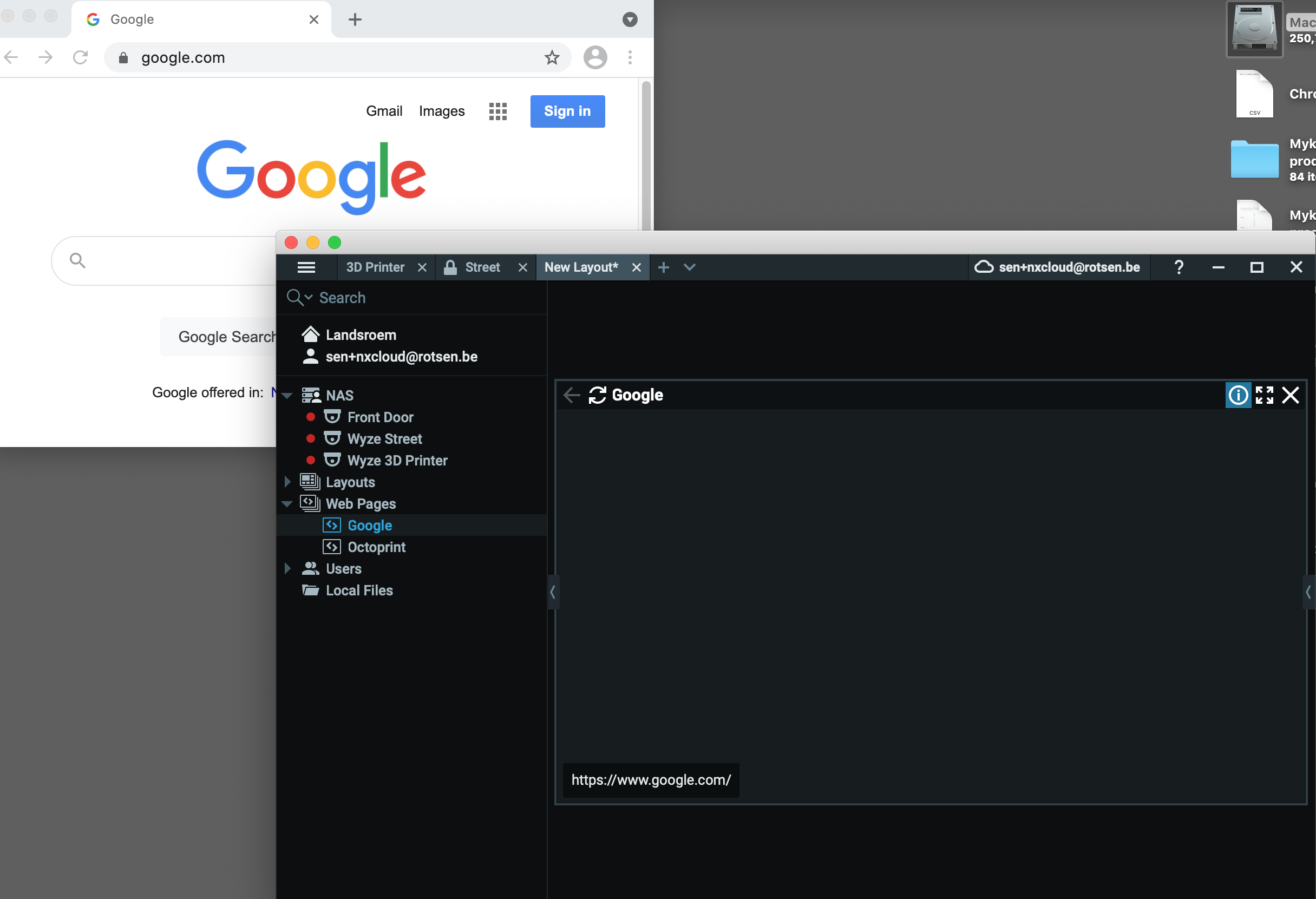
Page loads fine with Chromium for Mac.
 0
0 -
Hi Sean,
I have tested the issue on some other MAC, unfortunately, I can't reproduce the issue.
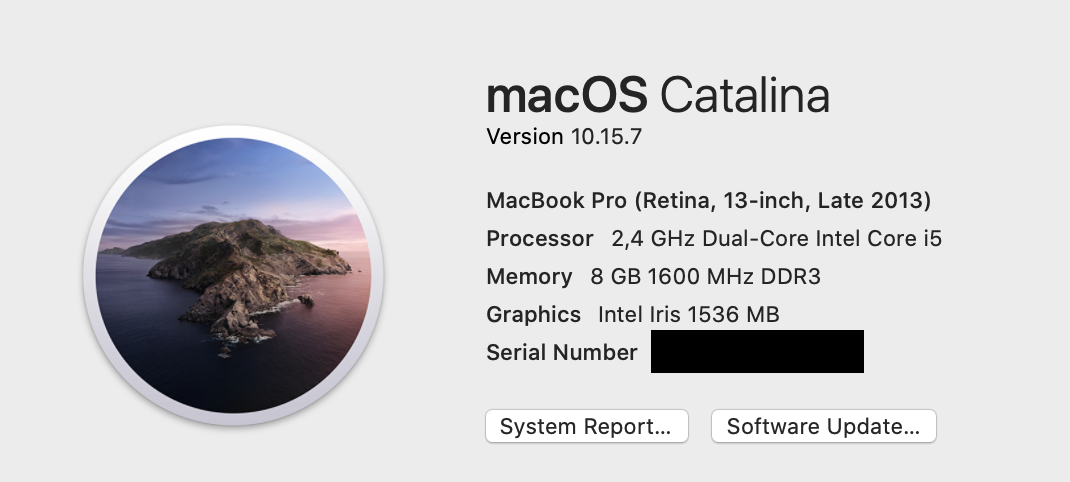
Can you provide the MAC detail to us?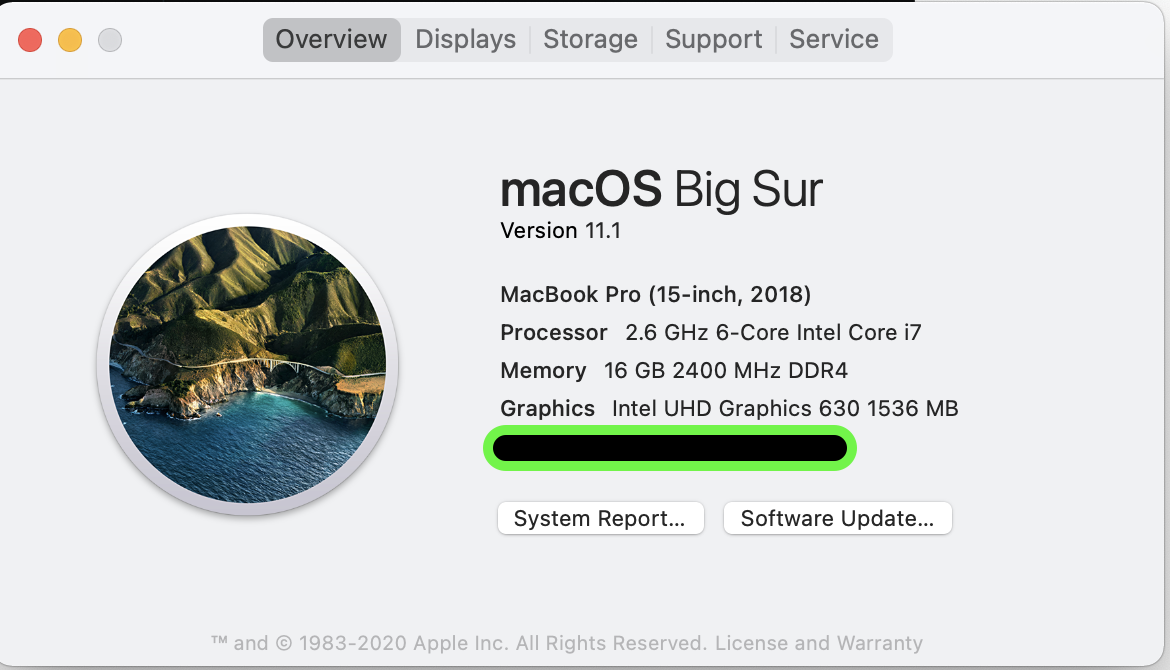 0
0 -
 0
0 -
Hi Sean,
Thanks for the screen captures. We have tried on the 10.15.7, but we can't reproduce this unfortunately.
We might need the console log and system log for further investigation.1) For system log, it would be able to save by using the share.
2) For console log, you can see this ARTICLE.Thanks for your assistance.
0 -

Hi Sen Haerens,
Just checking in to make sure you received our response as it has been a while since we have heard from you. Please let us know if you still need help by responding to this message.
0 -
Unfortunately, still not solved but the discussion was transferred to support ticket #24465
0 -
Hi Sen Haerens,
You're right. I missed the ticket label. I saw my colleague is still working on it.
0 -
Hi Sen Haerens,Norman Graafsma
The latest 4.2.0 has been announced.
Please check if your issue remains on 4.2.0.
This issue has been tested on our oldest MAC (2015 late) in the LAB, but unfortunately the issue is not reproduced. Since this has been some hardware updated and maybe the system libraries on 2013 and 2015 were different, it is likely we are not possible to reproduce. Thanks for your understanding.For Nx Witness In-Client Upgrade
Build Number: 32658
Password: x49ba80 -

- Authorized Reseller
Hello,
I am having the same issue. has there been any update/solve?
On my MacBook pro I cannot load any webpages on NxWitness Client as well.
It shows the loading "dots" and then it just goes blank (grey).Information and steps I have already tried:
- MacOs is Big Sur 11.4
- MacBook Pro (Retina, 15-inch, Mid 2015)
- Embedded graphics: Intel Iris Pro 1536 MB
- I have removed Nx from my system with AppCleaner and did a fresh install of Nx version 4.2.0.33117
- I have installed Chromium for Mac and the webpage loads correctly
- In another Windows PC I open the same layout with the webpages and it loads correctly
I am not sure how long this issue has been happening, but it's been for a long time (months if not years), I just ignored it as the webpages was not something I was using a lot, but now I actually have the need to show a Node-Red Dashboard on the layouts, and I cannot use it on my Mac.
0 -
There is no solution, except upgrading to a newer MBP.
0
Please sign in to leave a comment.
Comments
22 comments