Server will not update
Completed
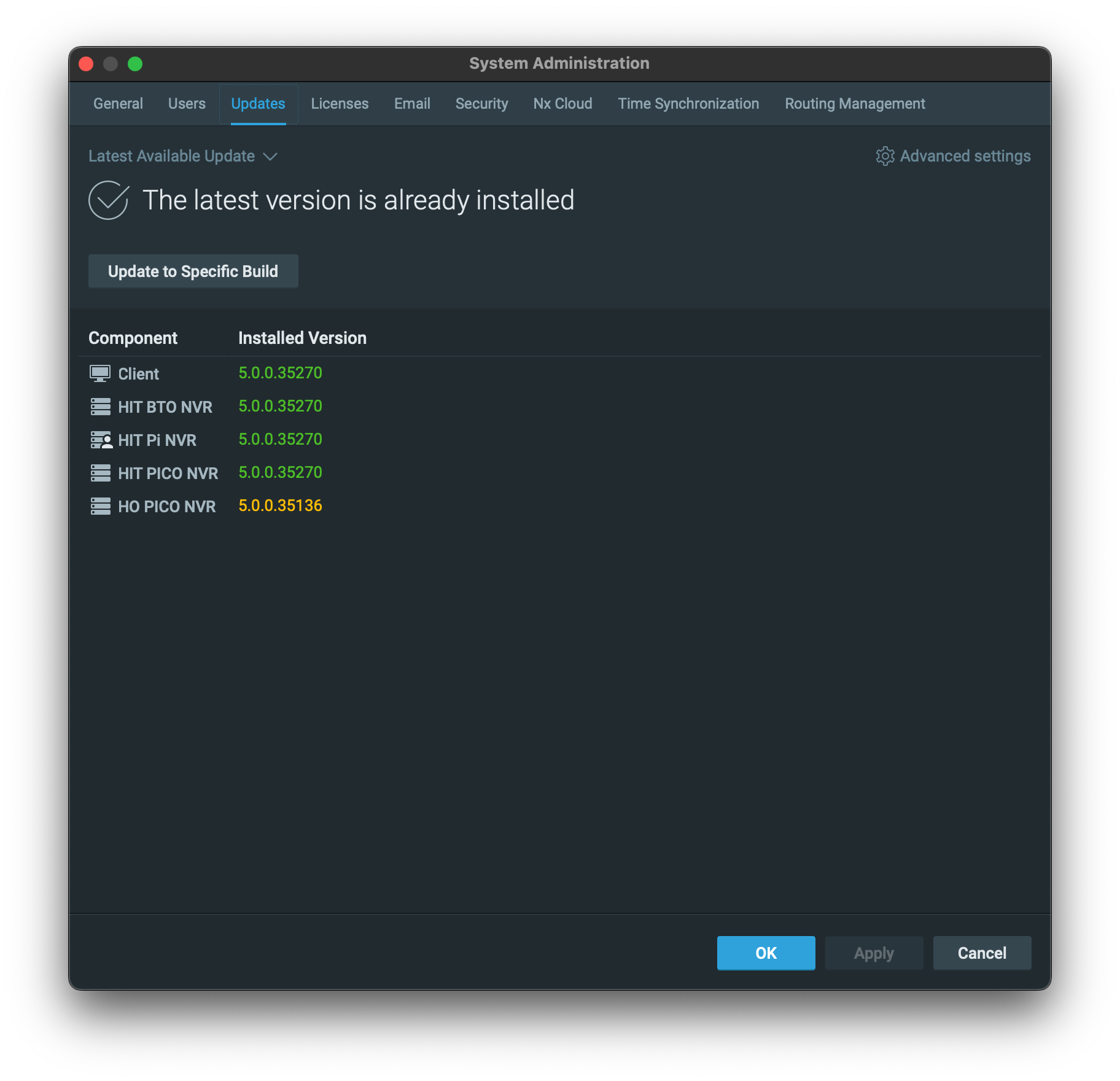
One of our server in the HIVE will not update.
Have not found a way to force the unit to do the update.
At times the NVR disconects.
Plz provide a way to fix the issue.
Thanks in advance,
Miguel Dina
-

Hi Miguel Dina,
Please follow the below instructions to perform the in-client update on the system:
- Run the Nx Desktop Client and connect to the Nx System.
- Go to Main Menu > System Administration, then go to the Updates tab.
- Click the Update to Specific Build button.

- Fill in the pop up windows with:
Version: 35270
Password: xk3y79
Then click the Select Version button.
- Click the Download button.
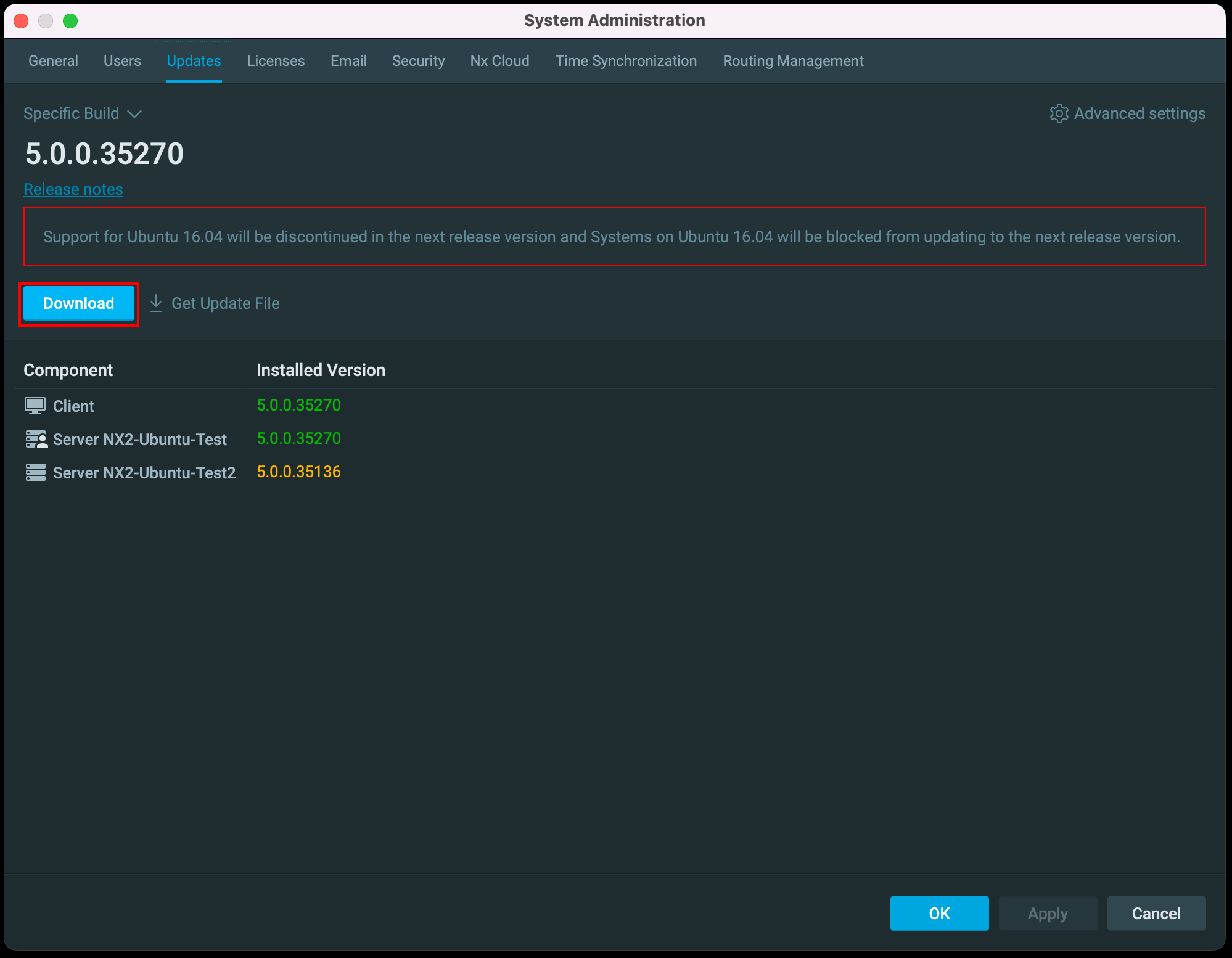
- After the Nx Server has downloaded the update file, click the Install Update button.

- The Nx Server will install the update and restart automatically, then you should have all Nx Servers within the system running with the same version of software.
If you are still not able to update the HO PICO NVR, please share the screen recording of your operating with us, thank you.
Please don't hesitate to let me know if you have any further questions.
Thank you.0 -
Hi Miguel Dina,
My colleague Norman brings some thoughts about this issue with me.
Therefore, besides following the above instructions, for further investigation, please also provide the OS version of the HO PICO NVR with us.
Thank you.
0 -
Hi to all,
It does Ubuntu 20.04 Desktop.
We will be doing more testing today and go back to you.Regards,
Miguel Dina0 -

We have not heard back from you in a while, so we are going to assume your question has been resolved and set this topic to 'Completed'.
0
Please sign in to leave a comment.
Comments
4 comments