Lost video archive for the whole day
Answered
Hello, I lost the archive for the whole day from one camera after downloading the archive. What could have happened?
-

Hi Energokub, LLC,
That's a pretty broad question.
If you download data through the desktop client, there is no reason that data will be lost.
What do you mean with lost? Can't see it in the desktop client anymore? Can't find it in the actual archive?
Please check THIS topic and the linked article, to understand how to submit a support request. We highly recommend using the template in the article and providing a clear reproduction scenario, so we can reproduce the issue ourselves for further investigations.
0 -
Summary:
Lost recording from two cameras from one IP addressEnvironment:
Nx Witness Version: 4.2.0.32840
Client OS: Windows 10, Android, Ios
Server: Ubuntu 18.04.5 LTS
Network Topology: number of servers - 3, cameras - 280, clients - 150,All cameras connected to the server viathrough routers
Special features:With no third party integrationsReproduction Scenario:
After downloading the archive, it stopped being displayed on two cameras. The record is also not displayed in NX cloudAttachments:
0 -
Hi Energokub, LLC,
I'm sorry, but the reproduction scenario isn't clear for me.
I might assume, you didn't export video through the desktop client, but downloaded files from the archive directly, but I'm not sure, since many steps are missing in the description.
If you downloaded the video directly from the archive, I only can assume you CUT the data, instead of COPY the data, but have no clue if this assumption is correct. If this was the case, you can COPY/PASTE the data back into the archive and re-index the storage. This should make the data available again.0 -
How it is possible to cut video through a client without administrative privileges?
I thought that through a web client it is not possible to do this.0 -
Hi Energokub, LLC,
Typically, it isn't possible to cut data without admin privileges, but as said, it was an assumption, since I didn't get a clear reproduction scenario so far. So I can only guess what might have happened.
You wrote:
After downloading the archive, it stopped being displayed on two cameras. The record is also not displayed in NX cloud
This isn't sufficient information to understand what happened, where it happened, etc. It also prohibits us from reproducing the potential issue. So please, explain, step by step, what has been happened.
For example:
- I opened the Nx Witness Desktop client,
- I selected the desired bookmark, and selected export through the icon in the timeline as shown below:
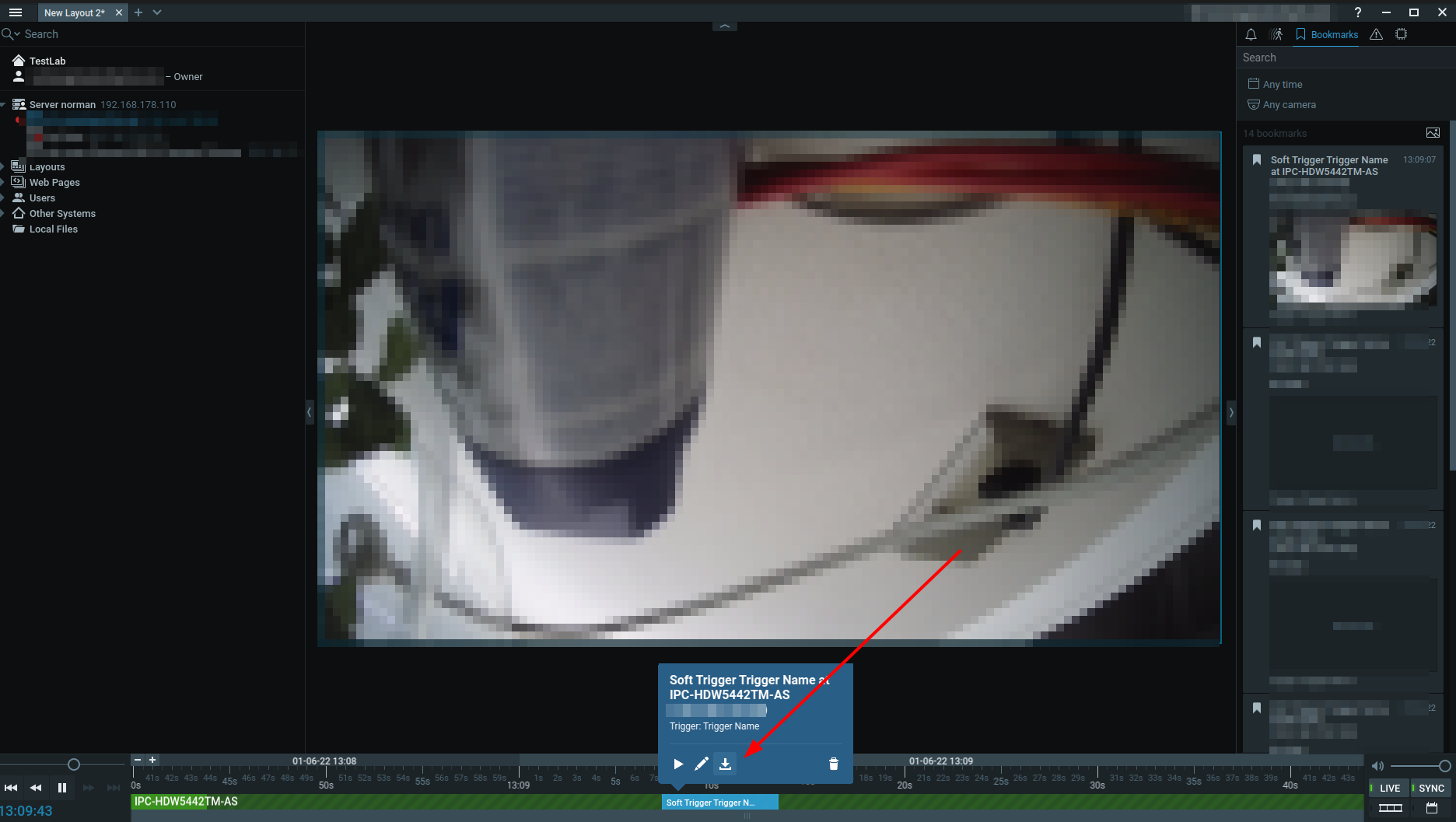
- After the download of the bookmark video, the data wasn't available anymore in the Nx Witness Desktop client. See screenshot XYZ below:

- The same applies for when I checked the same data in the Nx WebAdmin and the Nx Cloud.<add screenshot>
0 -
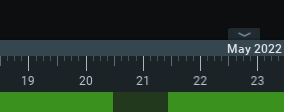
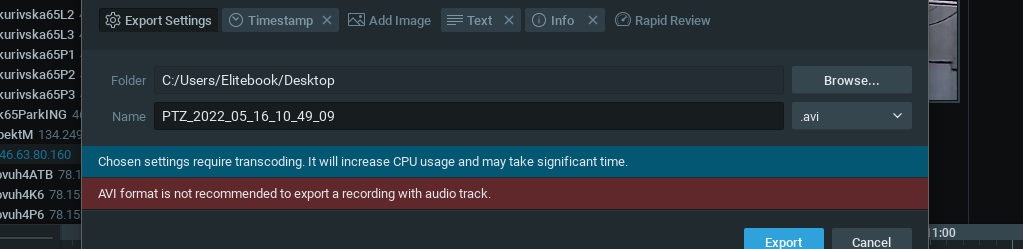
User with access rights: view the export video, on PC client open the camera, found the necessary video in the archive, press the right mouse button, noted the necessary and select export. After that the record was gone.
0 -
 0
0 -
Hi Energokub, LLC,
Would it be possible to get access through TeamViewer to the Nx Witness Desktop Client and the Nx Witness Mediaserver?
If so, I'll transfer this topic into a support ticket, so you can share the credentials privately.
0 -
Of course, but today the record appeared after the re-indexing of the archive, but also restored the archive (the same size as lost) for the previous months
 0
0 -
But it's still interesting what happened?
0 -
Hi Energokub, LLC,
At this stage, I wouldn't dare to provide a solid statement what happened.
Since reindexing resolved the issue and old data was 'lost' as well, the first thing I would suspect is a database error. But the reason for the error is something I have no clue about at this stage.
I'm happy to check the system for anything weird, but I also have to manage the expectation, that it is not very likely we'll find the root cause. Just confirm, and I'll transfer this topic into a ticket.
I would elevate the log level from INFO to DEBUG and as soon as it happens again, collect the logs and share them with us for further investigations.
0 -

Hello Norman!
Can you elaborate on how to elevate the log level from INFO to DEBUG?
Do you have detailed instructions?
Thanks!
0
Please sign in to leave a comment.
Comments
13 comments