encoder
Completed
Adding Vista Viper encoders to a new install of NX Witness and it sees encoder but had to add all license's as individual cameras and turn off auto discovery, it has not used the encoder ones.
Camera channel 1 is shown as the encoder and does not display picture, channels 2 - 16 continue to drop on and off but when I connect direct to the encoder all pictures are always on


-

Hi @...,
For further analysis, please share the following information with us:
1. Firmware version of the Nx Server and encoder
The latest Nx Witness version is 4.2.0, if your Nx Witness is not running the latest version, you could first try to update the Nx Witness to the latest release.
Check: https://my.networkoptix.com/#/download
Please also make sure your encoder is running on the latest firmware as well.2. Screenshot of the encoders settings page
Make sure you have clicked More Info and capture the device detail information like below.
3. The number of the license you have
How many Professional Recording License and Analog Encoder License do you have?4. Screenshot of the result of the diagnostic
Open the camera channel which does not show the image, click the Diagnostics button, then share the result with us.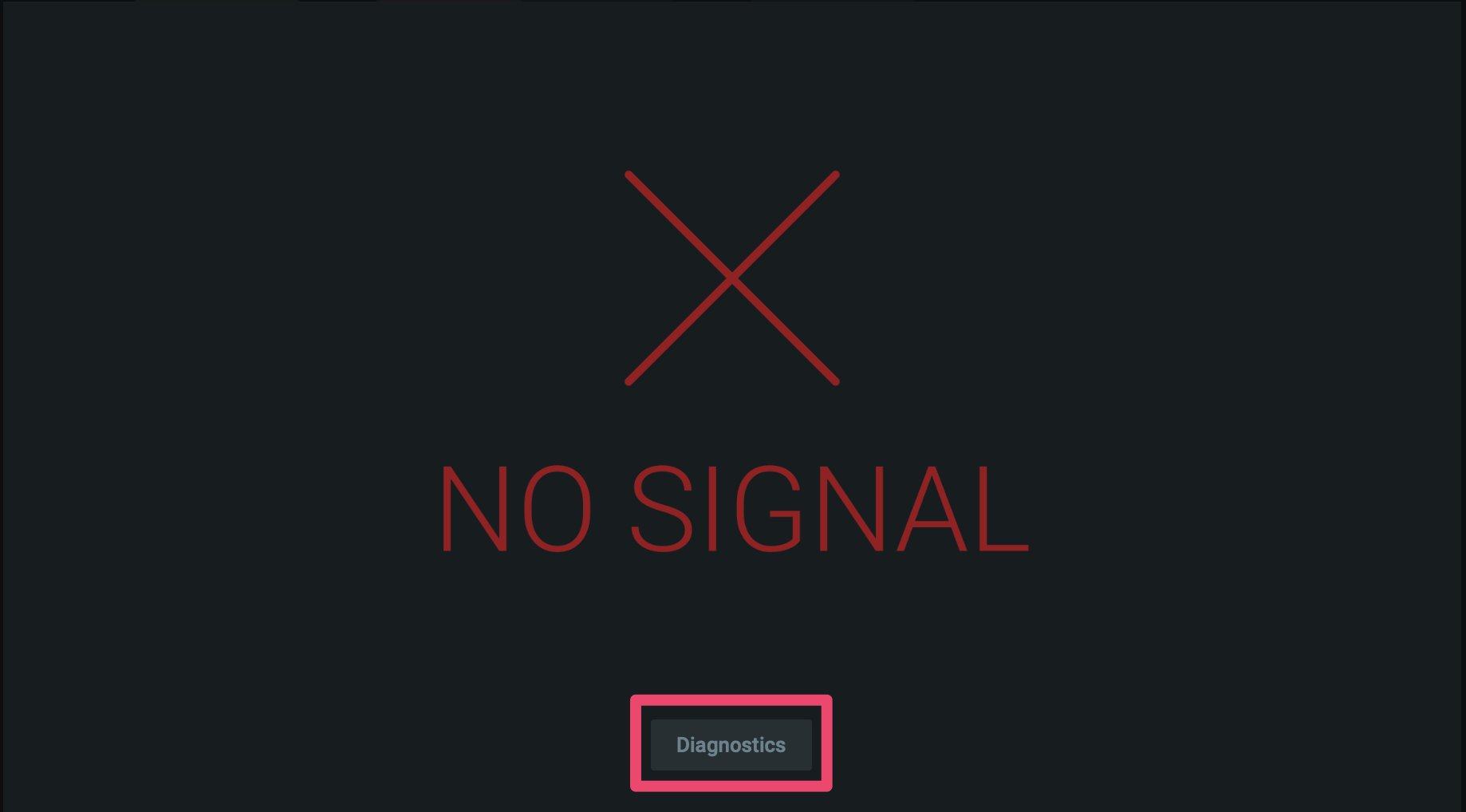
Thank you.
0 -
 0
0 -
Thanks, I am running latest NX download and will check the viper software and other info when on site today
0 -

Hi @...,
No need to be onsite if you can access the system remotely.
If you can access the system remotely, just share a screen capture of the Camera Settings menu, tab General. Hit the More Info arrow, so it shows Vendor, Model and Firmware and then make the screenshot.
0 -
Hi @...,
We have not heard back from you in a while, so we are going to assume your question has been answered and set this topic to 'Completed'.
0
Please sign in to leave a comment.
Comments
5 comments