Failed to connect to TP-LINK cam
Answered
model name: ipc646-d
this cam works fine on ODM but not on NX
Diagnostics for camera TP-IPC
Confirming server availability.
OK
Confirming camera is accessible.
FAILED: Camera request "getCapabilities" failed with error "Fault info. Additional: SOAP-ENV:Receiver. Sub info: "http://www.onvif.org/ver10/error":ActionNotSupported. ". Please try to reboot the camera, then restore factory defaults on the web-page. Finally, try to update firmware. If the problem persists, please contact support.
Diagnostics complete
THANKS for helping
-

Hello ting chiao lai,
Would you please port forward the camera and share its details with us, so we can connect it to our test environment? If you need some help port forwarding, please see this port forwarding guide.
We would need the following information:
1) The public IP address of the camera.
2) The camera username and password (admin level).
3) The external ports (default ports are 80, 69 and 554).Thanks.
0 -
I created ticket # 26552 so that you can privately share the credentials.
0 -

Hi Tiang Chiao Lai,
While playing the footage in the browser, I managed to capture the RTSP url for this device with Wireshark, and in this way I could add the stream manually as an RTSP stream to Nx Witness as described in THIS support article.
The URLs you can use are:
Primary stream:
rtsp://59.125.63.122:554/stream1
Secondary stream:
rtsp://59.125.63.122:554/stream2
One thing I noticed is that the frame rate for the secondary stream is double of the default we use; which is 7 fps. We recommend lowering the frame rate to 7 fps to avoid additional load to the device and the system.
0 -
Hi Norman,
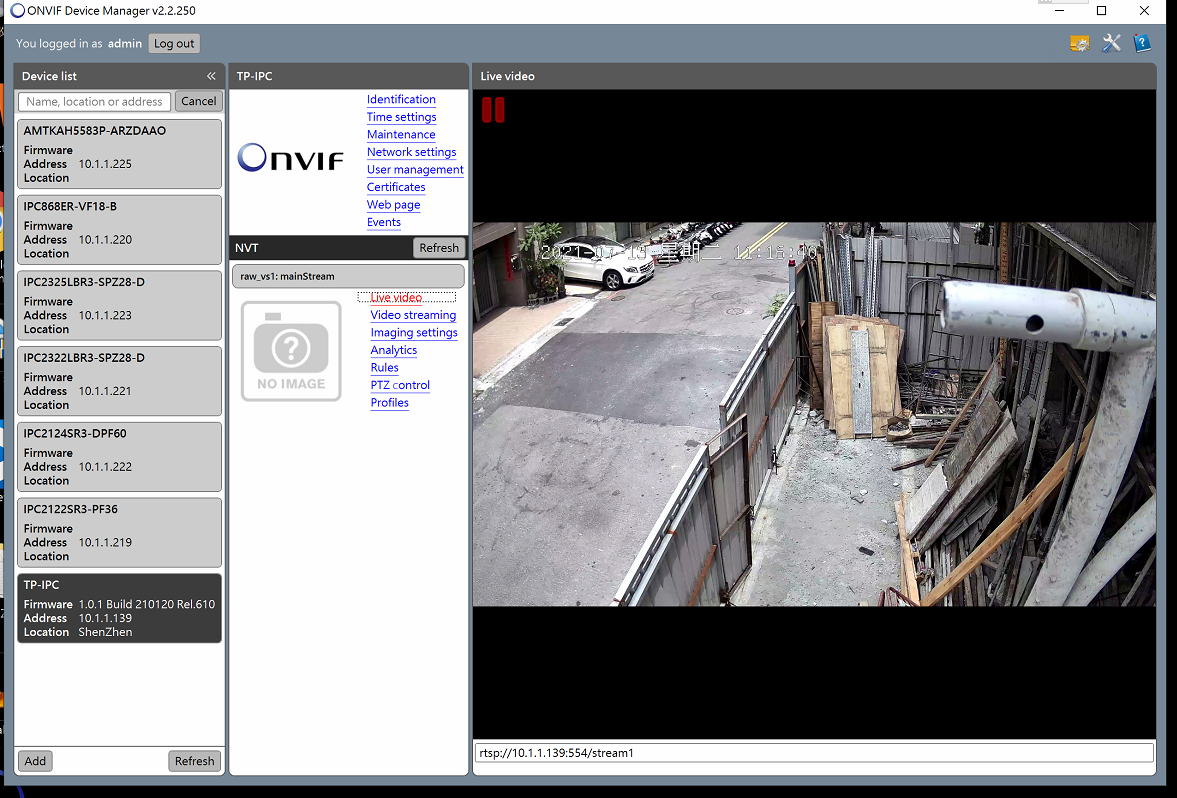
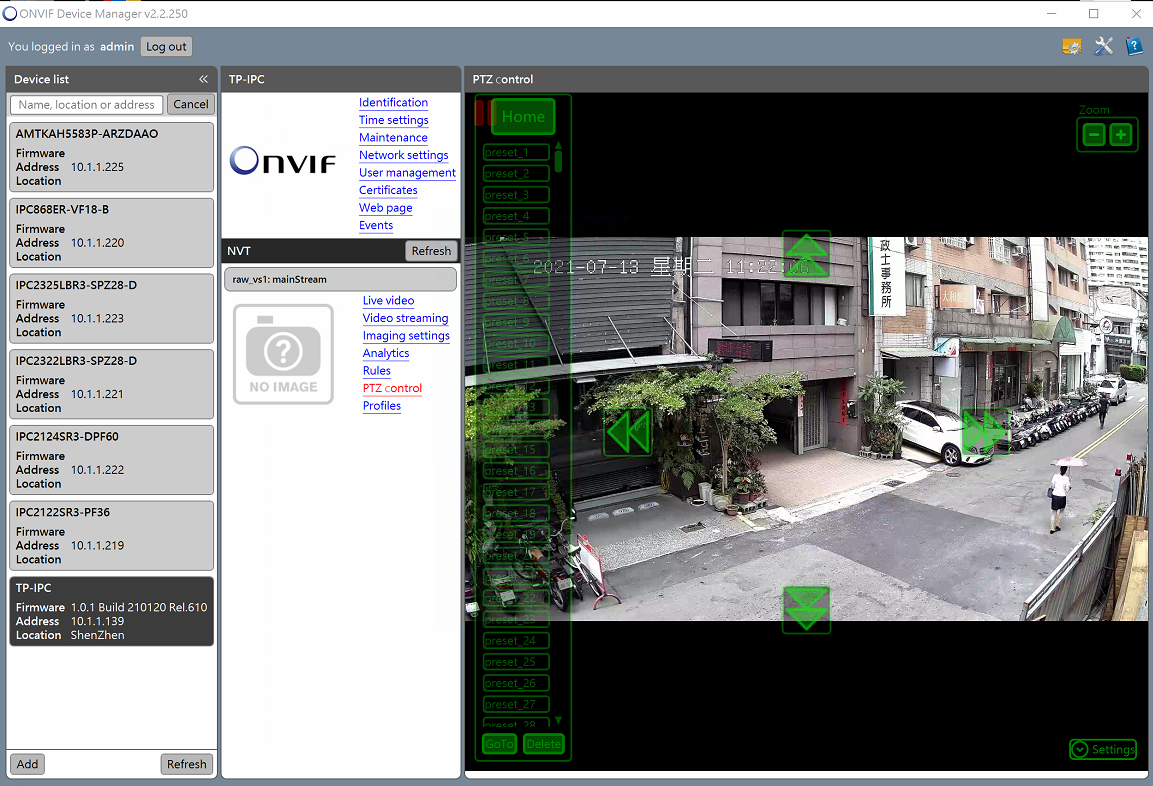
I did connect to this cam through Onvif Device Manager, and the stream URL do show
but still curious how is doesnt work on NX
Thx for helping
 0
0 -
Hi ting chiao lai,
Thank you. I'll check what goes wrong and let you know.
It's kind of surprising, since we are not able to stream through ODM.
We'll get back at you as soon as possible.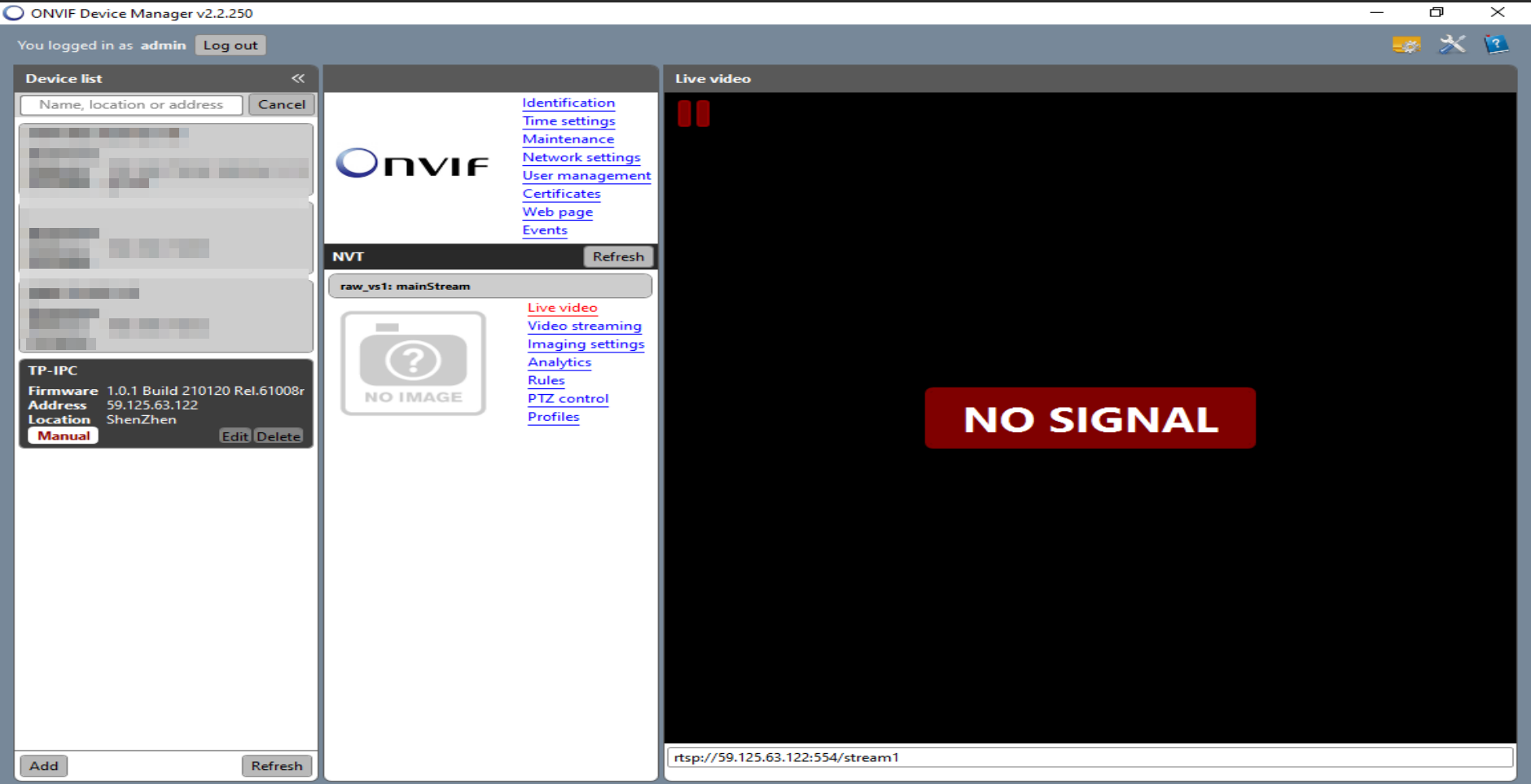 0
0 -
Hi ting chiao lai,
We attempted to connect to the device via the Nx Witness VMS and the Onvif Device Manager, but weren't able to do so. We tried it from multiple locations.
All requests were answered with either HTTP 404 or HTTP 500.
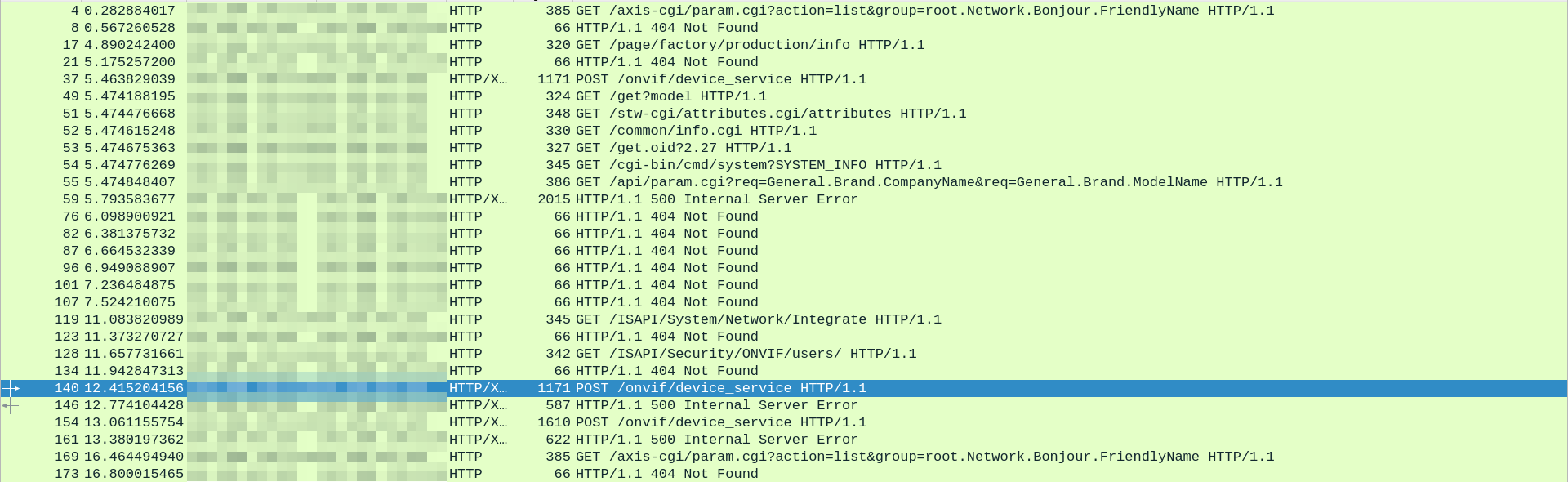
Please provide the information to your camera supplier and request them to resolve these errors.
0 -
thanks for helping
0
Please sign in to leave a comment.
Comments
7 comments