Disable Internal Milesight Plugin
Answered
Hi There,
Is there any way to disable the internal Milesight plugin? as of the last update it has horrendous false positives on human detection and identifying weird static objects as humans as below.
Mark
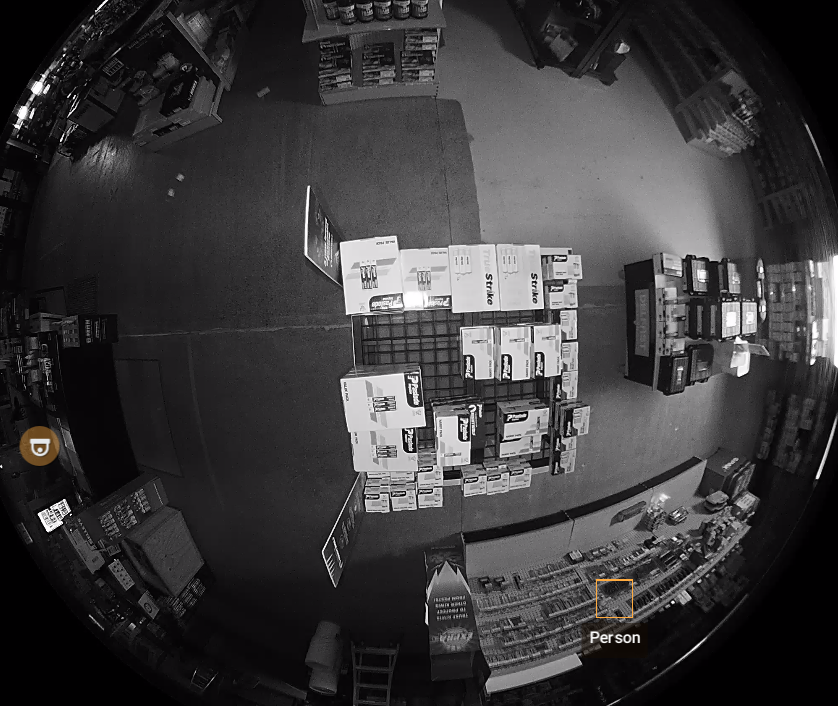
-
anybody else struggling with the internal Milesight plugin? I'm getting so many false positives for people recognition
0 -

Hello Mark,
I am not familiar with Milesight cameras, however I am sure if you stop the mediaserver, go to “C:\Program Files\Digital Watchdog\DW Spectrum\MediaServer\plugins” and rename “milesight_analytics_plugin.dll” to “milesight_analytics_plugin.dll.bak”, then restart the media server, you'll be using the ONVIF analytics plugin only.
Repeat the same steps to bring back that plugin.
0 -
-
Thanks Mohammed,
That worked and I installed the Milesight supplied one (2.0.13-r4 Plugin) and it works better for all the cameras i have except the camera model MS-C8274-PA which doesn't have the options in integrations nor doesn't it have any VCA events like person detection.
Is there not anyone here that helps develop or beta test the milesight plugin?
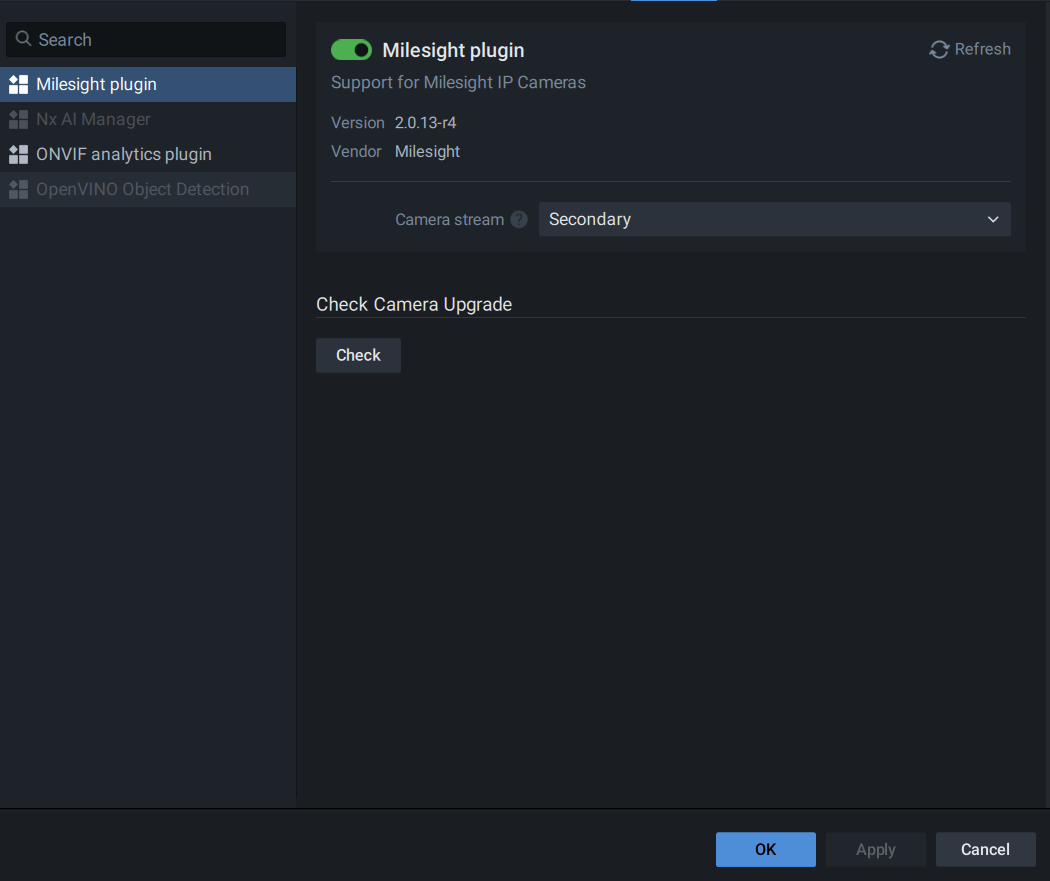 0
0 -

Hi Mark Edwards,
Although you resolved the issue by replacing the plugin, I'd like to share two related articles for other readers:
- How to Disable/Enable Plugins on the Media Server
- How to replace the Milesight Plugin on the Media Server
Best regards.
0
Please sign in to leave a comment.
Comments
4 comments