Inability to connect HIKVision DS-2CD2185FWD-IS with Vision+Audio enabled on the Camera
Answered
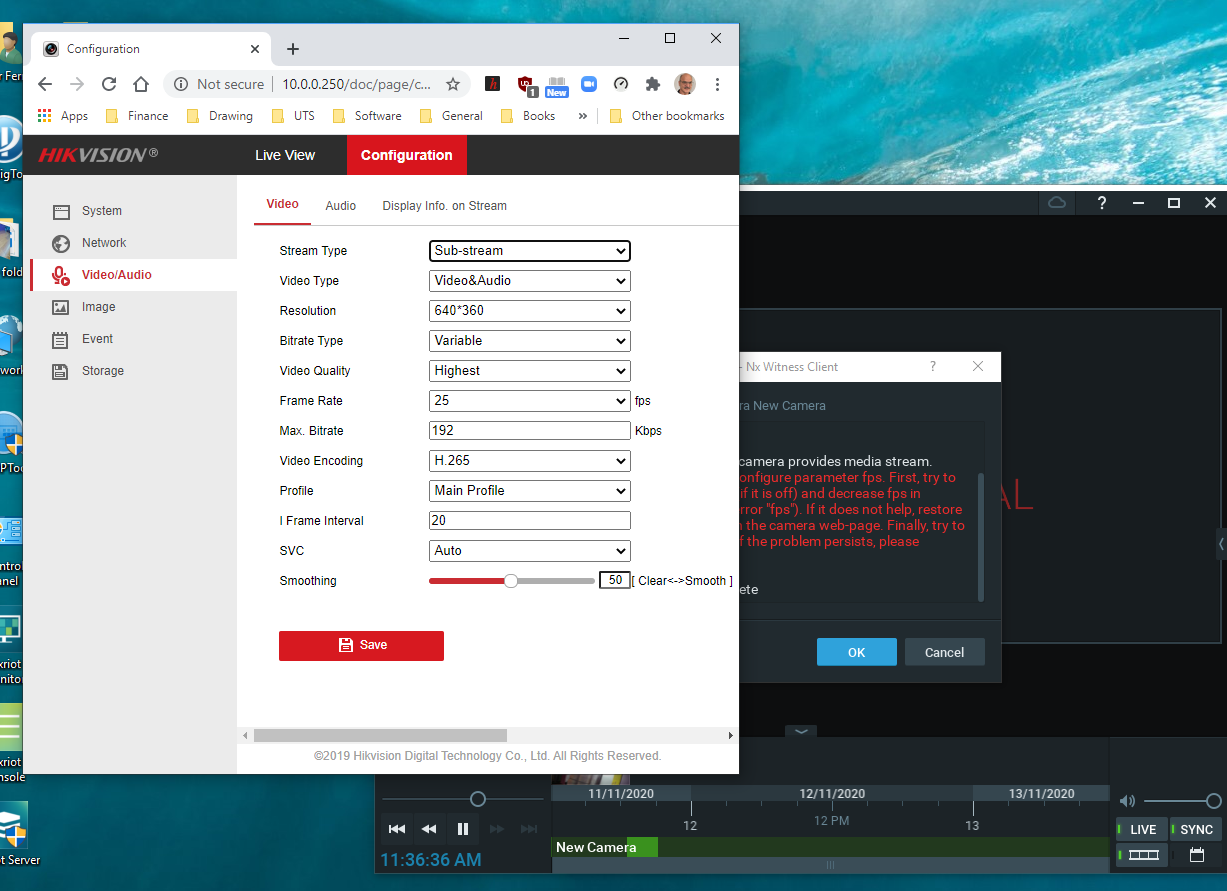
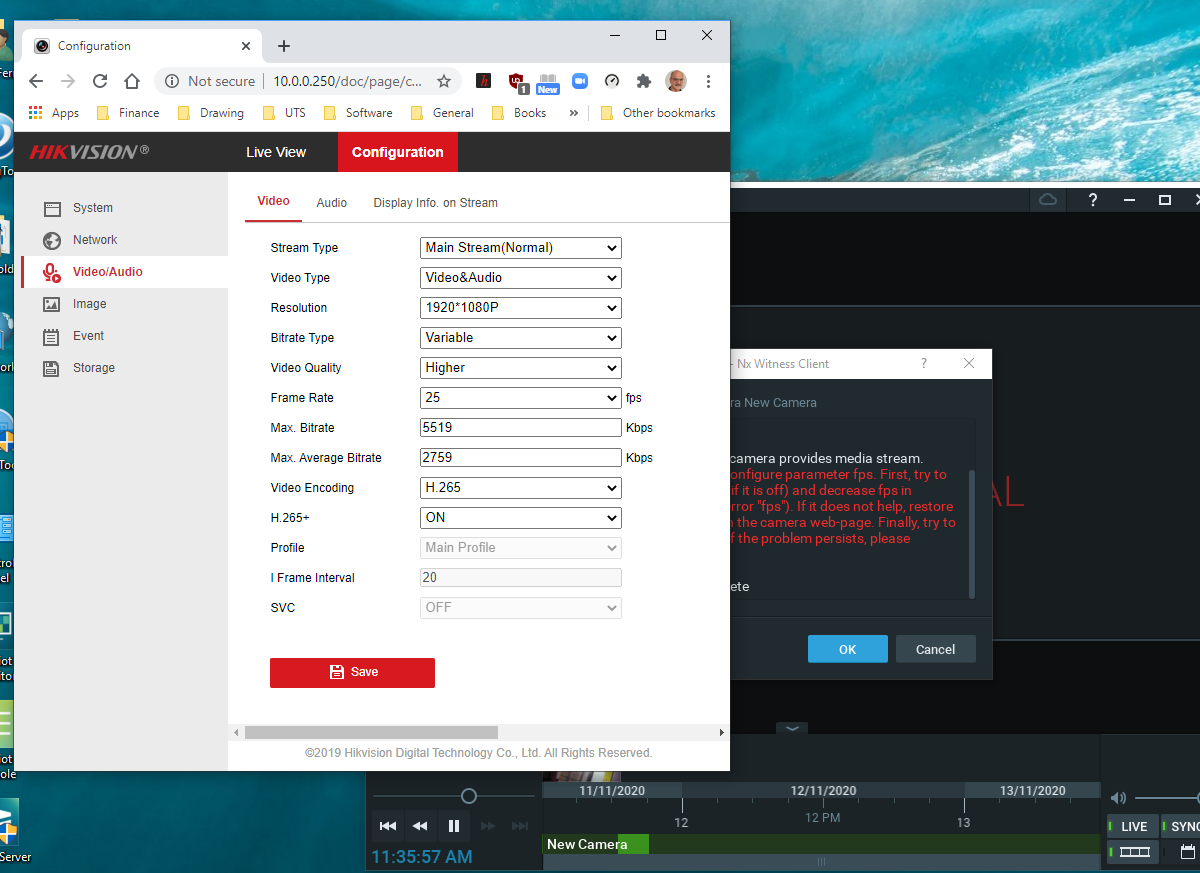
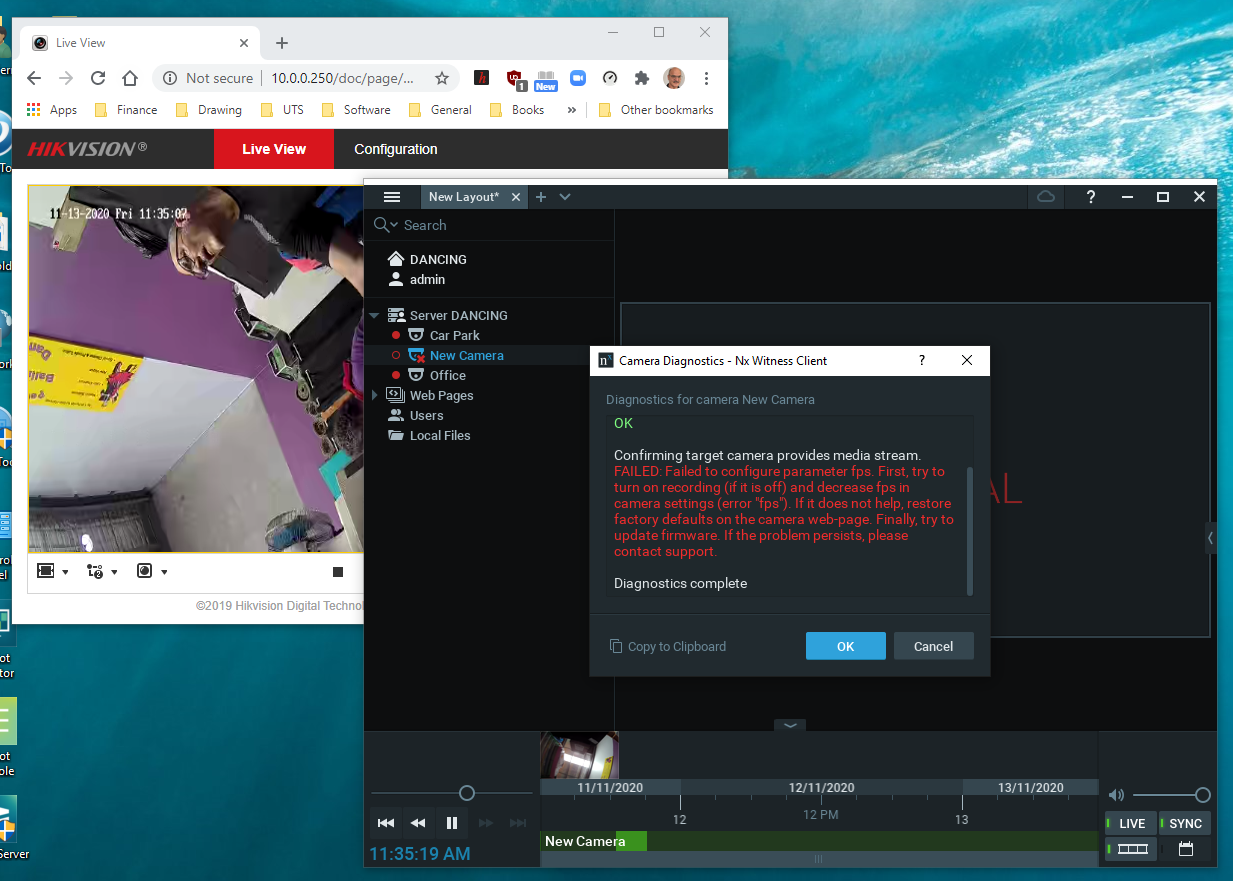
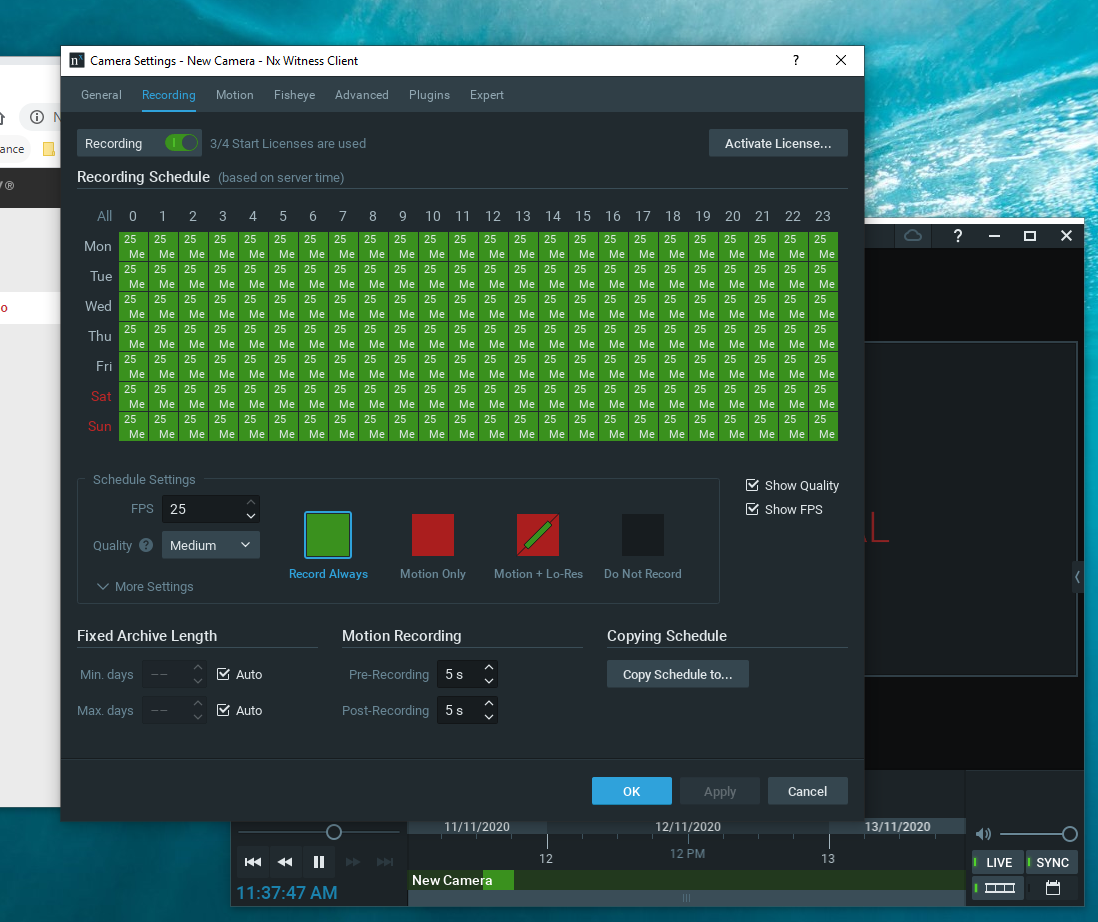
Nx shows an error message and "No Video Signal" when the camera has Audio enabled in the main and sub-stream. Have tried:
-changing fps (lowering) in main and sub-stream, lowering resolution and turning H.265+ on and off
- different audio codecs and bit rates
The camera initially connected fine, then when discovered the Video Type had to be set to Video&Audio in the main and Sub-Stream was unable to get Nx to show the camera signal.
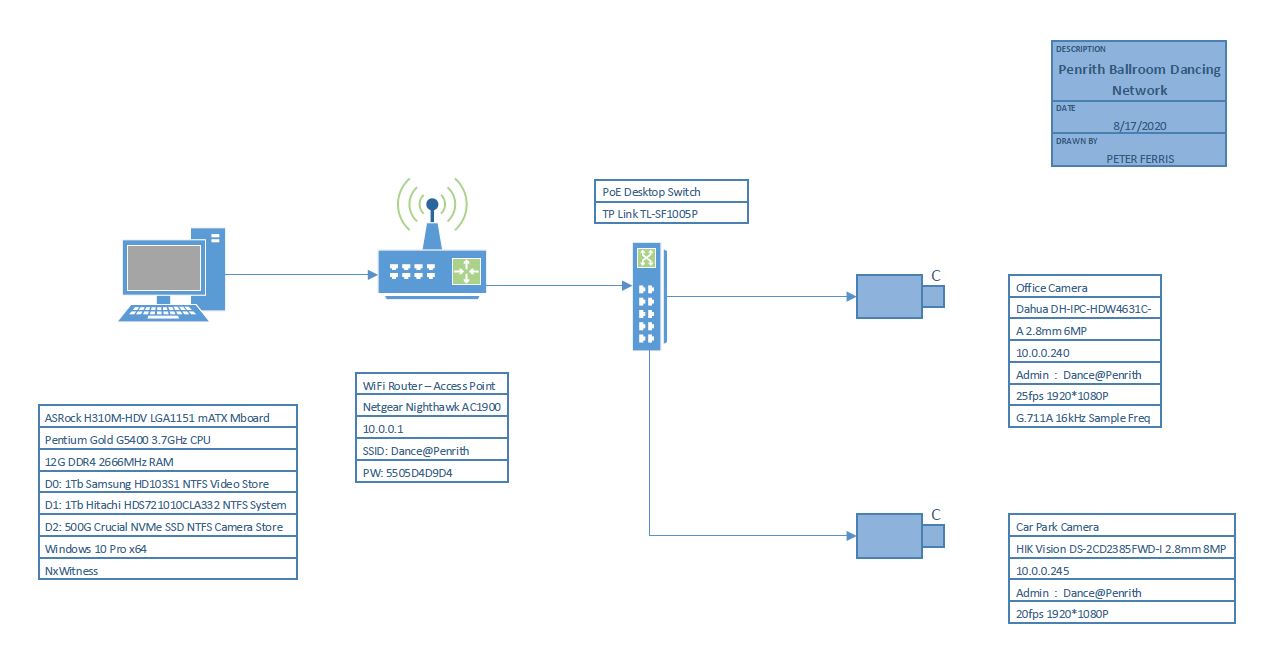
-

Hi Peter Ferris,
This is likely an issue on v4.0 or before with specific Hikvision firmware issue.
Please first update the camera to the latest firmware you can get , in geneal, it would be 5.4 or 5.5.
Then please update the Nx Witness to the latest version patch.In-Client Upgrade:
Build Number: 32045 Password: pjz18g After you updated, please delete the camera and re-add them.
You issue would be highly likely solved then.If the issue persists, please let us know.
Thanks.0 -

Hi Peter Ferris,
We have not heard back from you in a while, so we are going to assume your question has been answered and set this topic to 'Answered'.
0 -
My apologies for not providing an update earlier, I only completed the testing yesterday when I was able to return to the studio.
The update to Nx fixed the "no signal" error from the camera, thank you very much for you quick and accurate guidance, however, I still had no sound.
The camera firmware was updated, still no sound just connected to the camera, I then switched from chrome to explorer as the access browser and was able to receive an audio stream from the camera.
I then went back to Nx and checked all the settings, found that if you actually enabled audio in the general tab for the camera and used a supported codec in the camera the sound then worked! (it took a lot more iterations than this to track the issues by trial and error).
Unfortunately, the sound from the active condenser mic I am using is still quite faint, so I will build a low noise mic preamp to go between the mic and camera to hopefully finally converge on a solution.
0
Please sign in to leave a comment.
Comments
3 comments