NxWitness changing camera resolution (Tiandy IP cameras)
Answered
Server version: 4.0.0.29987 (latest)
Client version: same
Problem occurs: everytime I boot the NxWitness on server
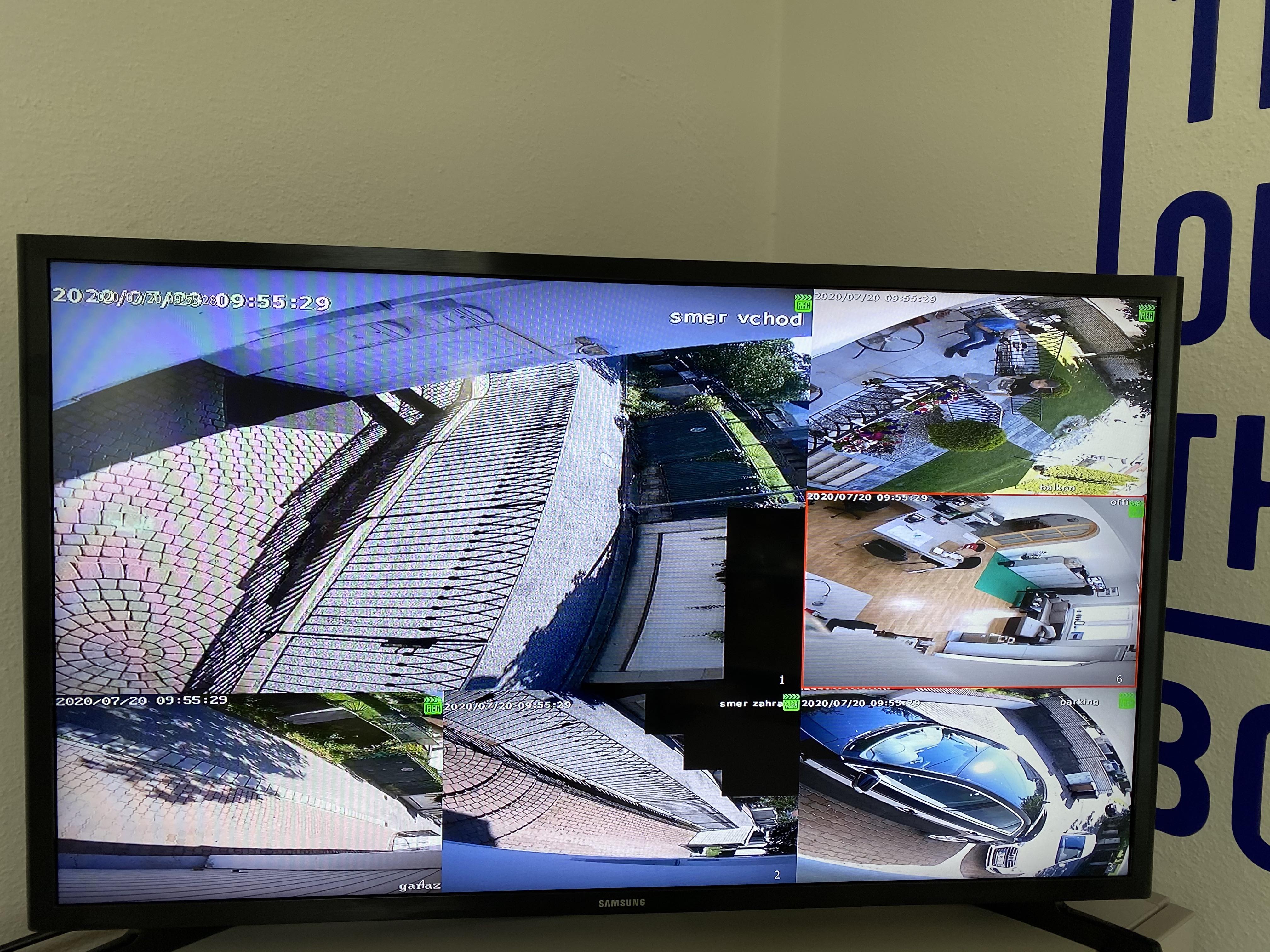
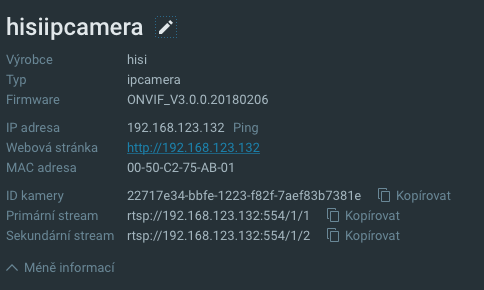
Description: we have 6xIPC Tiandy cameras in our offices, they are connected to the Tiandy NVR, which we would like to swap for Nx solution. Problem is, as soon as the server boots, Nx changes parameters for streams of the IPC (it rotates camera by 90°, changes the resolution, change the substream parameters) Which is a problem. (pics included)

-

Hello JK,
Please click the Main Menu button and navigate to System Administration page. Disable the option "Allow System to optimize camera settings" then do the same test again.
Let me know if this way does not work for you still. Thank you.
1 -

In addition to what my colleague Wendy Chuang mentioned, you also can enable Keep camera stream and profile settings in the Camera Settings menu, tab Expert.
1 -
Thank you both, now its working like a charm! :)
0 -
That is good to hear @....
Have a great day!0
Please sign in to leave a comment.
Comments
4 comments