Exporting MP4 to macOS - no video
Answered
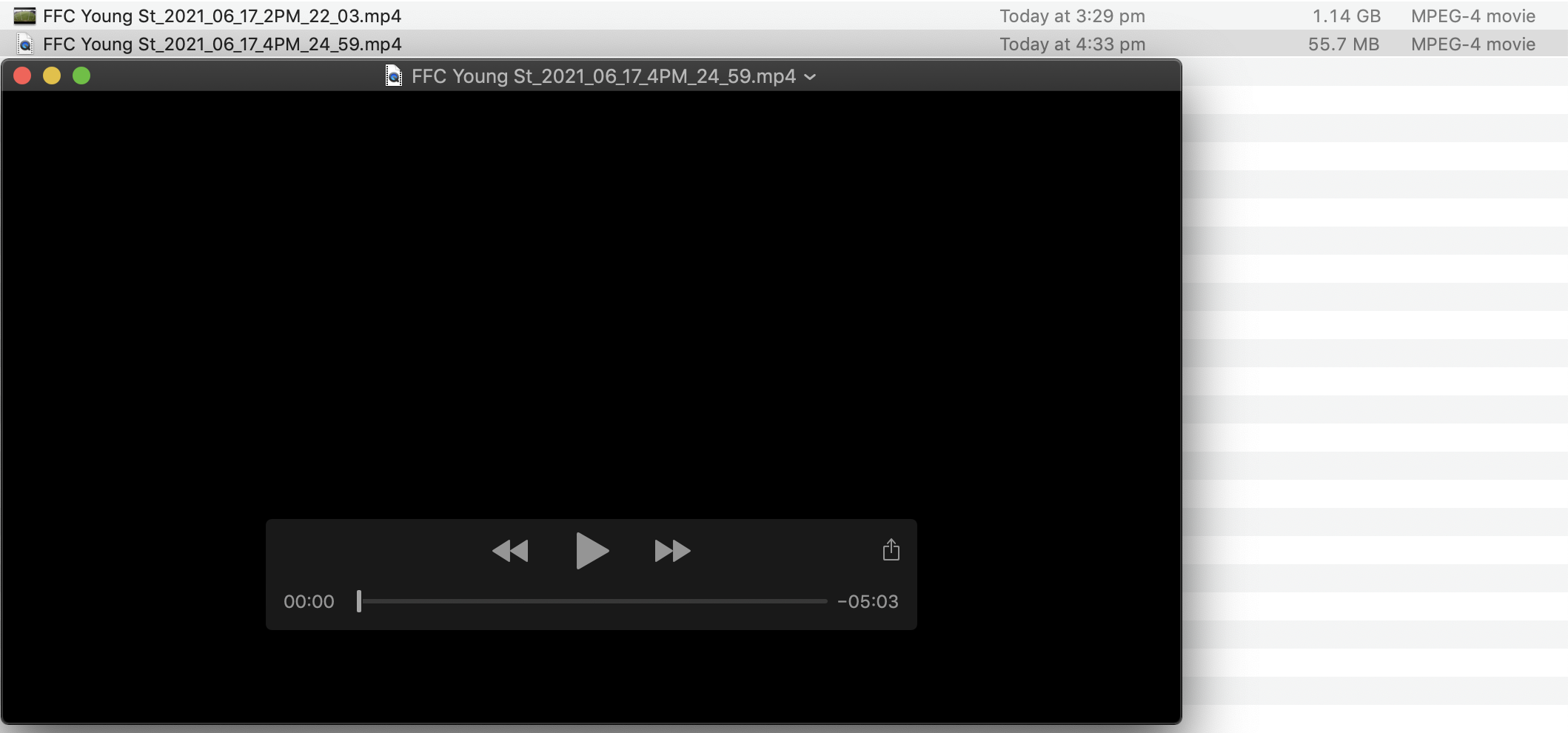
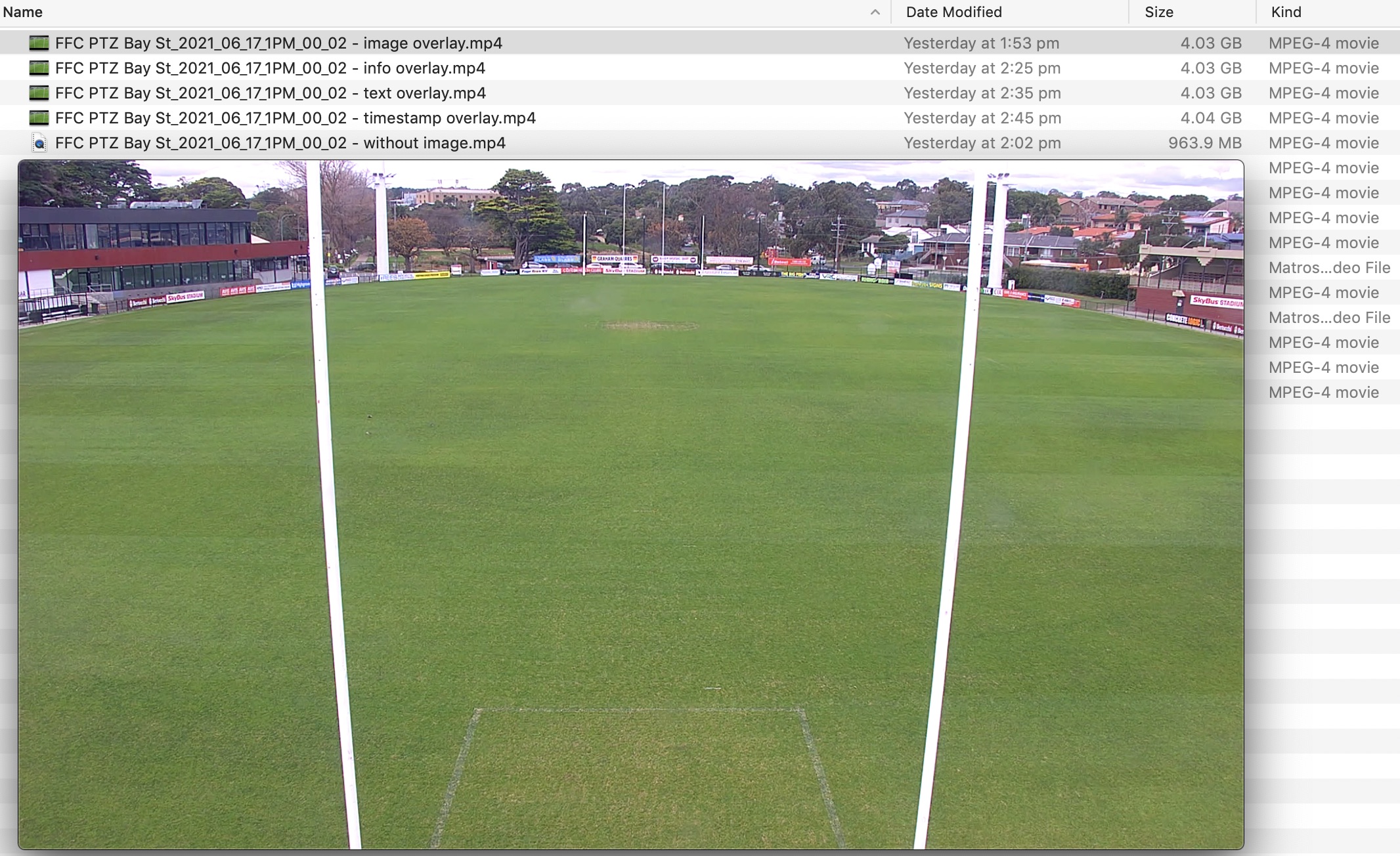
Experiencing issues exporting video from the Timeline/Playback panel into the MP4 format on my macOS Mojave 10.14.6. The exact same bit of vision exported works in mkv yet results in a black screen with no video when trying MP4. However, adding an overlay whether it be image, text, timestamp or info results in the exported MP4 video working. Due to transcoding it takes 6-8x longer to export and also results in a much larger file size.
Also tried exporting the MP4 video to a PC which worked but copying that file across to my macOS resulted in the same black screen with no video
Any idea what may be causing the issue and a solution which doesn't involve adding an overlay to the vision to be exported?
-

HI @...,
The codec of the exporting video is the same as the camera source. Nx will rerender and encode the image if adding any overlay on the exporting video.
It seems you met the issue with the QuickTime Player, did you try to play the exporting video by other players (such as VLC)?
We did receive the user report that the QuickTime Player could not play the exporting video, possibly due to lack of the codec supporting.0 -
Hi @...,
Just checking in to make sure you received our response as it has been a while since we have heard from you. Please let us know if you still need help by responding to this post. We are eager to resolve your question as soon as possible.
Thank you.0 -

I got same issue on MacOS (Montery 12.1) on QuickTime Player AND vlc
see: https://youtu.be/n1CxNF1nOyQ
0 -

Hi,
Same issue when using .AVI ? Using .NOV ?
Cameras are using encoding H.264 or H.265 ?
Regards
0 -
Anderson Chang and Guilhem Decoux
still same issue on a new export today on macOS 12.4 and client 4.2.0.32840
cam format is H264
0 -

Hi Julien ROMANO,
Just verified the issue with macOS 12.4 and client 5.0.0.35136 and could play the exported mp4 file with both QuickTime and VLC.
0
Please sign in to leave a comment.
Comments
6 comments