micro phone on camera
Answered
i have 2 cameras one with micro phone only and another with micro phone and speaker. i cant get the micro phone to work on camera with speaker. i have turned on every setting i can find for this feature. or does NX Optix can only cope with one micro phone per system
-

Hi @...,
Each device can have individual audio in and out in Nx Witness. So no limitation from the Nx Witness VMS side there. By default, you'll here only the audio for the selected camera.
The selected camera is the one with the blue edge around it:
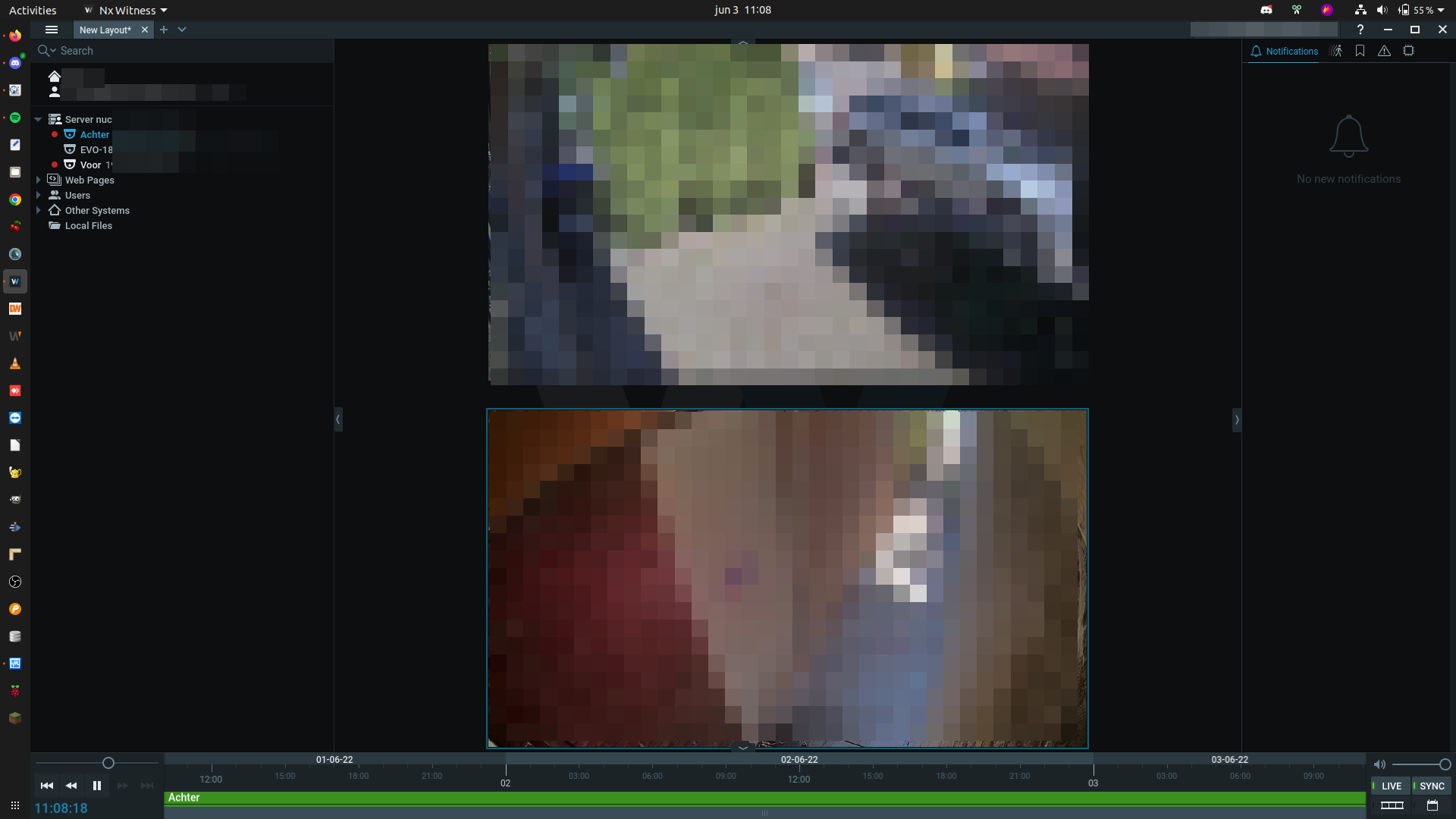
There is an option to change this, so you can play audio from all cameras on the layout.
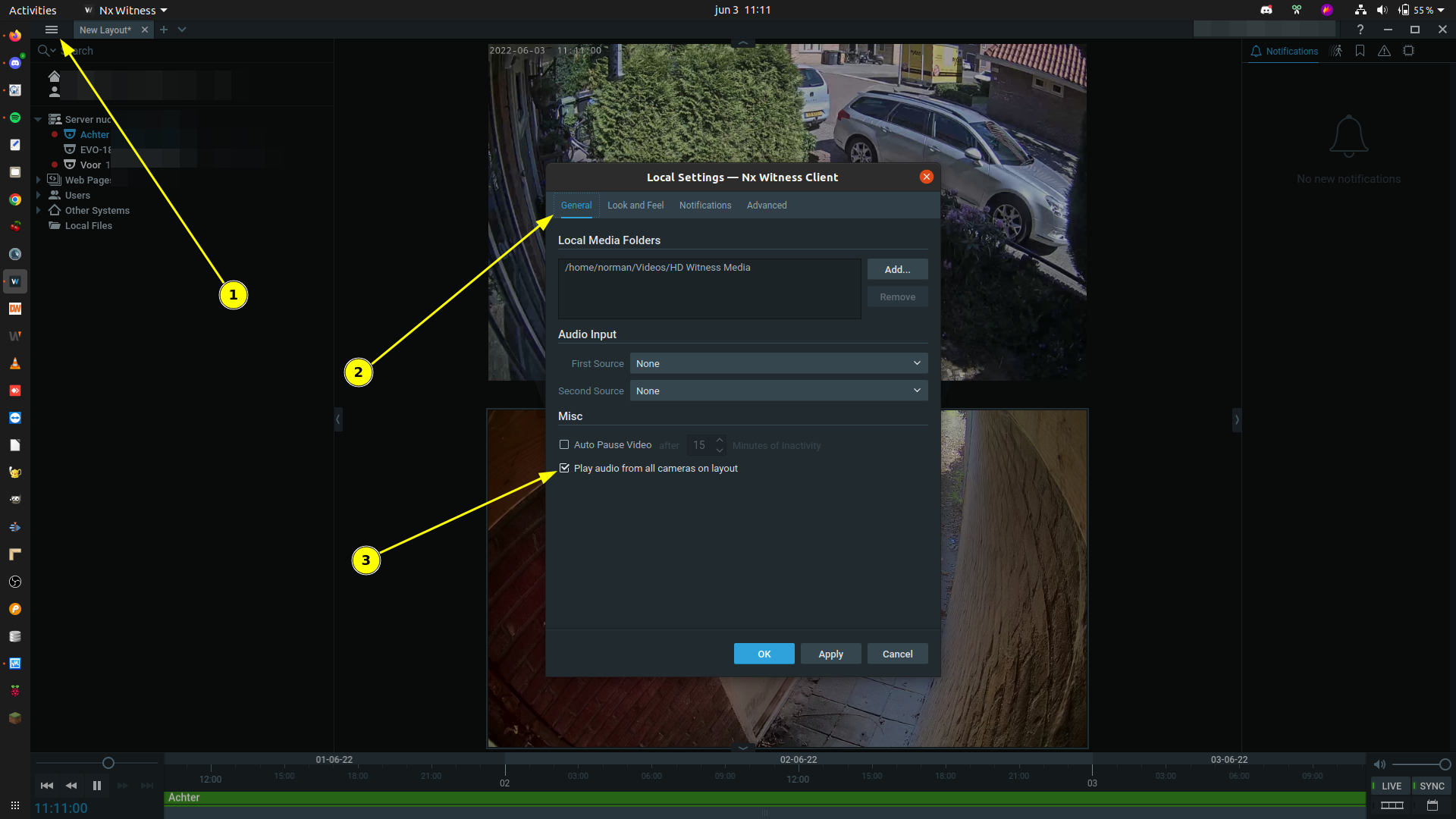
To do change this, please follow these steps:
- Open the Main menu (1), and select Local Settings...
- Navigate to the General tab (2).
- Select Play audio from all cameras on the layout (3).
- Click OK.
 0
0 -
I can't hear any audio on playback. And when I press microphone icon it makes an intermittent screeching noise. Is there someone that can do team viewer to check all settings
1 -
Hi @...,
If that is the case, I would recommend changing the codec.
0
Post is closed for comments.
Comments
3 comments