Unable to view the Cameras on NX Witness Desktop app
Answered
Hi Team,
We have recently installed the NX witness security cameras. we are having issues accessing the cameras through the Desktop app, But can view them using the browser
we have allowed the following URLs, so there is no traffic blocked.
- *.networkoptix.com
- *.vmsproxy.com
- *.rfc868server.com
Is there a separate address we need to allow for the Desktop app to work?
Regards,
Raj
-

Hi @...,
According to your action to allow the traffic of those domains, I assume you have already followed this support ARTICLE.
However, I still need more information to understand the issue you met and try to find out the actual cause.
Could you share the following information with us?1. The Nx Server and Client version number.
The latest Nx Witness version is 4.2.0.32840, if your Nx Witness is not running the latest version, you could first try to update the Nx Witness to the latest release.
Check: https://my.networkoptix.com/#/download2. Does the Nx Desktop Client on the same LAN as the Nx Server?
Or do you try to use the Nx Desktop Client to connect the Nx Server through the internet?3. You mention:
can view them using the browser
Do you mean you can view the camera on the Nx Server web admin page?
Or you were referring to viewing the camera on the camera's web page?4. The diagnostics result
Click the Diagnostics button on the camera layout when you are not able to connect to it, and share the result with us by taking the screenshot, or copying and pasting the context.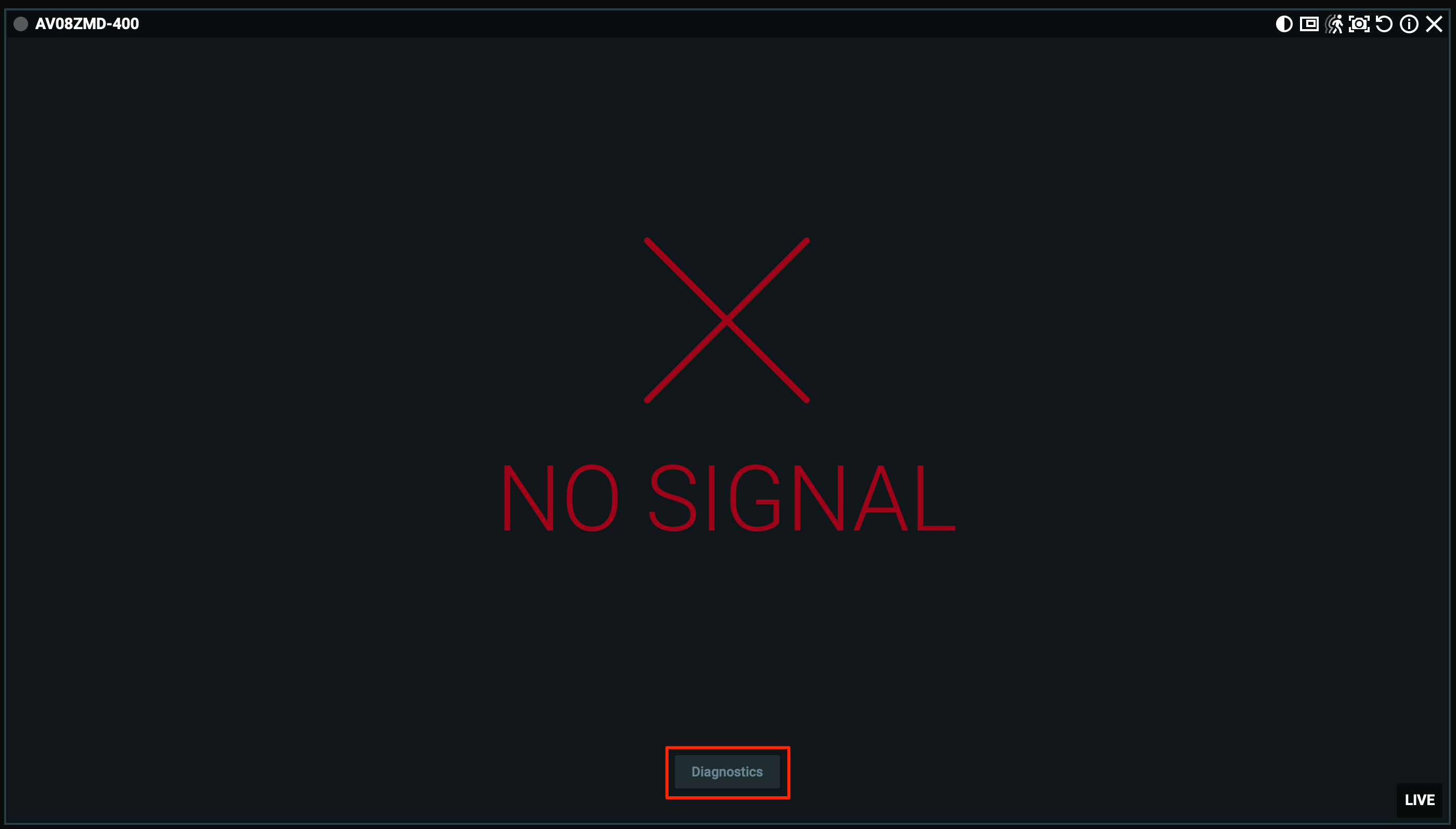
Thank you.
0
Please sign in to leave a comment.
Comments
1 comment