Custom Email Notification
Answered
Hello,
About Email Notification :
- is it possible to customise notification Email ?
- add caption (other cam, to get another point of view of the situation)
- add complementary text (like number to call in this type of event)
- use a template to add {{ code }}
- is it possible to change external link to view archive ?
- on the external link to view : ISPadress:7001/etc but for 4G router, it's public adress, it's not possible to create NAT. Is it possible to create a link or modify to get access to video archive via NxCloud ?
-

Hi Julien ROMANO / Guilhem Decoux,
The answer to your questions is probably yes. See this email below;
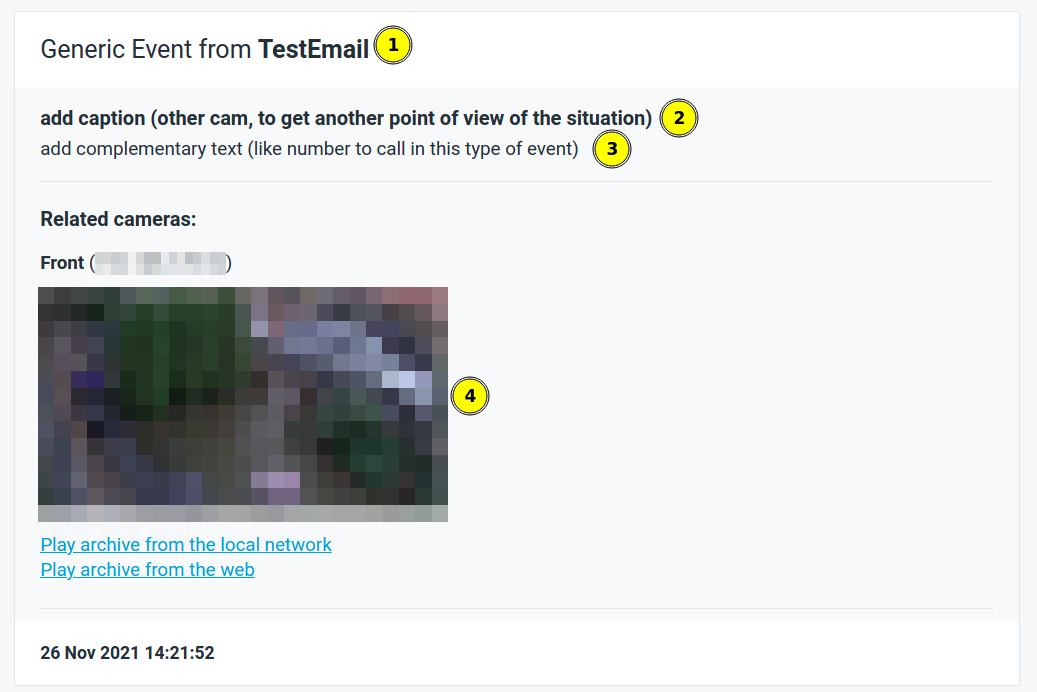
This was created with the following URL:
http://<serverIp>:7001/api/createEvent?source=TestEmail&caption=add caption (other cam, to get another point of view of the situation)&description=add complementary text (like number to call in this type of event)&metadata={"cameraRefs":["<cameraId>"]}- Source = TestEmail
- Caption = add caption (other cam, to get another point of view of the situation)
- Description = add complementary text (like number to call in this type of event)
- Metadata = enables the option to display the desired camera(s).
The following rules have been created to achieve this:
- Rule 1: <any event> >>> Action = Do HTTP request (HTTP URL is the URL shown above)
- Rule 2: Generic Event >>> Send Email
If you have specific emails for specific events or specific users, you can manipulate this with unique Source, Caption, and/or Description.
In such case you can create multiple Generic Event rules, each with their own unique Source, Caption, and/or Description.
If you want to display a screenshot of multiple cameras, the metadata will be:
metadata={"cameraRefs":["<cameraId1>","<cameraId2>"]}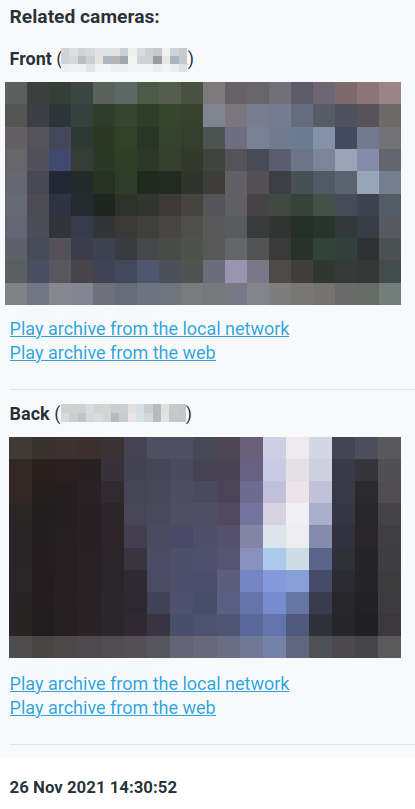
I'm not really sure what you mean with:
use a template to add {{ code }}
You can add HTTP Content here:
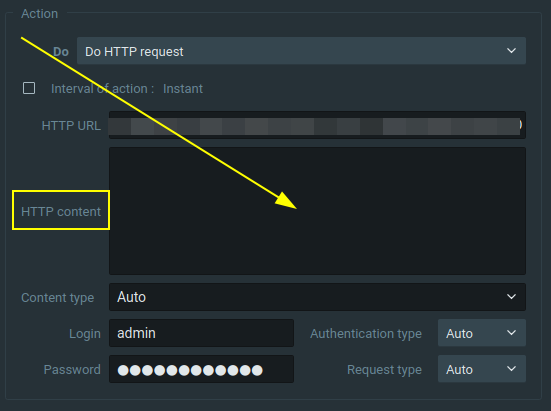
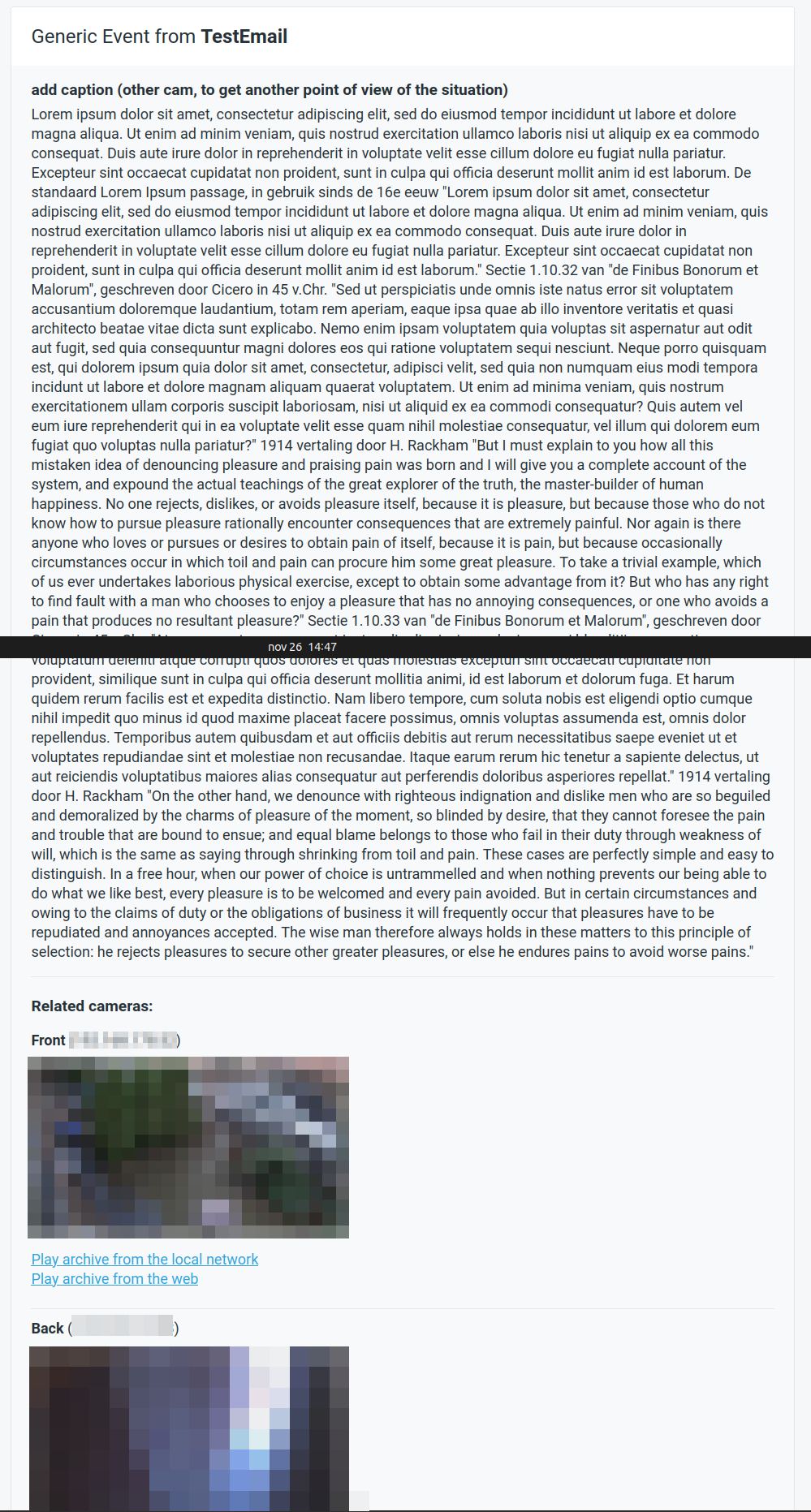
If you like you can add ridiculous pieces of text:
 0
0 -

Hi Norman once again, thanks for the reply !
For the second topic, do we have a way to let Nx send the NxCloud connexion adress, instead on the WAN/LAN IP adress ?
Regards
0 -
Hi Guilhem Decoux,
Sorry, forget to answer it; at this moment, you can't.
0 -
Hi Norman
thank you for your complete answer !
The trigger is a AI box, that send metadata to Nx : Is it possible to active on picture of email to see bounding box of objects? like "show on item > object" function
For viewer of email, he knows where to see immediately
0 -
Hi Norman
nobody seems to know ?
0 -
Hi Julien ROMANO,
It isn't completely clear what you want, but if I interpreted it correctly, you want to add an image to the email of the event, right? You can do this with the metadata parameter as mentioned in THIS reply. If the integration of AIBox doesn't allow you to include the metadata parameter, you can create the following rules to achieve that:
Rule 1: Event = AIBox Analytics event >>> Action = Do HTTP request. Now you sent the createEvent API call from the server to the server with the metadata parameter included.
Rule 2: Event = Generic Event with the proper Source and/or Caption and/or Description >>> Action = Send Email.
Then the email will be sent with the screenshot at the approx. moment of the event.
The bounding boxes will only be shown if they are shown on the recordings on the Nx Witness archive.
0 -
Norman, i got it metadata inside http
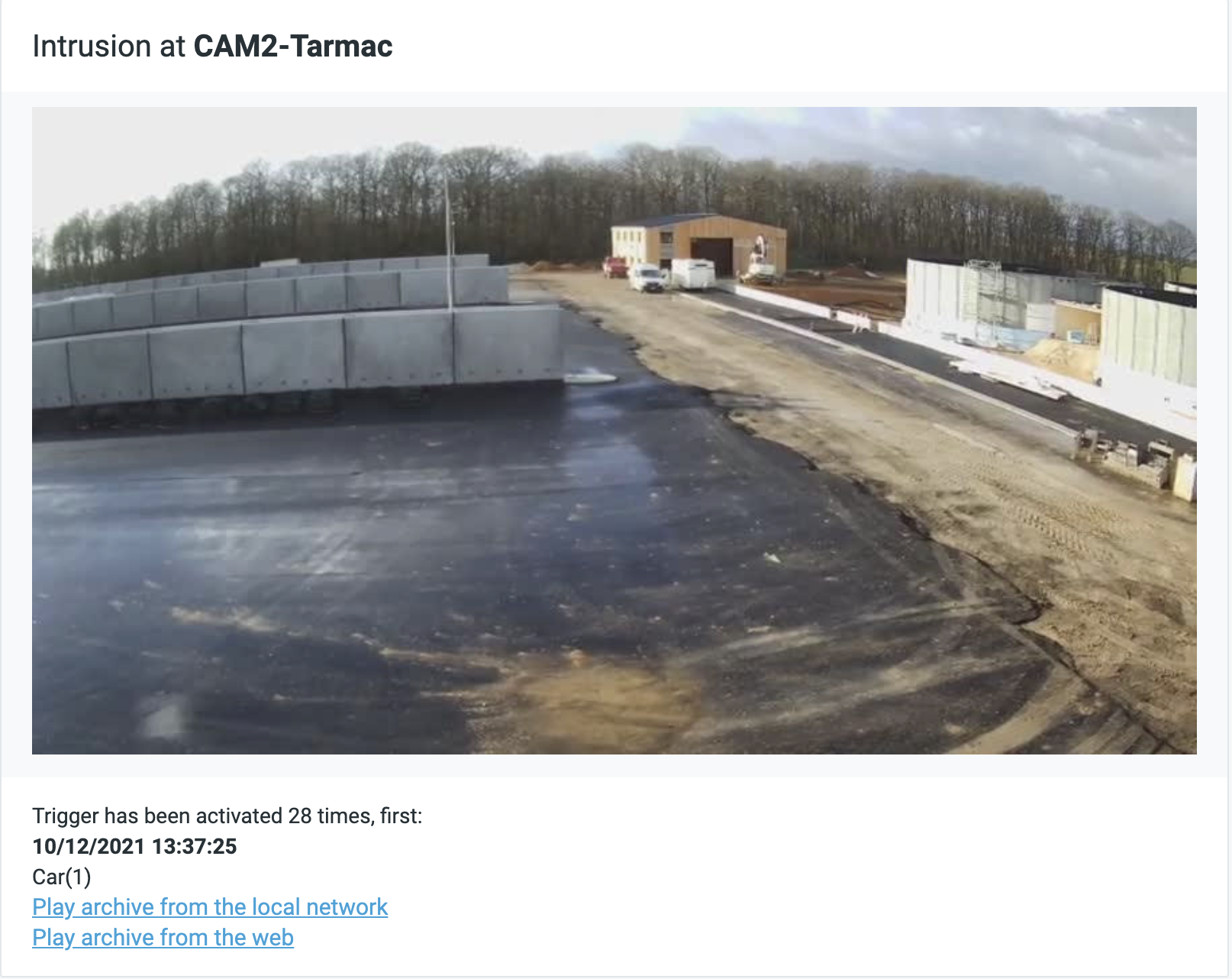
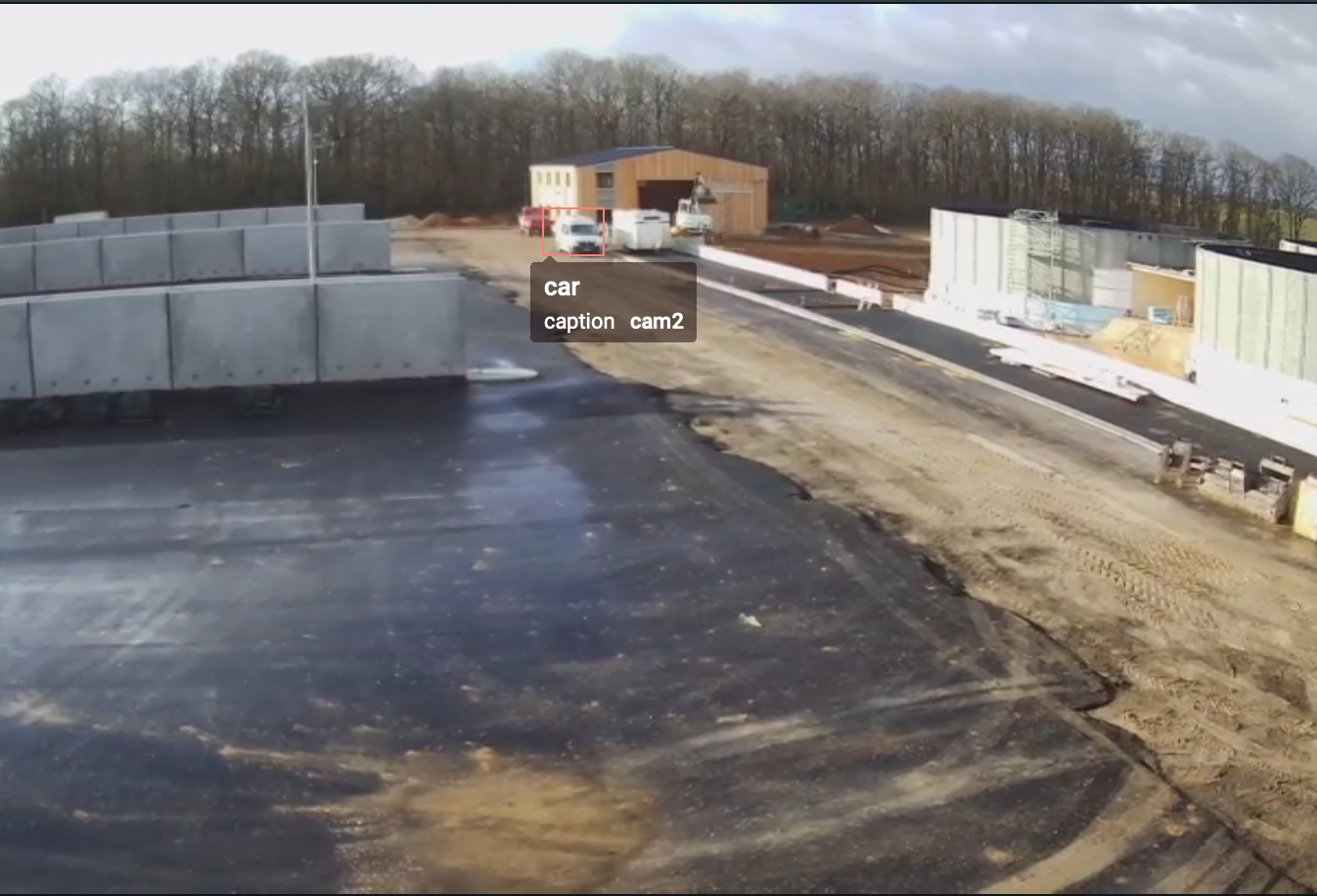
I ask only about bounding box inside screenshot like below
Email I got : where to look at about detection ?
Screenshot that i would like to get : with bounding box, I see where is the detection
 0
0 -
Hi Julien ROMANO,
As said, the bounding boxes will only be shown if they are shown on the recordings on the Nx Witness archive.
0 -
Norman : maybe using API to get screenshot of archive and send it by email ?
0 -
Hi Julien ROMANO,
I doubt it, since as far as I understand it from you, the bounding boxes aren't recorded in Nx Witness, but only exist in AIBox, so the email should come from AIBox. Or AIBox update their plugin and create an overlay with the bounding boxes, which will be recorded in Nx Witness and thus will be part of the thumbnail that is share in Nx.
0 -
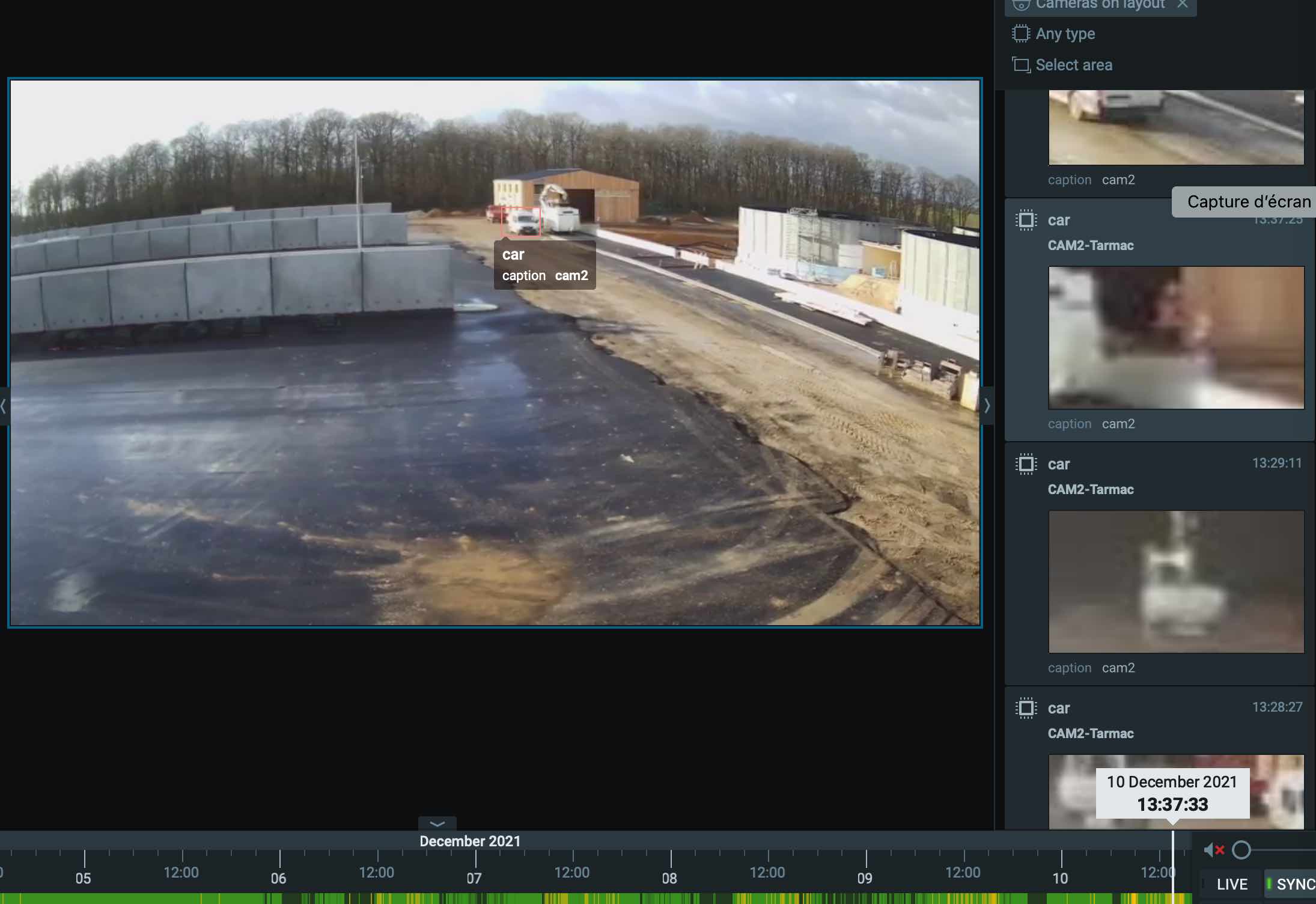
Norman : AIBox send AI metadata to Nx, via their plugin
 0
0 -
Hi Julien ROMANO,
Once again. The bounding boxes will only be shown if they are shown on the recordings on the Nx Witness archive.
Next week, one of my colleagues is back from his holiday, and I'll ask him if there are any tricks, but I'm not very hopeful.
0
Please sign in to leave a comment.
Comments
12 comments