Recording playback questions
Answered
Hi,
We're seeing a couple of issues playing recordings via the API:
1) playback of a webm stream can randomly stop after 6 to 10 minutes even though the recording is much longer than that. VLC player simply reports "end of file" and no other errors. We have also tried playing in Chrome (entering the webm URL in the URL bar) and the stream plays for 2 to 3 minutes then stops, again without any apparent error.
VLC happily plays the recording in mp4, mpegts and mkv formats.
Thanks,
Jamie.
-

Hi @...,
Can you please provide more details about the enviroment and the use?
I ran the command in Chrome and could play it for quite a while (>6-10 minutes). Also, the server keeps running just fine with minimal load. The Server is a NUC with Celeron CPU and 1 x 8 GB RAM, running Ubuntu Desktop 20.04.3 LTS.
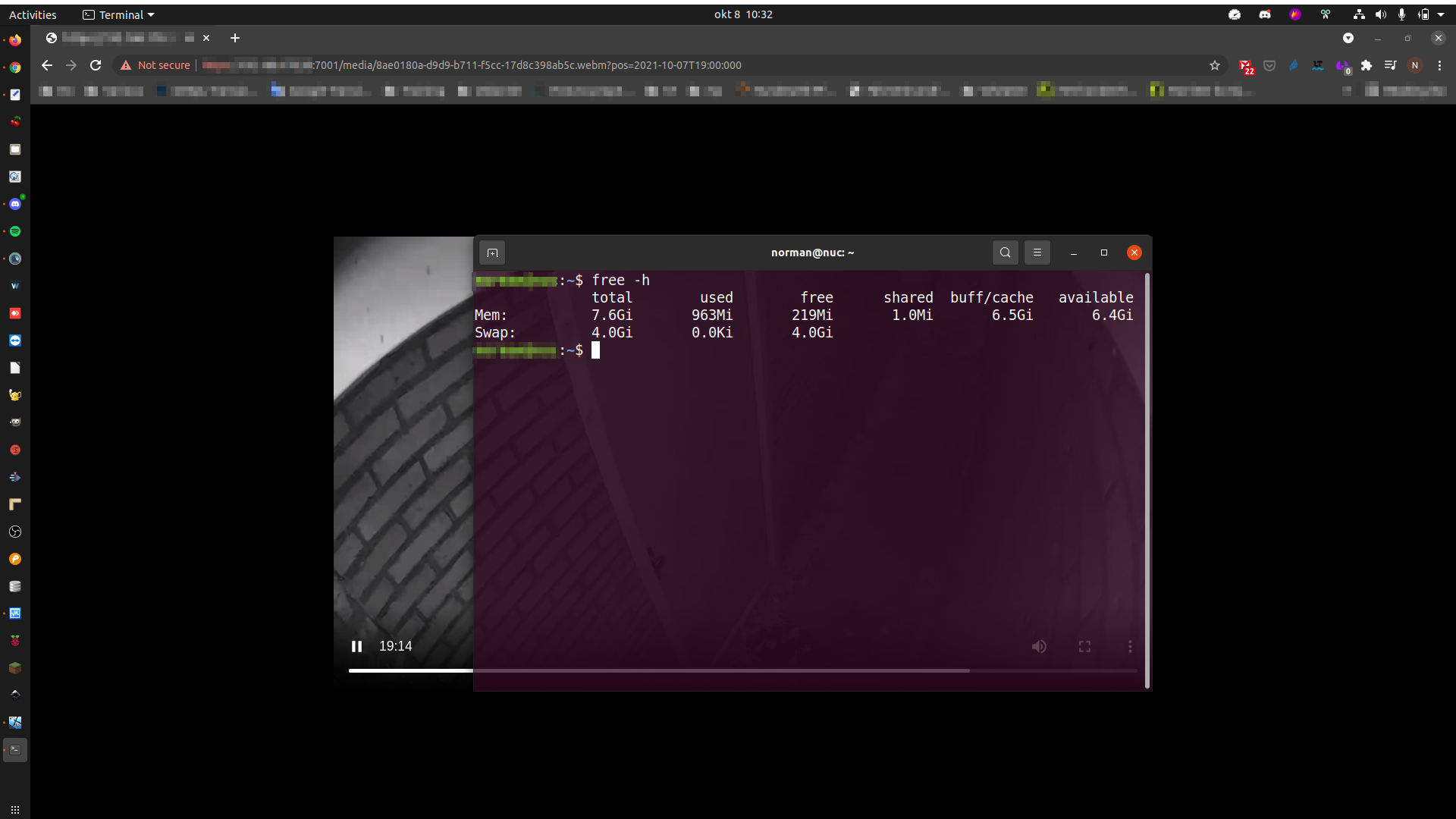 0
0 -
PS. I left it running by accident, and it's still streaming:
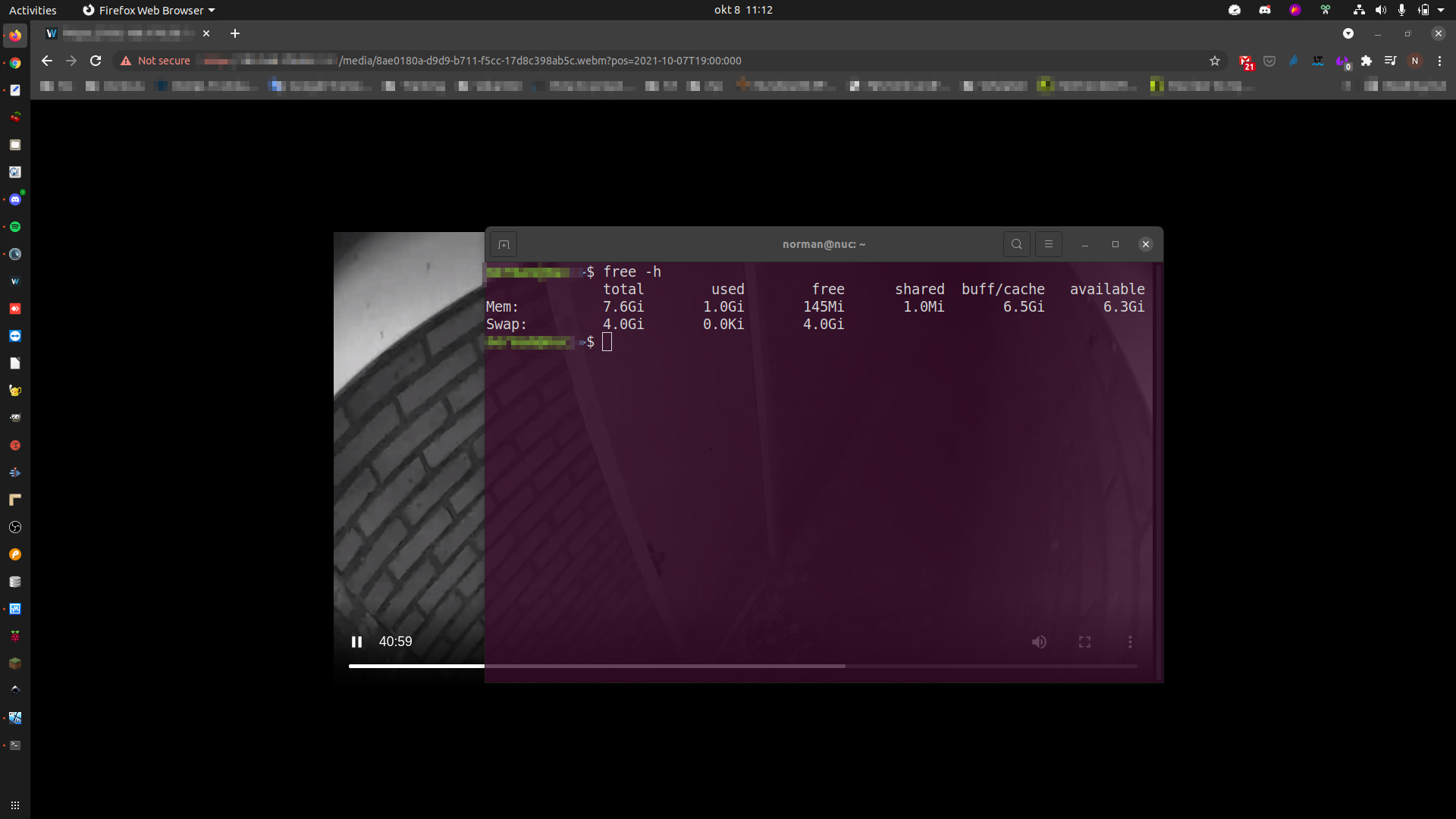 0
0 -
Hi Norman.
We're using a couple of different environments, and getting the same results with both.
One is a Windows 10 laptop running Nx Meta (4.2.0.32836) service and running VLC desktop application and Chrome on that same laptop. The other is Windows 10 server running Hanwha-branded Wisenet Wave, with VLC desktop and Chrome running on other Windows 10 PCs.
Here is a sample of Chrome screenshots, all requesting the same URL, starting at 13:50 on 27/7/2021:
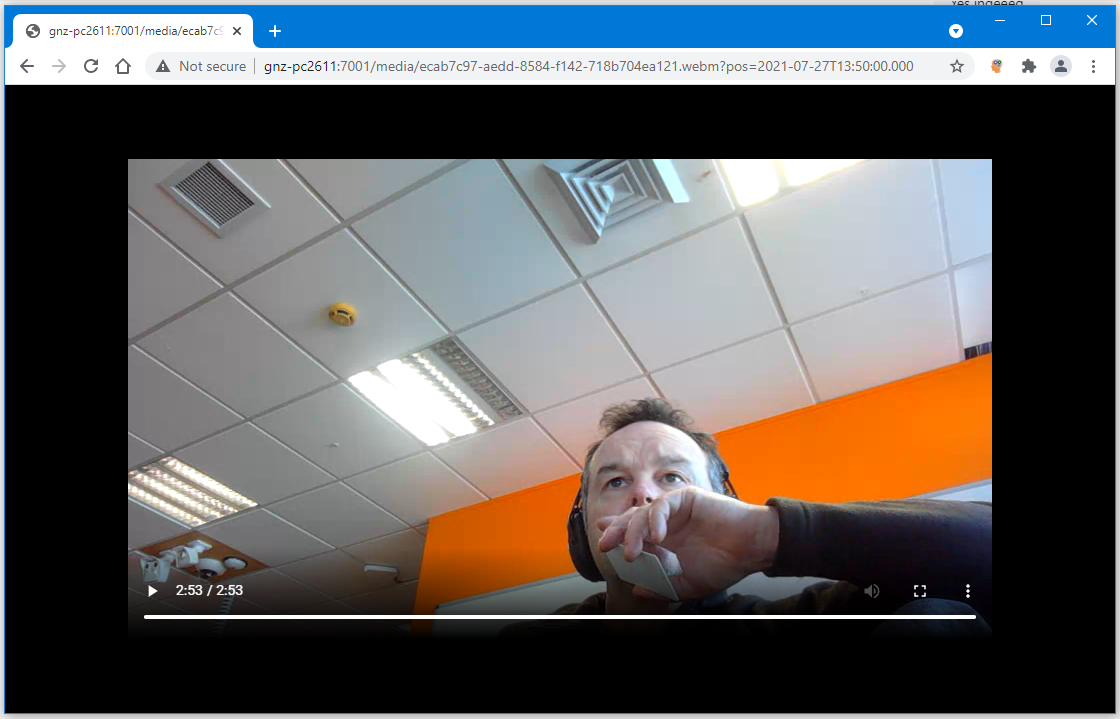
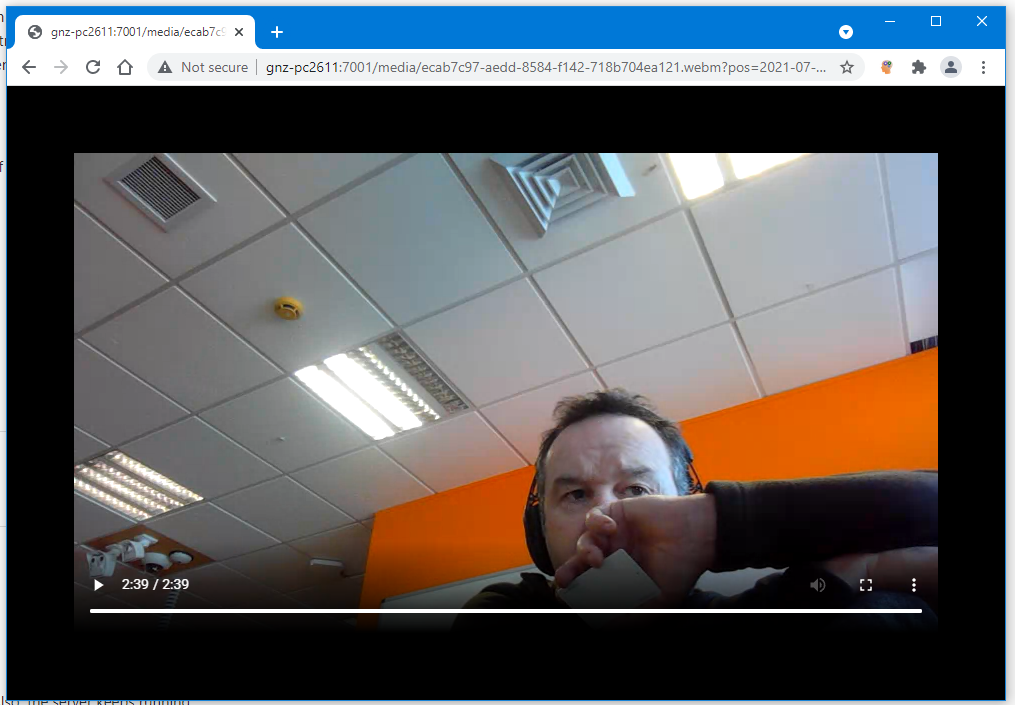
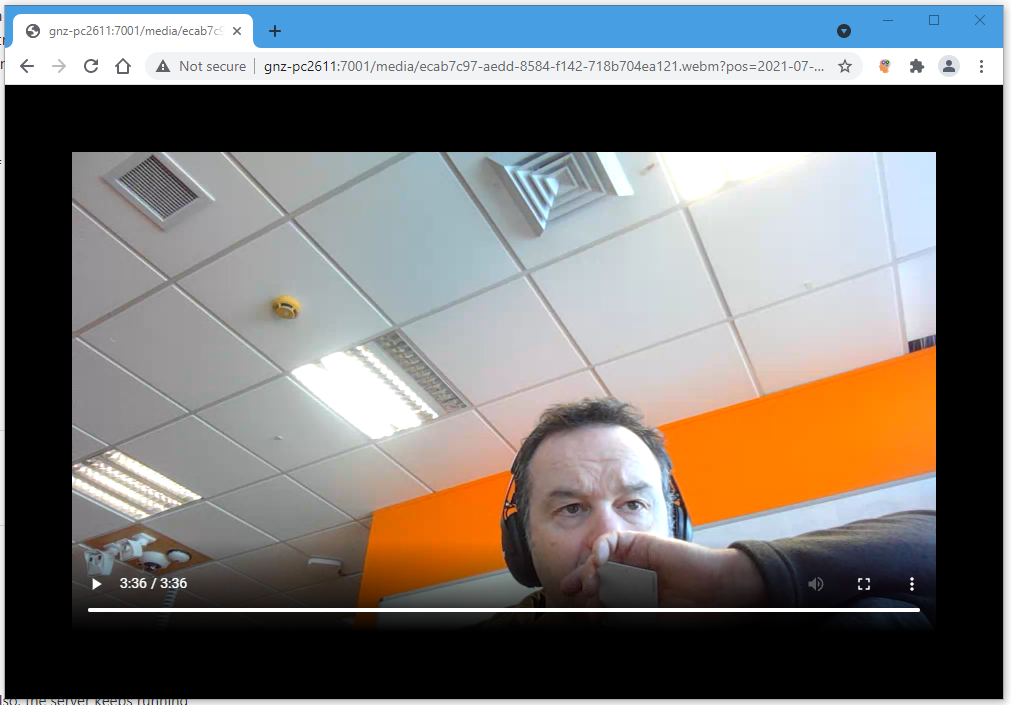
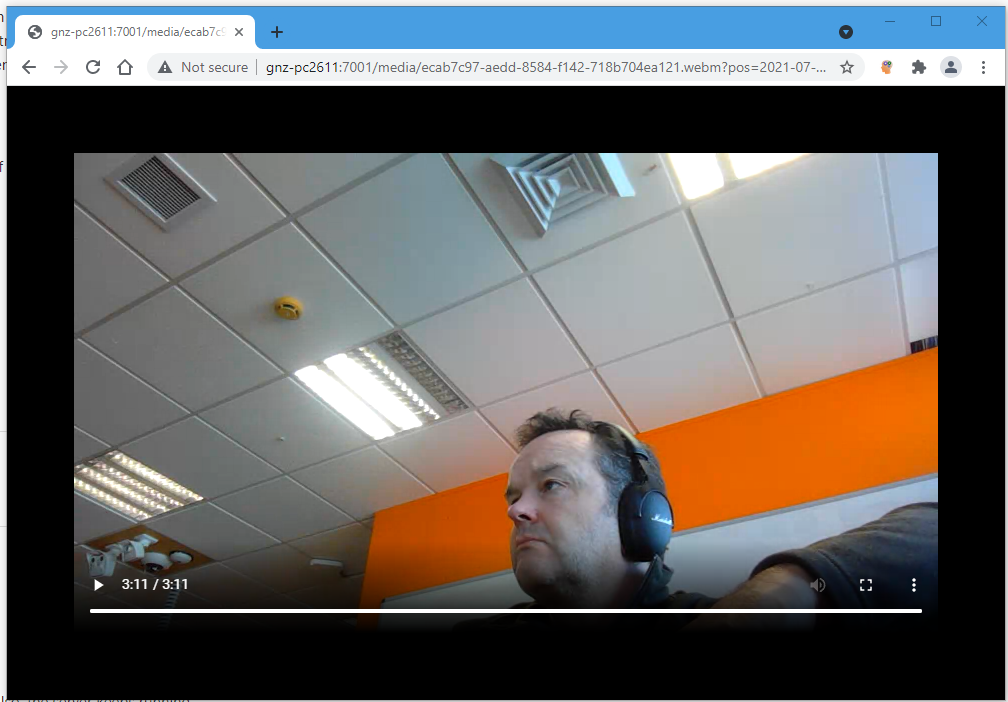
All stopping at different places between 2 and 4 minutes. The recording itself runs to 14:17, so these should play for well over 25 minutes before stopping, and this is the case when playing with VLC using the mkv format.
Thanks,
Jamie
0 -
FYI - the Hanwha & MKV issue is solved. Turns out that the server had been installed with version 4.1. Updating to 4.2 fixed the issue.
Jamie.
0 -
Hi @...,
Thank you for the heads-up. Good to read that using the latest version resolved the issue. 4.1 seems like ages ago for us, so sorry for forgetting to mentioning the suggestion to update.
Did it also resolve the freezing?
If not, can you elaborate a bit more in details what kind of setup you have?
Like; I use camera YXZ, which is recorded on a server with 4.2.0.?????, on a separate device I'm running the desktop client and playback works just fine there, while when I use the Chrome browser, eventually it stops playing after XYZ minutes. Also tried it in VLC and there it played fine/freezes after XYZ minutes also. etc.
Anything that helps us to reproduce the issue.
0 -
Hi Norman,
We're still have the playback freeze between 6 and 10 minutes. For my specific setup, which is the most straightforward: 64-bit Windows 10 Enterprise running on a Dell Precision 5530 laptop (i7-8850H, 2.6GHz; 32GB), running Nx Meta server 4.2.0.32836 and VLC media player 3.0.15. The camera is the laptop's builtin webcam, 1280x720 @ 30fps.
Nx Meta client plays recordings from this camera with no issues at all.
MKV plays fine in VLC on this setup out past 15 minutes at which point I stop and restart testing.
WEBM stops playing in VLC after 6-10 minutes, usually close to 7. When it stops VLC reports "EOF reached".
We have tried WEBM in Chrome (94.0.4606.81) as well. As shown in a previous post this is stopping around 3 minutes, again without error at the client, apparently have reached end-of-file.
I tested with Nx Meta 5.0.0.33560 R3 this afternoon and the results are the same.
Thanks,
Jamie.
0 -
Hi Norman,
FYI: We have done some more testing on another system - again server and VLC client on the same PC, but this time a network camera and playback is fine with MKV and WEBM. So this does to be system-specific in some way.
Thanks,
Jamie.
0
Please sign in to leave a comment.
Comments
7 comments