SANYO camera
Answered
Hello Norman
Do you have already add SANYO HD4600 & HD5600 camera in NX as Generic Camera?
When I add this device with rtsp url... after fews mins the device block the connection because NX try too many times to connect...
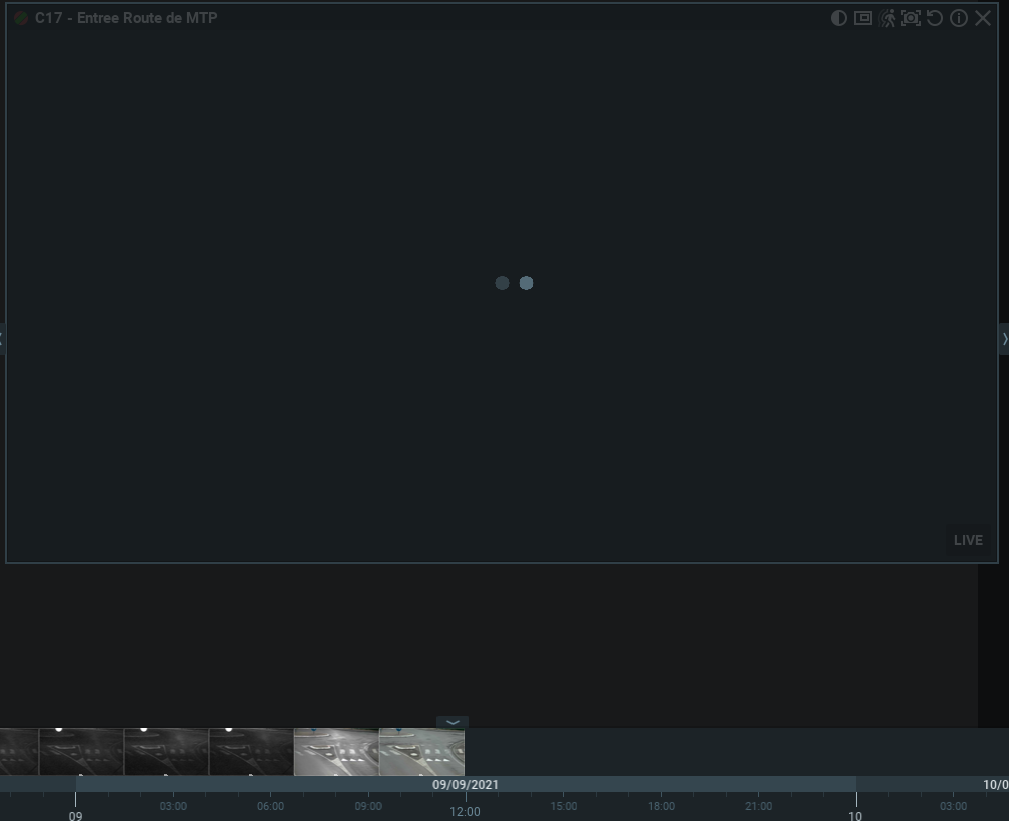
And the camera display warning msg "THE UNIT IS BUSY"...
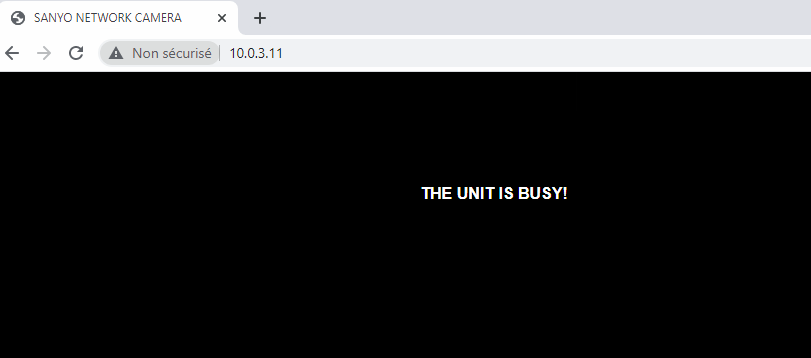
Do you have any solution to solve this problem ?
Regards,
-

Hi Jordan IUNCKER,
I have connected Sanyo cameras in the past. I do not recall the models anymore, but they were early days mjpeg models.
I assume the cameras cannot keep up with the requests of the Nx Server. This could be confirmed with the help of Wireshark.
Most likely, you will be able to get a stable connection when you reduce the load on the devices. Since you cannot set this in Nx, since they have to added as generic streams, you could try to reduce the framerate, and/or compression, and/or resolution to provide the camera more resources to keep the communication ongoing between server and camera.
0 -
Hi Norman
I already reduced the fps to 5, and the quality etc... and I'm using an mjpeg stream because h264 doesn't work well.
For a few minutes/hours it worked and now... for 2 days the camera can't connect to NX and I can't connect again... because the camera displays this message "THE UNIT IS BUSY" ... I don't know how I can solve this problem.....
I understand that this is a very old camera... The customers need to replace it... but we installed 3 days ago the Nx system... and before the customers have <ANOTHER_VMS> VMS and it never had any problems with <ANOTHER_VMS> and sanyo...Do you have any solution ?
0 -
Hi Jordan,
I have no solution without knowing the root cause. In theory, there shouldn't be a big difference between VMSes, regarding the way they connect. That's pretty much standardized.
Is it possible to make the device accessible through port forwarding?
If so, please ask your reseller to submit a ticket with the credentials, so we can check it and see what is possible.0 -
Okey thanks man......
I can't forwarding for moment because device is unreacheable....
Sorry....
I send you a feedback when it's possible
0 -
Hi Norman
I can access to 1 device now... VCC HD4600P
It's work well with VLC, but can't add the device with same rtsp in NX..
Maybe can you help me ?
With TeamViewer / AnyDesk or anything else ?Regards
0 -
Hi Jordan IUNCKER,
Is it possible to make the device accessible through port forwarding?
If so, please ask your reseller to submit a ticket with the credentials, so we can check it and see what is possible.0 -
Hi Norman
No is not possible sorry... I don't manage the WAN network...
I can only send a Teamviewer / Anydesk access...I need help....
0 -
Hi Jordan,
We can try to check it through TeamViewer or Anydesk, but not sure if this will be enough.
Please email the credentials to amsterdam@networkoptix.com.Please, assure that the camera credentials - IP, username, password - are available in a note on the desktop.
0 -
Hi Norman
Okey, thanks
Done, I send you credentials
Regards,
0
Please sign in to leave a comment.
Comments
9 comments