NX Witness Client UI Issue (5.1.5.39242)
Answered
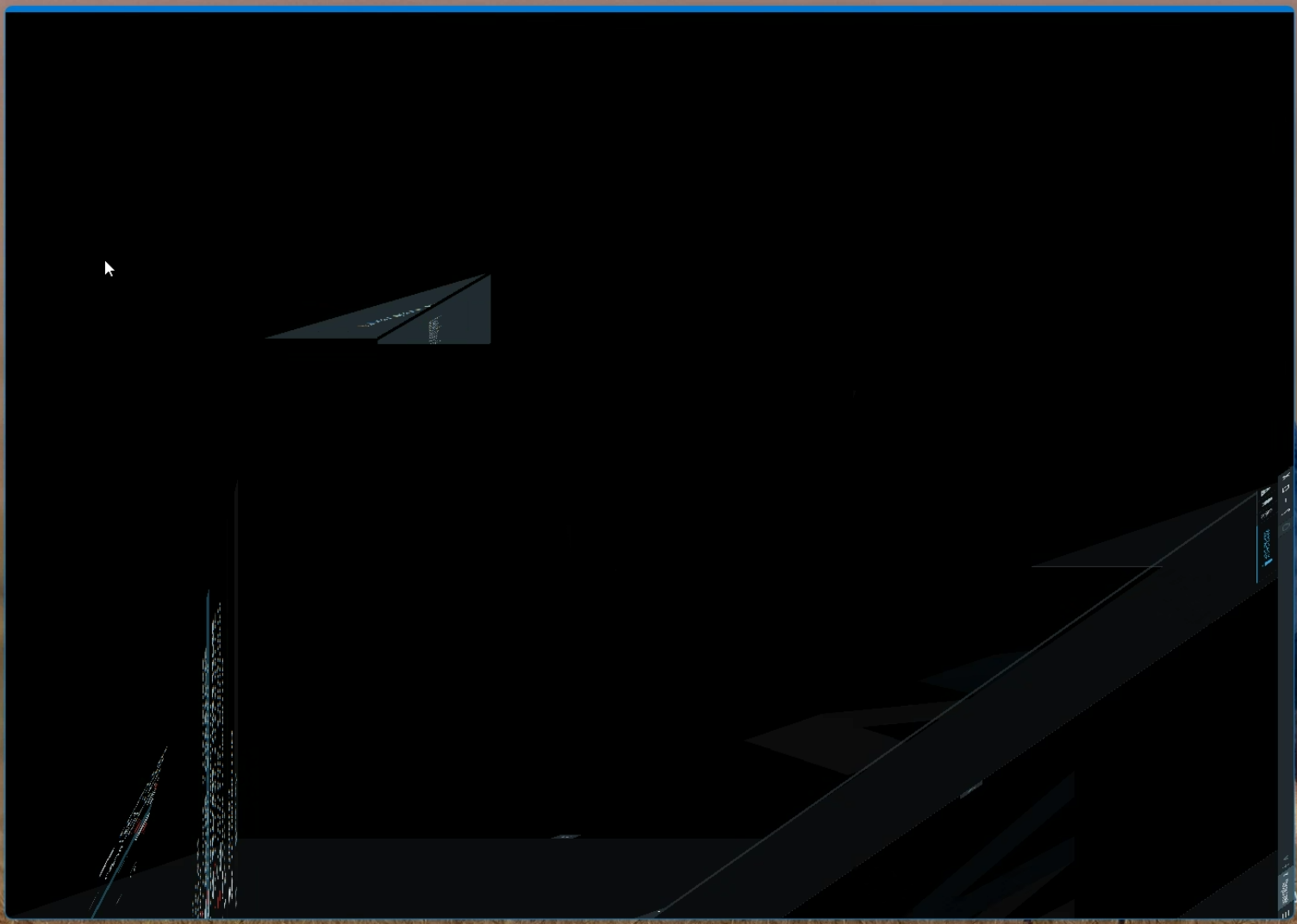
Our client is using the NX Witness Client version 5.1.5.39242 because the server cannot be upgraded to 6.XX yet. There are some UI issues they are experiencing which cannot be explained.
They tried using the Client Version 6.XX, but it asked to be restarted in compatibility mode and it showed the same issue. There is no option to upgrade to the latest server version at the moment because the server itself is not supported.
-

Hi Bryan Chiu,
Please check out the following support article:
I'm fairly confident, that this solution will resolve the issue.
With kind regards.
0 -
Hi Norman,
Our client tried following the two available solutions and it did not fix the UI issue. Is there another solution at this point or is the only way to resolve this is through an upgraded server and client?
0 -
Hi Bryan Chiu,
The only option left I can think of is to force using the CPU instead of the GPU.
- Press “Windows key + I” to open Settings.
- Select “System” on the sidebar.
- Click on the “Display” option.
- Scroll down and click on “Graphics.”
- Select “Desktop app” or “Microsoft Store app” from the “Add an app” dropdown.
- Click the “Browse” button.
- Select the Nx Desktop client exe file.
- This action will add the app to the list at the bottom.
- Click on the app and then click “Options.”
- Select the “Power Saving” option.
- Click the “Save” button.
- With that, the application uses CPU instead of GPU.
If that doesn't resolve the issue, updating is the only option.
Once this is set, it is still useful to try both OpenGL and DirectX as suggested in my previous message.Best regards.
0
Please sign in to leave a comment.
Comments
3 comments