Hikvision stream error with multi lens camera
Completed
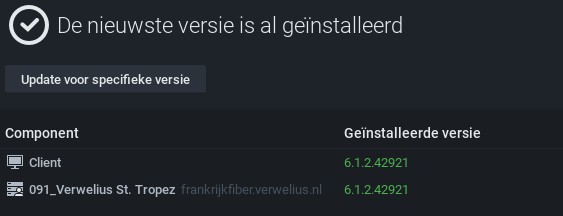
Hikvision Panp ptz error in onvif streams, is pretty clear what happens but not able to change this manually. somehow the channels are mixed up. Both NX and the camera are up to date.
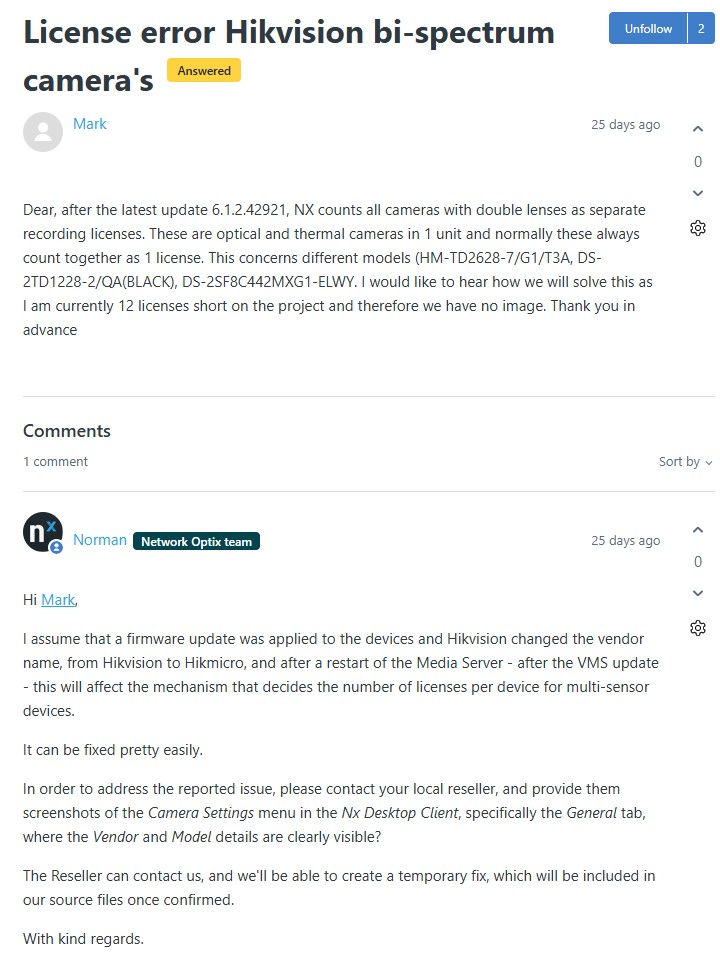
Earlier i also got an error but also a “temp” fix (please keep that in mind)
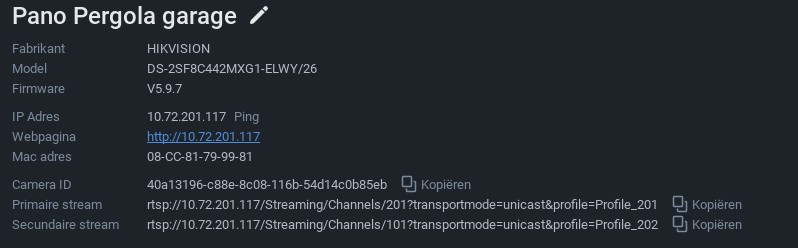
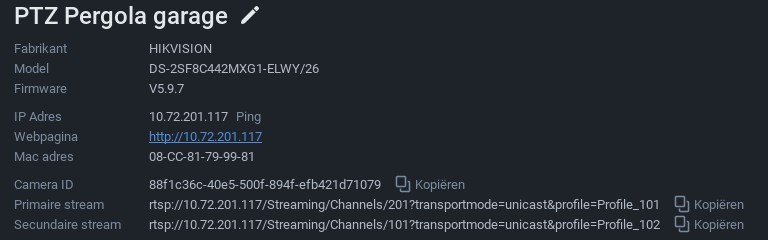
Op basis van uw verzoek hebben we de nodige aanpassingen gedaan om ervoor te zorgen dat dit wordt uitgevoerd.
Volg alstublieft de onderstaande stappen:
1. (Verwijder het apparaat uit het systeem).
2. Stop de mediaserverapplicatie
3. Plak het resource_data.json-bestand in de bijlage op de volgende locatie:
Voor Windows: C:\Program Files\Network Optix\Nx Witness\MediaServer
Voor Linux: /opt/networkoptix/mediaserver/bin/
4. Start nu de mediaserverapplicatie opnieuw.
5. (Voeg het apparaat opnieuw toe).
Om de mediaserver te stoppen en te starten, doe dit alstublieft als volgt:
Voor Windows:
Open Taakbeheer, selecteer tabblad 'Services', zoek de Mediaserver-applicatie, klik met de rechtermuisknop en selecteer; Stop of Start
Voor Linux:
Open de terminal (Ctrl+Alt+T) en voer het volgende commando in;
sudo systemctl stop networkoptix-mediaserver.service of
sudo systemctl start networkoptix-mediaserver.serviceKunt u alstublieft bevestigen dat dit aan uw eisen voldoet? Zodra we je bevestiging ontvangen, gaan we verder met de benodigde updates en voegen we het toe aan een toekomstige patch.
Met vriendelijke groet,
Ruslan Zinatullin
Netwerk-Optix-ondersteuning
Hope to hear from u soon.
Regards Mark
-

Hi Mark,
Thanks for bringing this to our attention. Because this issue requires a deeper dive into your specific setup, we highly recommend reaching out to your Authorized Reseller as soon as possible.
They are best equipped to investigate the root cause of this specific issue and get it resolved or escalated for you.
Also, do not forget to reference to the previous ticket when contacting your reseller.
They also should be able to provide a temporary license key to bridge the time between investigation and resolution.Best regards.
0
Post is closed for comments.
Comments
1 comment