Why does the integration keep showing a refreshing status?

Hi
I developed an integration to push rule lines, rule boxes, target boxes and events to the server. On one of my PCs which connects to multiple servers, after the client runs for several hours, the integration will get stuck in a continuous refreshing state, and all other integrations show the same status.
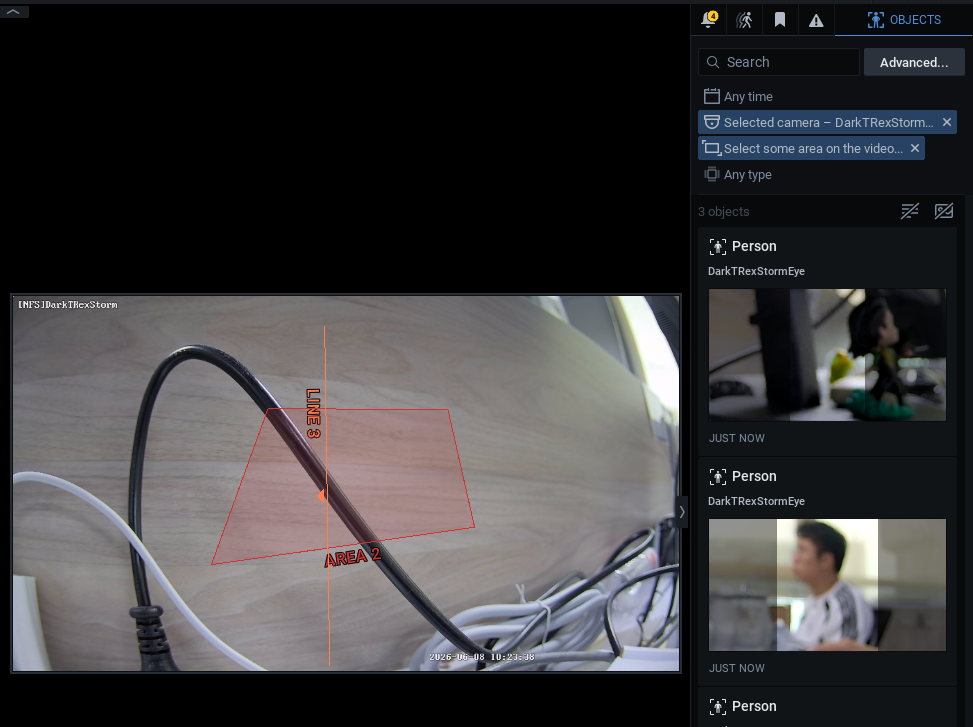
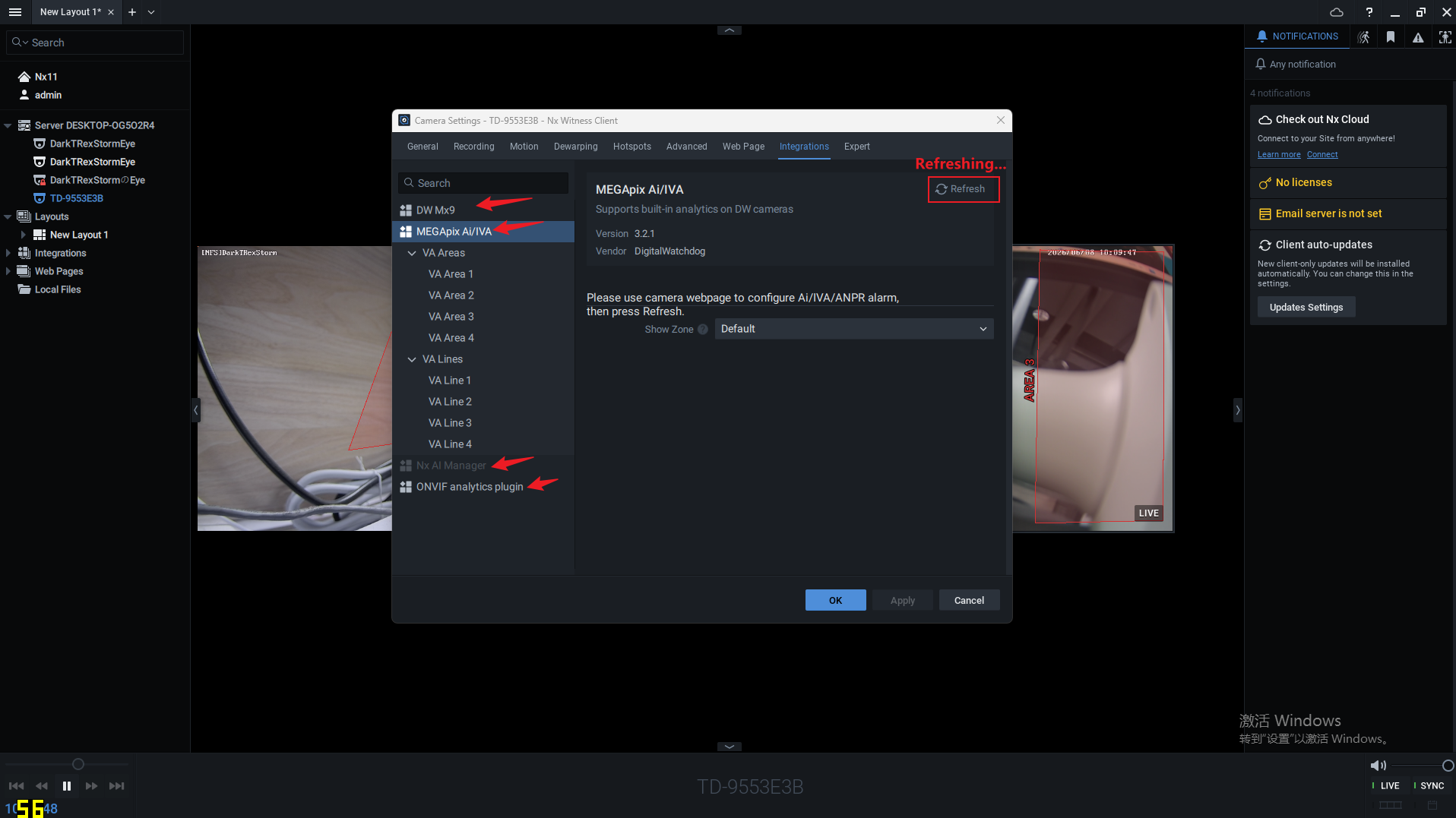
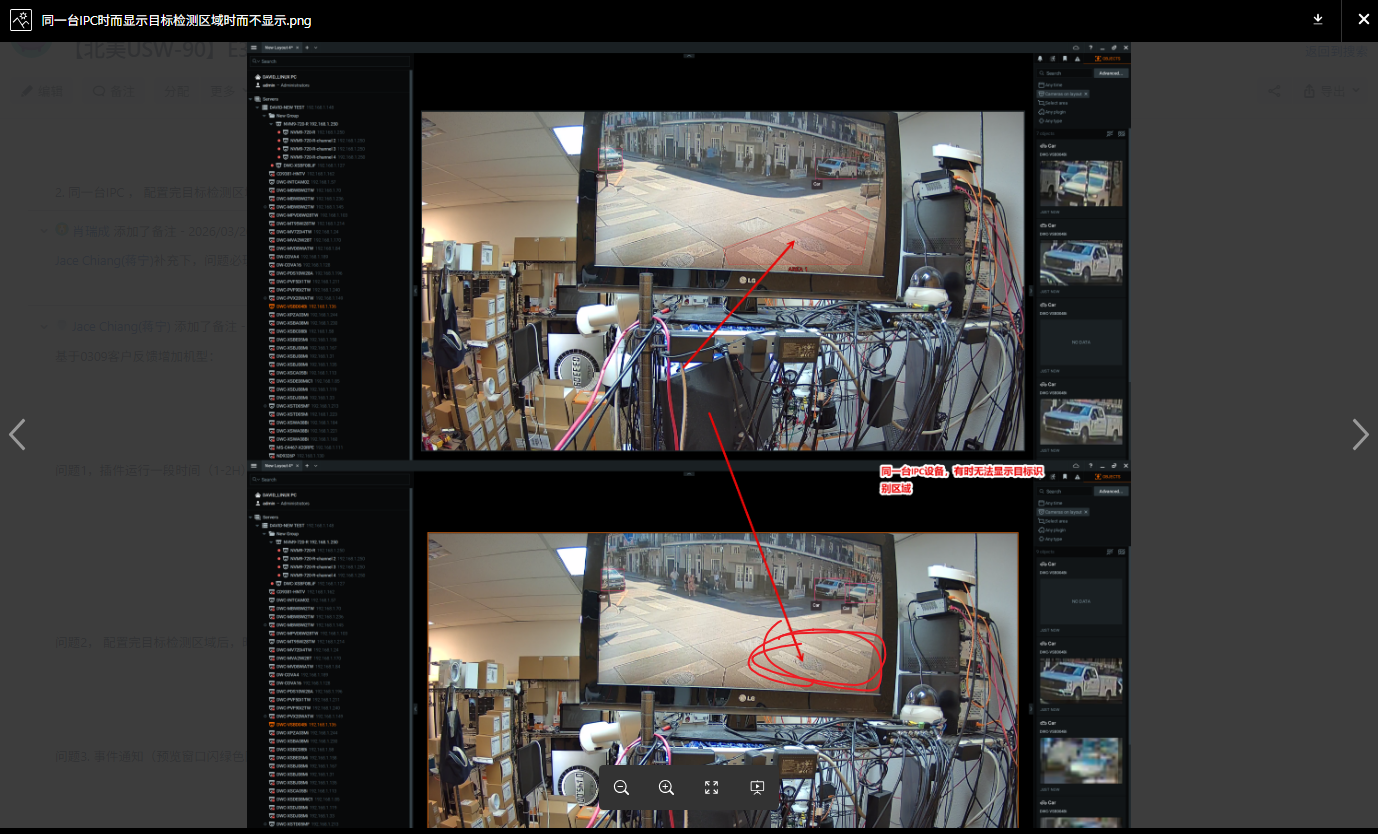
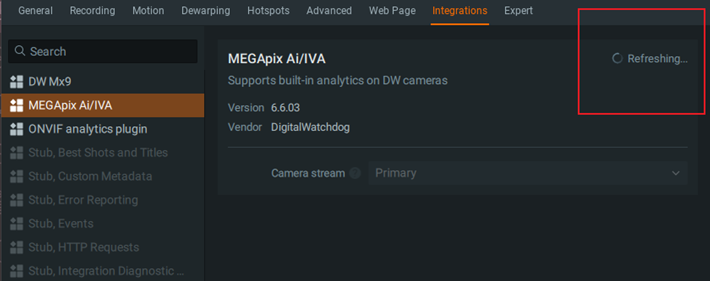
However, the integration is still running normally in the background and keeps pushing target boxes and events. The only issue is that rule lines and rule boxes no longer display on the interface. As time goes by, the list of integrations may occasionally become completely empty.
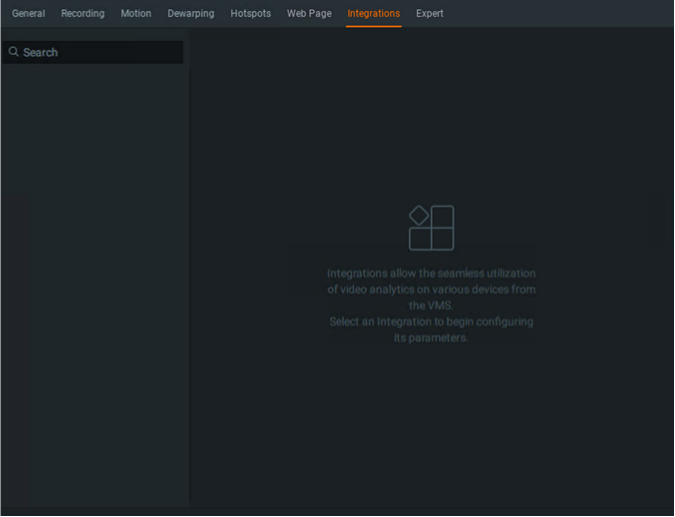
I would like to figure out the root cause. Is this caused by incorrect usage of APIs, or an occasional bug of the client software?
Thanks for your reply and explanation.
Additional information:
- This issue barely reproduces on my other PC that connects to only a single server; it has only occurred twice after extensive testing.
- When the problem happens on the problematic client, launching a new instance of the client works perfectly fine with no such issues. Nevertheless, the newly opened client will also run into the same fault after several hours of operation. Eventually, I will have one faulty client and one normal client running at the same time.
I have attached my API calling code below.
class DeviceAgent: public nx::sdk::analytics::ConsumingDeviceAgent
{
public:
    DeviceAgent(const nx::sdk::IDeviceInfo* deviceInfo);
    virtual ~DeviceAgent() override;

    // virtual void setHandler(nx::sdk::analytics::IDeviceAgent::IHandler* handler) override;

protected:
    virtual std::string manifestString() const override;

    virtual bool pushCompressedVideoFrame(
        nx::sdk::Ptr<const nx::sdk::analytics::ICompressedVideoPacket> videoFrame) override;

    virtual nx::sdk::Result<const nx::sdk::ISettingsResponse*> settingsReceived() override;

    virtual void doSetNeededMetadataTypes(
        nx::sdk::Result<void>* outValue,
        const nx::sdk::analytics::IMetadataTypes* neededMetadataTypes) override;

    virtual void getIntegrationSideSettings(
        nx::sdk::Result<const nx::sdk::ISettingsResponse*>* outResult) const override;


void DeviceAgent::getIntegrationSideSettings(Result<const ISettingsResponse*>* outResult) const
{
    TRACK_FUNC_PRINT print("DeviceAgent::getIntegrationSideSettings");
    if (!m_subscriptionStarted)
    {
        return;
    }

    auto settingsResponse = makePtr<SettingsResponse>();
    {
        std::lock_guard<std::mutex> lock(m_perimeterMutex);
        for (const auto& [settingName, configStr] : m_perimeterCfgMap)
        {
            settingsResponse->setValue(settingName, configStr);
        }
    }
    {
        std::lock_guard<std::mutex> lock(m_tripwireMutex);
        for (const auto& [settingName, configStr] : m_tripwireCfgMap)
        {
            settingsResponse->setValue(settingName, configStr);
        }
    }
    NX_OUTPUT << "Plugin-side settings provided.";

    *outResult = settingsResponse.releasePtr();
}-

Hi,
Thanks for reaching out.
Based on the description, this looks like a plugin implementation issue — specifically, the server or plugin appears to stop responding after a certain number of transactions or requests due to deadlocks or other issues.
To investigate further, we'll need the server debug logs captured around the time the issue occurred. Please ensure the logs from both the mediaserver and the client fully cover the incident window, including some time before and after. Without these logs, we unfortunately can't draw any conclusions or take next steps.
On the symptom you described — "after several hours, the integration gets stuck in a continuous refreshing state, and all other integrations show the same status" — could you clarify what you mean by "all other integrations show the same status"?
Specifically: are they all stuck refreshing, or are they showing a different state? A more precise description will help us understand the scope of the issue.
Additionally, could you run a quick test: completely remove the MEGApix AI/IVA plugin and revert the server to a clean out-of-box state, then run it for the same duration.
Please help to answer : “Does the continuous refreshing state appear again on the built-in plugin?”
This will help us determine whether the issue is specific to the plugin or exists in the base system.
To summarize: debug logs with clear timestamps are required to proceed. Once we have those, we'll see what we can help accordingly.
Thanks,
0
Please sign in to leave a comment.
Comments
1 comment