WebRTC Stream Manager Example
Answered
Hi,
I try to test WebRTC Stream Manager Example. After authorization I see my server and camera list. When I click to start connection I see in console
WebSocketSubject.ts:268
 WebSocket connection to 'wss://qzxzdz9ldwr---1qvmq7j16vw---c8c5d855-8903-455b-9cf0-925c52ae3899.rela…JvunYzIK3H4jn1mZ6qkzpWAuRpFbF&unreliableTransport=true&_ignore=k9jbp8xwu5q}' failed:
WebSocketSubject2._connectSocket	@	WebSocketSubject.ts:268
WebSocketSubject2._subscribe	@	WebSocketSubject.ts:374
Observable2._trySubscribe	@	Observable.ts:244
Subject2._trySubscribe	@	Subject.ts:113
(anonymous)	@	Observable.ts:234
errorContext	@	errorContext.ts:29
Observable2.subscribe	@	Observable.ts:220
(anonymous)	@	switchMap.ts:109
OperatorSubscriber2._this._next	@	OperatorSubscriber.ts:70
Subscriber2.next	@	Subscriber.ts:75
(anonymous)	@	innerFrom.ts:90

web-rtc-stream-manager.ts:3406
Event {isTrusted: true, type: 'error', target: WebSocket, currentTarget: WebSocket, eventPhase: 2, …}
After some time browser show message box with message Error playing back stream: lostConnection}.
Nx Meta server is not installed on my developer machine but is on same local network.
Desktop and mobile application works fine.
What I doing wrong?
-

Hi Krunoslav Kanjuh ,
Could you check that this test web-page will correctly provide the video stream from the camera you are working with?
https://webrtc.chrisczach.com/
It is based on the latest yet unmerged changes for the
WebRTC Stream Manager.
I would ask you just log in with the same cloud user, select the same system/site and the same camera from the dropdown lists and see if you get the live stream or not. Preferably using the Chrome browser.Thanks in advance.
0 -
Hi Sergey,
I try. From Axis camera i see stream. What I noticed is that only live is displayed. No matter what I type in the POSITION field, the recording is not displayed. The camera records continuously.
Hikvision kamera cannot stream.
0 -

Hi Krunoslav Kanjuh,
Can you confirm you were entering the proper timestamp in millisecond?
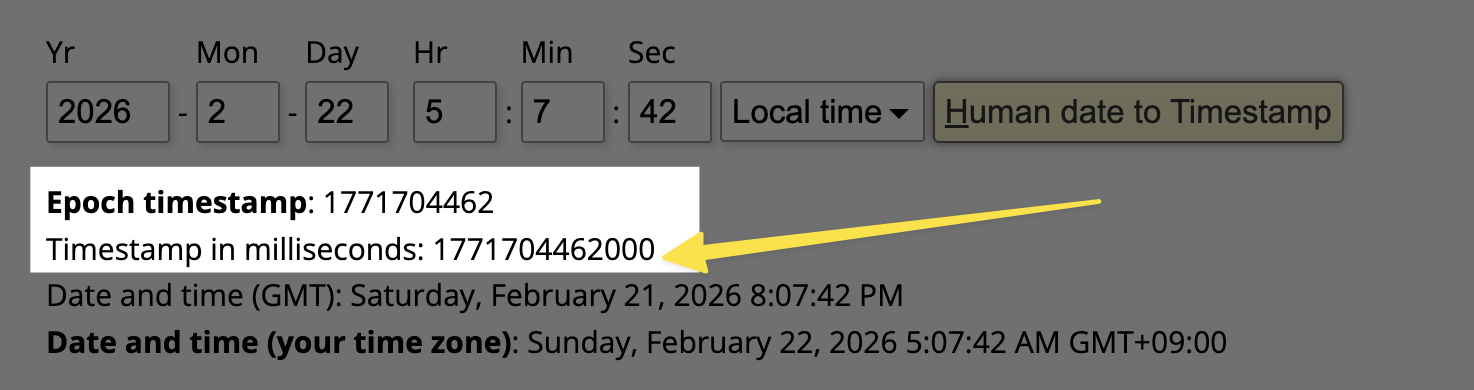
Also, both AXIS or Hikvision - they are properly displayed on the web page via WebRTC in my case, can you confirm if the camera has any recording?
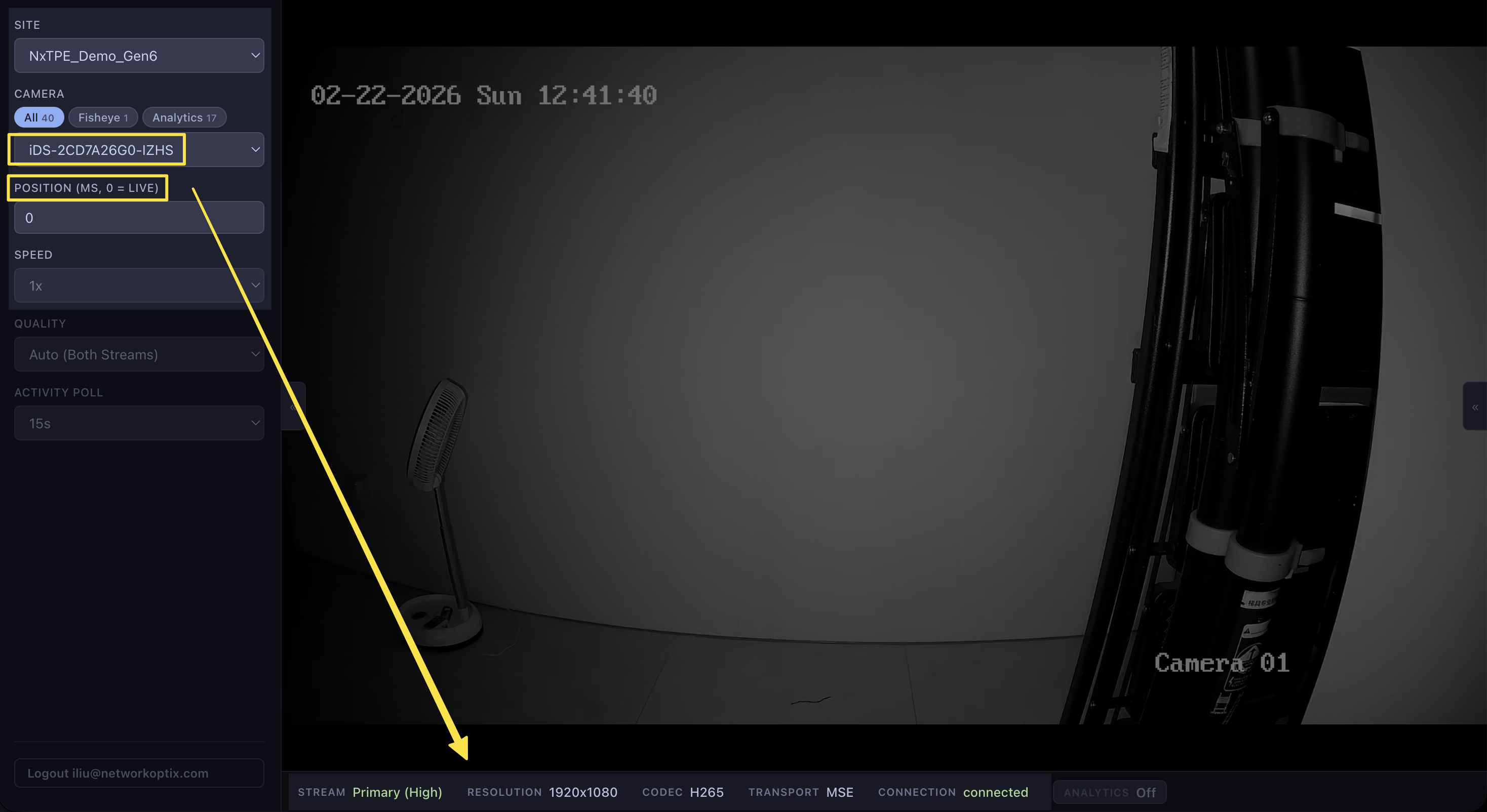
Maybe using Google Chrome for a A/B test to see if that is a browser issue..
Thanks.
0 -
Hi Ichiro,
I not use proper time stamp. Now when I use proper timestamp, still not see playback
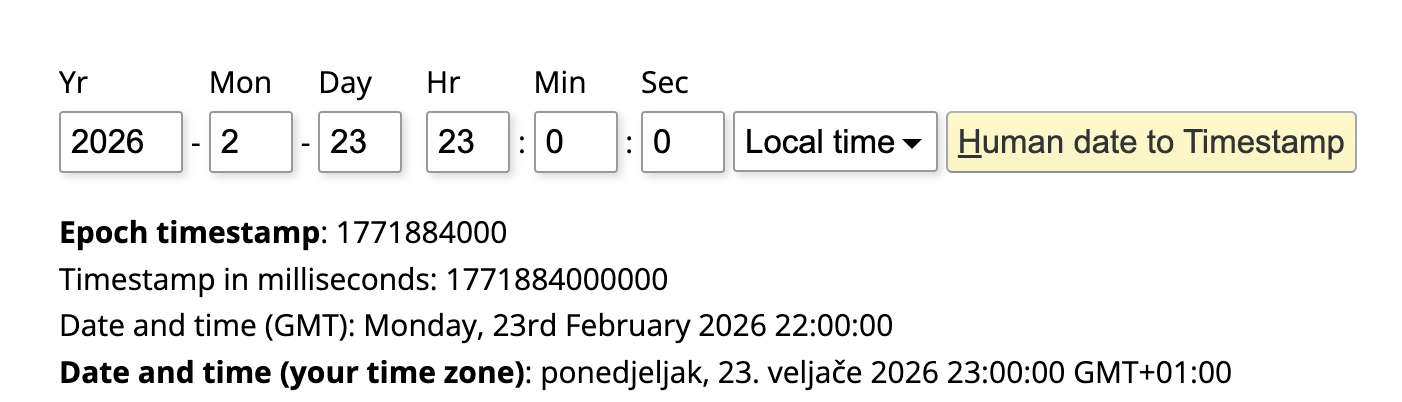
Recordings exists

Today I see live from both cameras (Axis and Hikvision).
I test with Google Chrome and Edge - on both I don't see playback. After pasting 1771884000000 nothing happen. I also try change time with spinner.
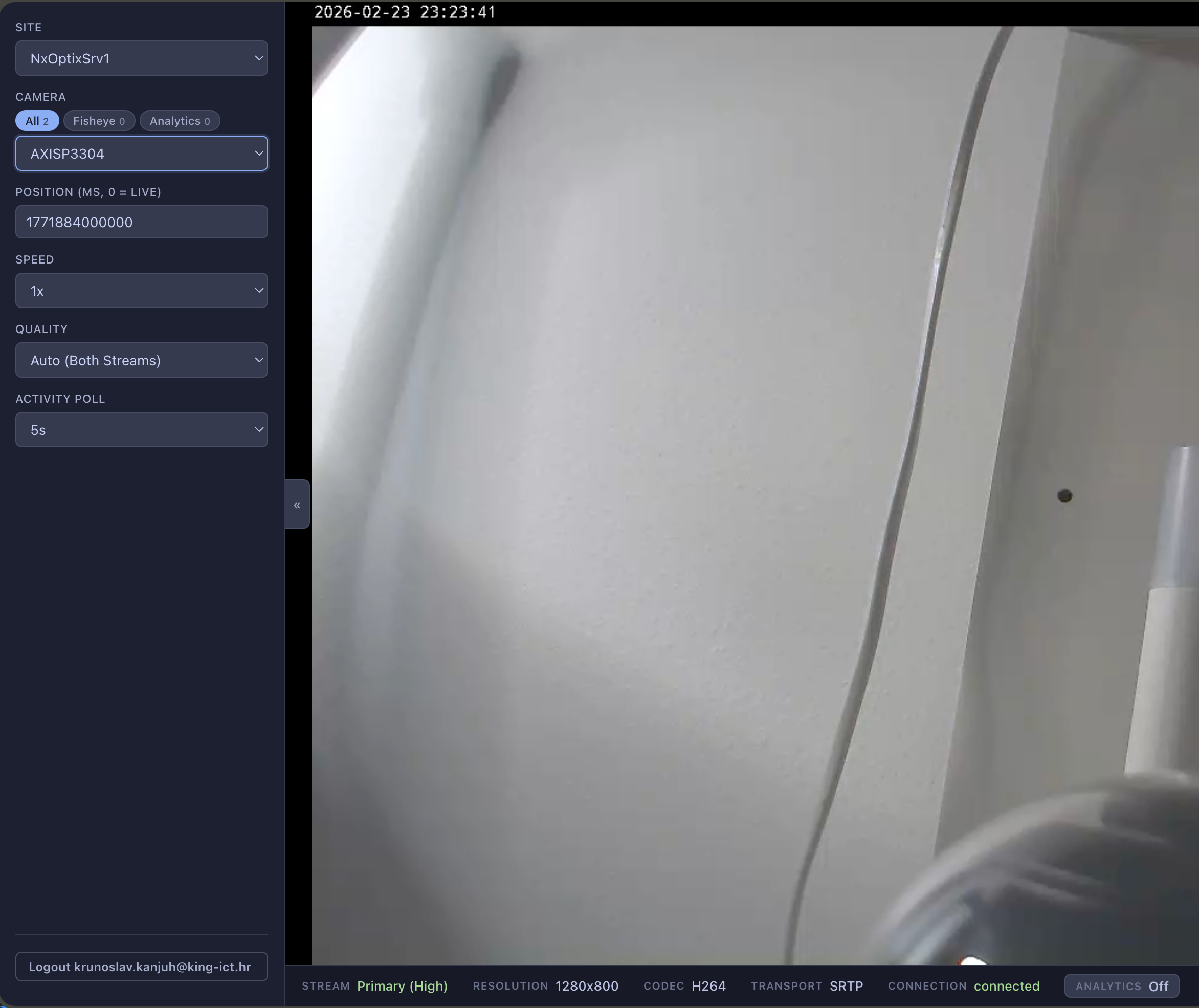 0
0 -
Hi Ichiro,
Any idea why I cannot se playback?
When will be avaiable latest unmerged changes for WebRTC Stream Manager?
0 -

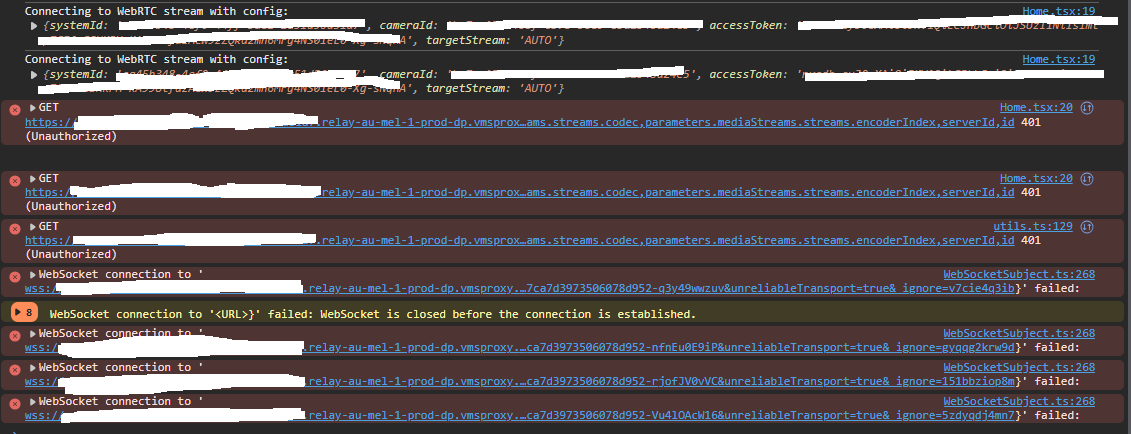
I've tried the testpage, the connection was established but the stream was not started.Do you know why?

I have been trying to get the video streaming using webrtcmanager v0.1.27, but havent been able to get the websocket connected, do you know why?
 0
0 -
Hi All,
The
webRTCManager v2should be available soon and is currently pending final approval and publishing checks on the npm page. Once available, we would encourage you to try V2 and see whether it helps with the issues discussed.Hi Dwi,
Regarding the test page, it appears more likely there is an issue with the stream source itself that requires further investigation.
It is quite difficult to troubleshoot this effectively from a screen capture alone. I believe you may already have a ticket open with us, so please provide the necessary information through that channel so we can properly review and investigate.
Thank you.
0
Please sign in to leave a comment.
Comments
7 comments