DST timeline bug
Answered
Hello,
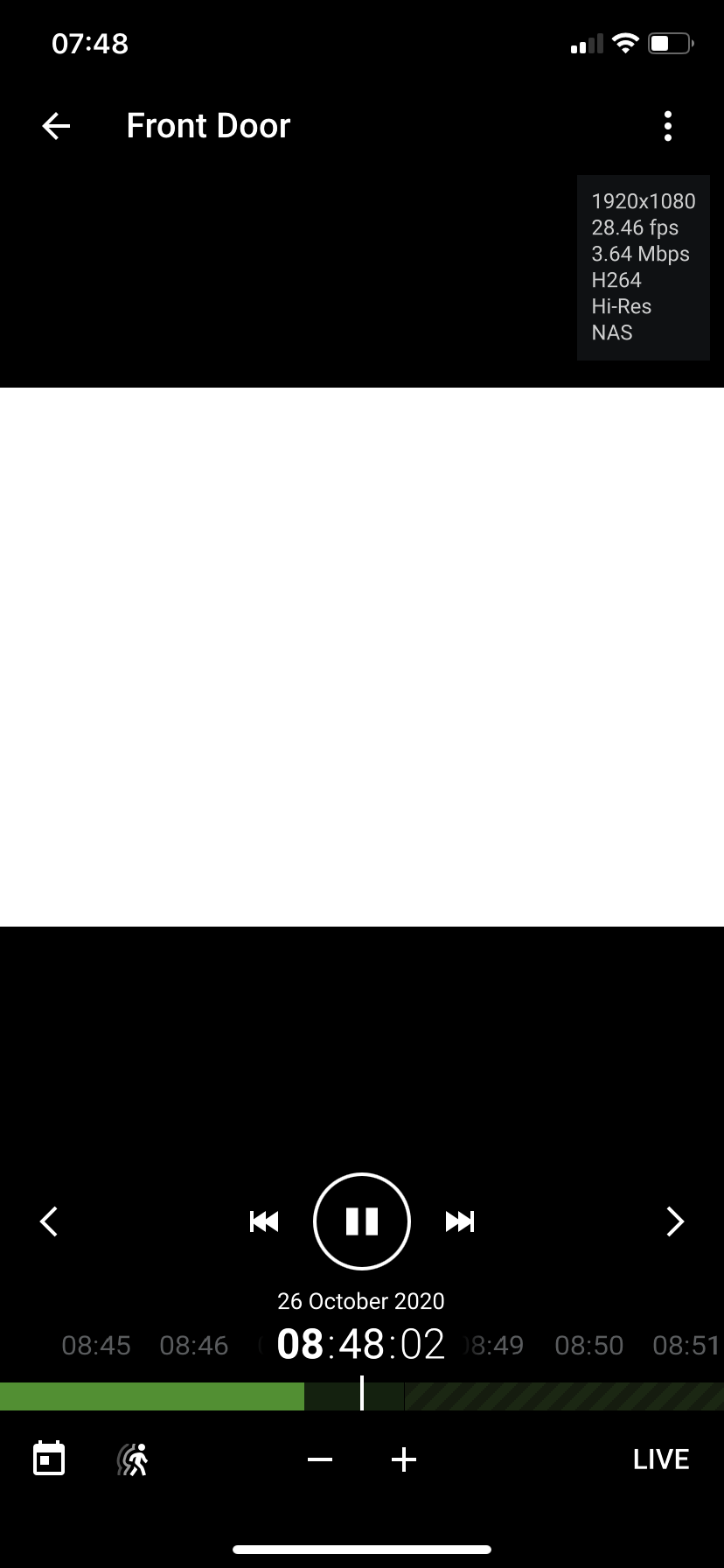
-

Hi Sen Haerens,
I checked my systems, and all present the correct date and time.
What kind of OS are you using on your server hardware?Have you checked the timezone setting there?
0 -
Nx Witness is running in a Docker image (Ubuntu 18.04.4 LTS), which defaults to UTC.
The Nx Witness Desktop app on Mac & Windows display the correct time in the timeline, it's only the iOS app that is wrong. Why do I need to change the timezone on the server?
0 -
Killing the iOS app and re-opening it, seems to have fixed the 1 hour offset.
0 -
Hi Sen Haerens,
Good to read that killing the app resolved it. Was the app running while DST changed?
Regarding:
>>> Why do I need to change the timezone on the server?
It depends on your system. I have experienced that some servers, like the Raspberry Pi with Raspberry Pi OS Lite, use a default setting (Europe/London) and this creates an hour offset if you are in the mainland of Europe.
0 -
>>> Was the app running while DST changed?
The Nx Witness app was running in standby mode, and I force-closed it ( https://support.apple.com/en-us/HT201330 ).
Maybe the time settings are only set upon app start-up?
0 -
Hi Sen Haerens,
To be honest. I don't know, but I think it is a fair assumption that the time setting are set when starting the app.
0
Please sign in to leave a comment.
Comments
6 comments