playback record event via customer webpage
Answered
hi Nx Team,
as I know all recorded events/bookmarks via the right side panel clicking, is it possible those click can done via embedded webpage any api can done for this
Thanks
Lechee
-

Hi Lechee,
there is /ec2/bookmarks API call, which can be used to get the list of bookmarks per camera. Check the example below:
http://<server_IP>:7001/ec2/bookmarks?cameraId=1c4a9209-4418-d1f3-08ea-1a04ca8085a0
{
    "cameraId":"{1c4a9209-4418-d1f3-08ea-1a04ca8085a0}",
    "creationTimeStampMs":"1604046959776",
    "creatorId":"{51723d00-51bd-4420-8116-75e5f85dfcf4}",
    "description":"",
    "durationMs":"11000",
    "guid":"{2310095f-3335-4cb5-b2bf-3547bca37ec7}",
    "name":"TEST123",
    "startTimeMs":"1604046958770",
    "tags":[

    ],
    "timeout":"-1"
  }
This will allow you to display bookmarks on your webpage. You can use /hls/<cameraId>.m3u?pos=<startTimeMs> API call to access camera recording on click. For example - http://server_IP:7001/hls/1c4a9209-4418-d1f3-08ea-1a04ca8085a0.m3u?pos=1604046958770
Please note that due to the specifics of HLS streaming implementation there could be a few seconds delay between requesting HLS stream and receiving it from VMS.
0 -

Hello lechee,
> playback record event via customer webpage
> is it possible those click can done via embedded webpage
For playing back live streams and recordings from the archive in a web-page embedded into Desktop client can be implementerd with a javascript code. See details here
https://support.networkoptix.com/hc/en-us/community/posts/360047082933/comments/3600145234530 -
with http://IP:7001/hls/cameraID.m3u?pos=nnnn will show following
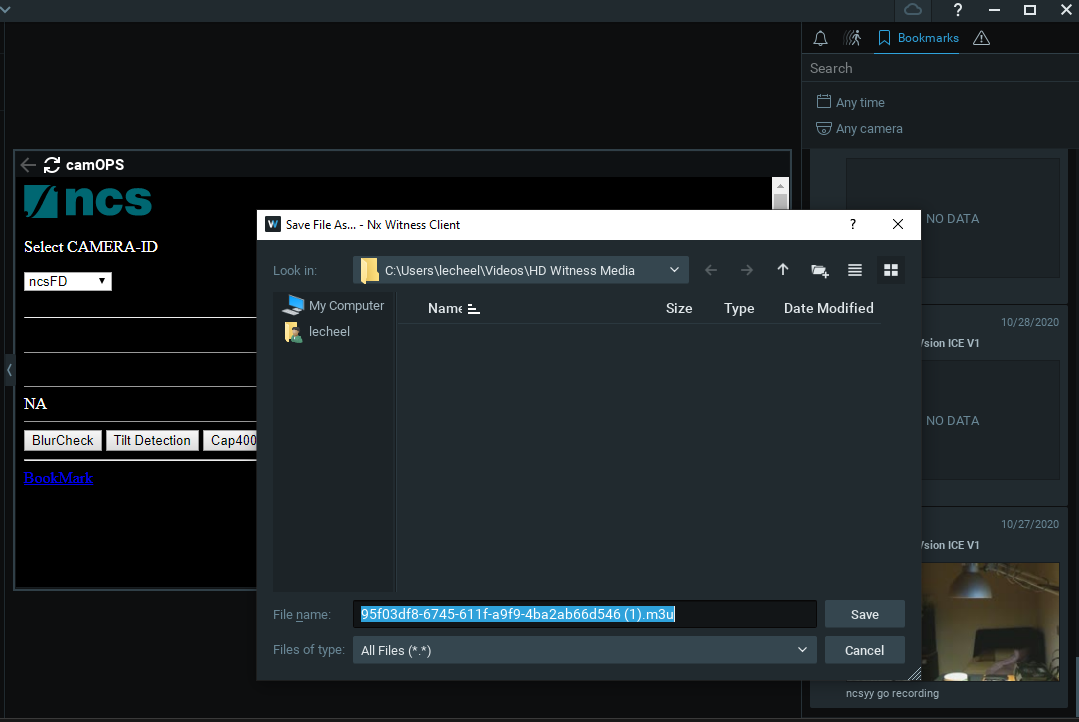 0
0 -
with the following javascript which only open the camera frame in pause (not playback the event)
external.c2pplayback(cameraId,nnnn);
0 -
> with the following javascript which only open the camera frame in pause (not playback the event)
Yes, the stream is paused. You can click the "Play" button (a triangle) in the left-lower corner to play the stream.
0 -
correct after click "Play" is live view but not the bookmark event or timestamp location
0 -
Hi Lechee,
What is your objective? What is expected final result? What do you expect to see as a final result
0 -
the expected final result is same as right panel bookmark "click for playback the recorded event" but we can enrich the right panel via custom web page
0 -
Hi lechee,
I'm really sorry but it's still not quite clear.
Let's look at this from another angle.
Could you, please, share a scheenshot or a sketch of what you want to have? What elements there should be on your custom web page?For example, here is a screenshot of bookmarks on the right-panel.
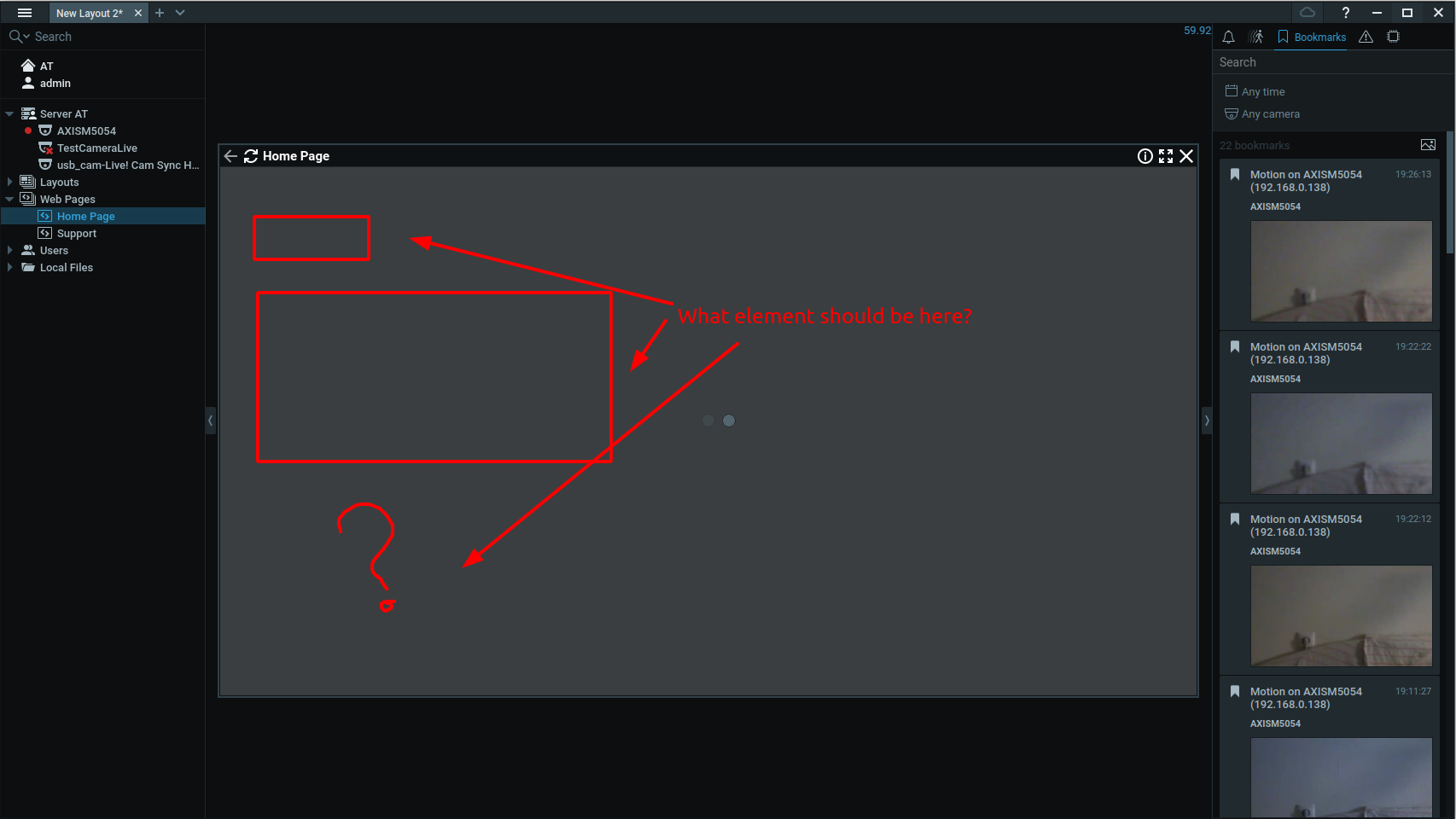
If you right click on a bookmark you'll see a context menu with two items "Open", "Open in new tab."
What does "click for playback the recorded event" mean? "Click" on what element specifically? What is "recorded event"?
What visual elements there should be on your custom web page displayed in the Desktop client?
What actions should be possible to perform with those elements?0
Please sign in to leave a comment.
Comments
9 comments