Problems integrating audio stream into Ubuntu
Answered
Hello
When integrating audio cameras in Ubuntu 20.04, the audio icon is not active. I tried the 18.04 version and the same thing. When I did the installation on Windows platform the icon was active and integrated audio perfectly.
Version client/server: Nx Witness v4.1.0.31398
Thank you for your help
Attached is the status of the server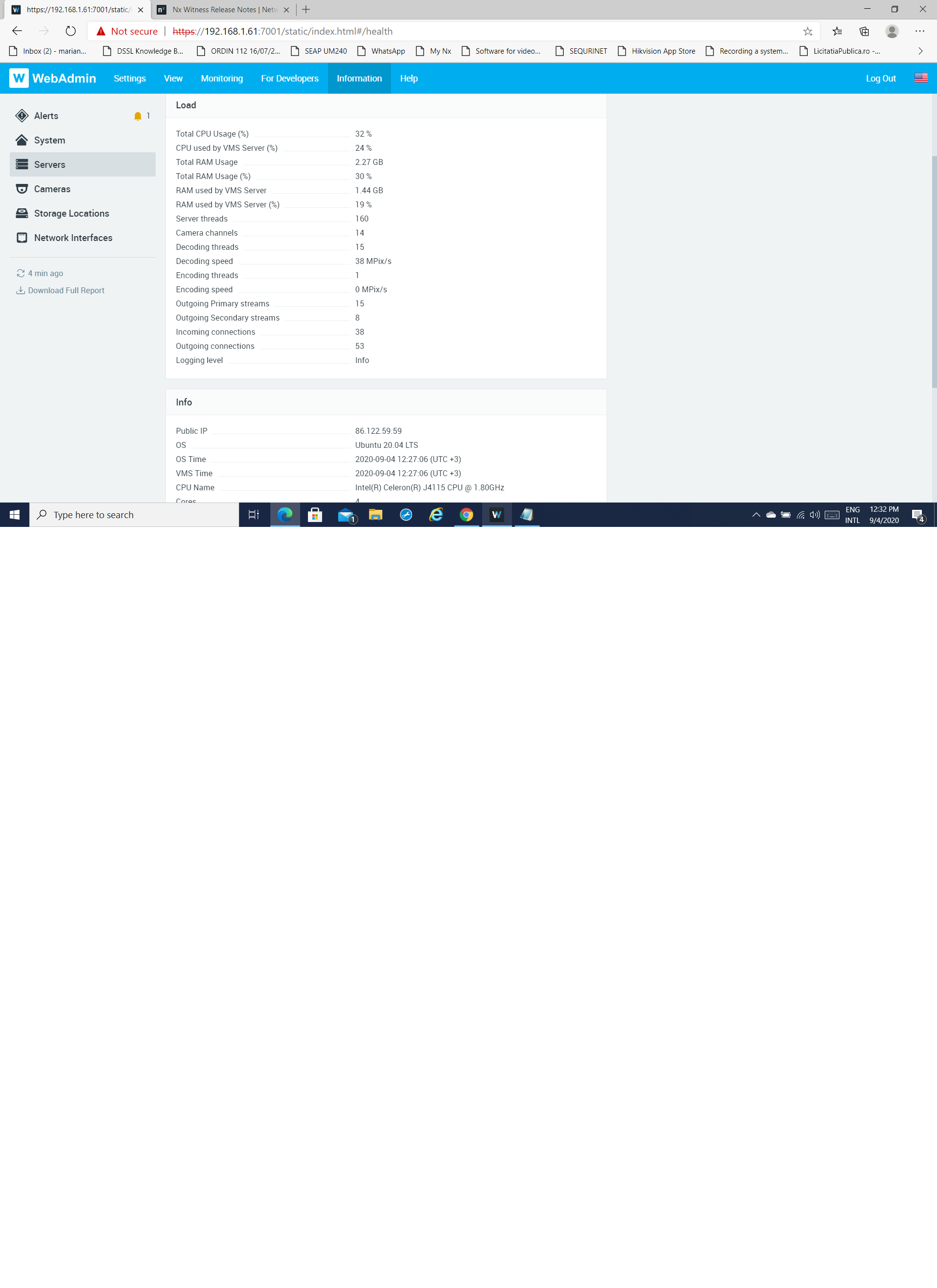
-

Hi Heriuc,
Please right click the device and go to camera setting page.
Under the General tab, check the "Enable audio" option and save the setting.
Then Nx will start the audio RTP session while playing the stream.For this checkbox to be available, the Nx server must be allowed to configure camera stream profiles. Please check the following configuration:
1. Server is allowed to configure camera stream profile settings.
The option "Allow system to optimize device settings" must be enabled in the Main Menu > System Administration page.
2. "Keep camera stream and profile settings" option on the Camera Settings > Expert tab must be in disabled state:Thank you.
0 -
You are right "Allow system to optimize device settings" must be enabled to activate audio.
Thank you
0
Please sign in to leave a comment.
Comments
2 comments