Screwed up Camera Settings
Answered
We have a newly installed system where the camera settings dialog gets screwed up when visiting the motion tab. Afterward the other tabs are mostly inaccessible because things appear to be zoomed-in or pushed beyond the boundaries of the dialog box. Closing and opening the dialog doesn't fix it. You can blindly click along the top edge and it will flip tabs, but they all have the zoomed-in problem. Closing down the client and restarting will fix them problem until you visit the motion tab again.
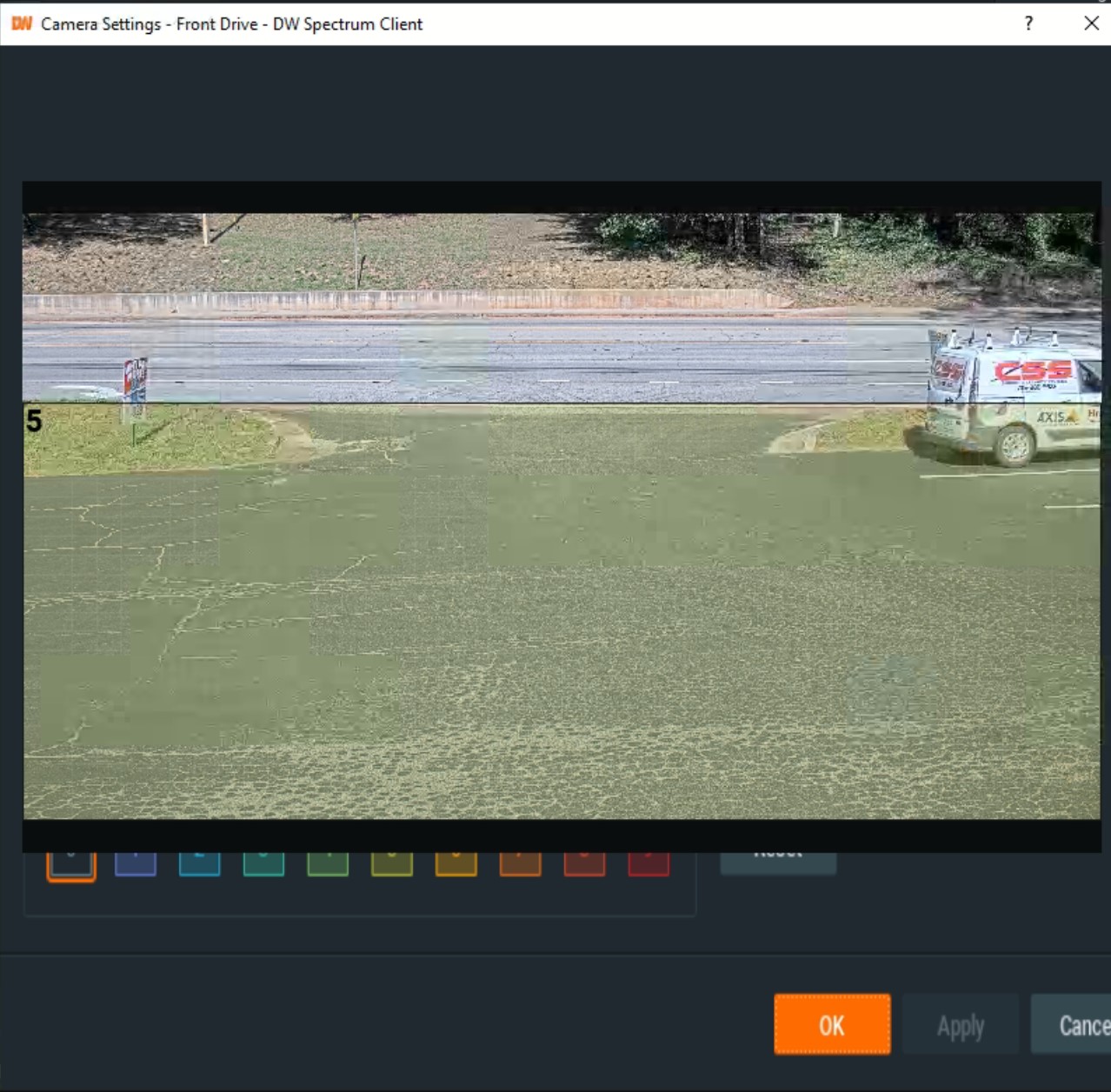
The system is running Windows 10 Pro with DWS 4.0. All Axis cameras with some 4K and some 4mp. Has anyone seen anything like it?
-
Official comment

Hi Jeff,
The desktop client is installed on a device with an onboard Intel 620 or 630 HD GPU and that gives this result.
But we resolved the issue awhile ago and you just update to the latest patch and you should be fine.
You can use the following in-client credentials.
In-Client Upgrade
Build Number: 30707
Password: x56cny
Please sign in to leave a comment.
Comments
1 comment