HTTPS Server
Answered
Hello,
I set a Nx Server and I have a website which wants to receive steams from it.
My website is based on HTTPS, so HTTP stream will been blocked.
After receiving information from Support Portal, I install a certificate through sslforfree.
I set the root webserver(443 port) to HTTPS successfully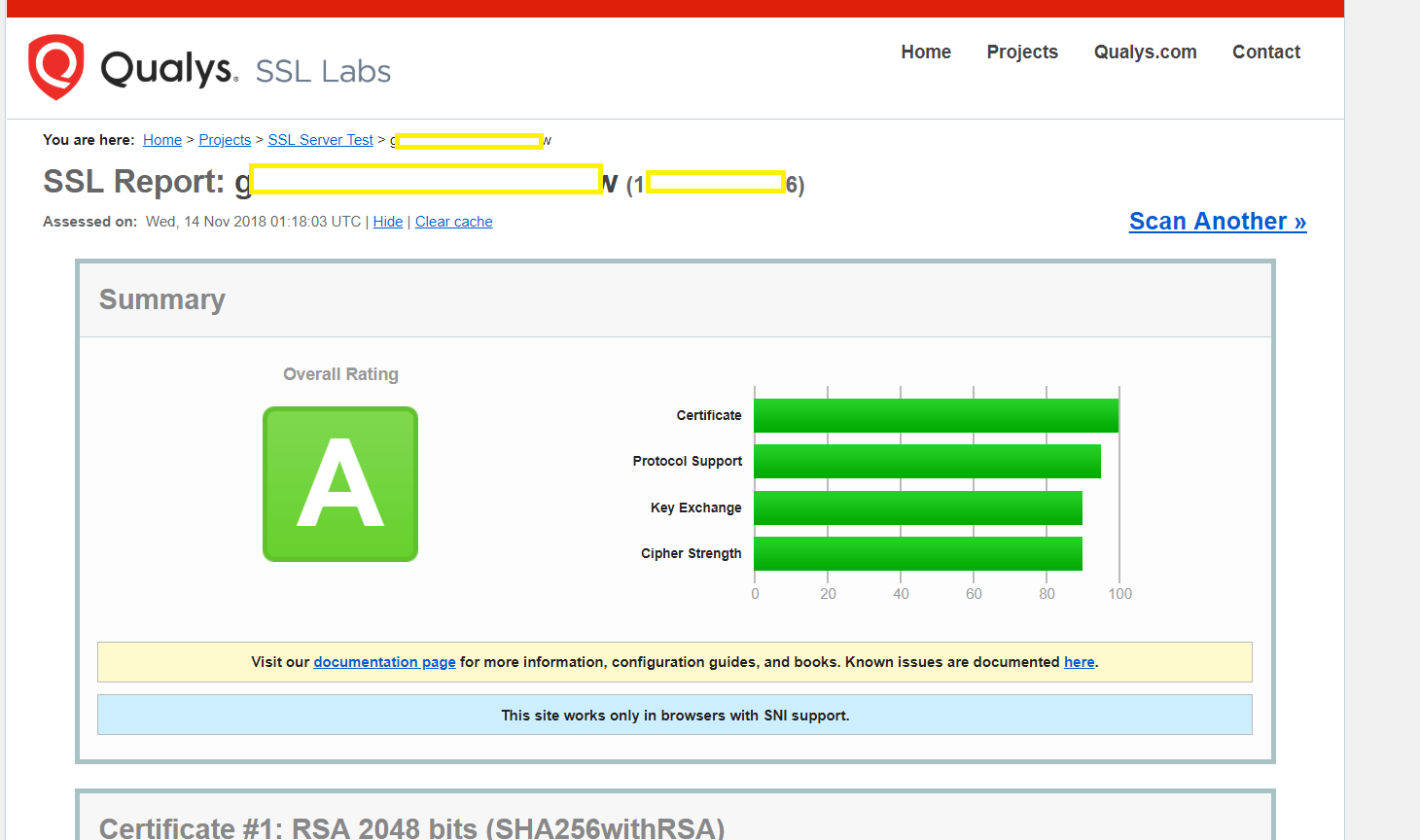
Now I go to following folder:
Windows: C:\Windows\System32\config\systemprofile\AppData\Local<%COMPANY.NAME%><%COMPANY.NAME%> Media Server\ssl
Copy PRIVATE KEY from private.key and CERTIFICATE from certificate.crt to cert.pem.
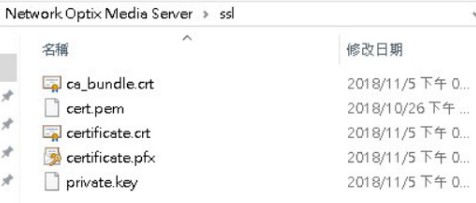
Then restart the server.
But I open the website,<https://<serverIp>:7001>
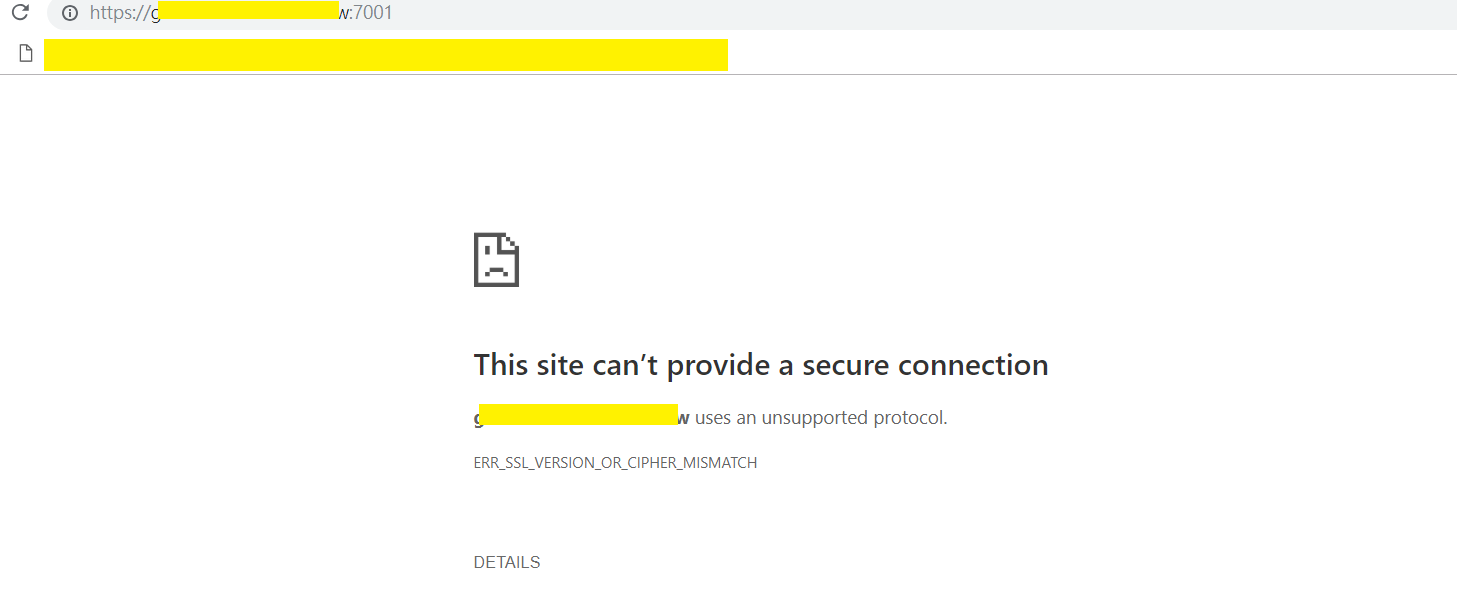 HTTPS is still using the 7001 port?
My website which would like to get stream from server send the request and get the same result.

Is anyone having similar experience that setting HTTPS server?
-
Eddie,
I would start from removing all the third party files you copied to the SSL folder.
Once done:
Get .pem certificate file somehow(from the trusted provider or generate by some software)
Stop the Media Server
Go to C:\Windows\System32\config\systemprofile\AppData\Local\Network Optix\Nx Witness Media Server\ssl directory
Remove the existing cert.pem* file
Put certificate received in point 1 of this list to this "ssl" directory
Change file name to cert.pem
Start the server0 -
Please, check also that the certificate files has such format:
-----BEGIN PRIVATE KEY-----
...
-----END PRIVATE KEY-----
-----BEGIN CERTIFICATE-----
....
-----END CERTIFICATE-----
If not - check if any files have such format.
Basically, server needs to read both - Private key and Public key to support your SSL certificate.
Also, can you run SSL Labs check after the certificate is installed? If you get that problem in the browser, SSL Labs check should show you what is wrong with the certificate specifically.
And one more thing to check: while you requested the certificate - probably you used the specific domain address or IP. Is that right? Are you using the same address while making requests?
0 -
Thanks a lot!
Finally, I find a format error on typing cert.pem.
And it is working now.
Sorry to bother Igal and Evgeny Balashov for a long time.
Really thanks a lot
0 -

Hi Eddie,
That's great news.
We are always more than help out an Nx user.
0
Please sign in to leave a comment.
Comments
4 comments