WebRTC Connection Failing with Error 1006 - Authentication Issue?
Answered
I'm trying to establish a WebRTC connection to an NX camera using the REST API v3, but all WebSocket connection attempts are failing with error code 1006 (abnormal closure).
**My setup:**
- NX Server: `nxdev.vsaasperu.com:7001`
- Credentials: `USER:PASSWORD` (verified working in web interface)
- Camera ID: `c351aea1-2a23-d7e9-ff69-68883ca2183f`
- Endpoint: `/rest/v3/devices/{cameraId}/webrtc`
**URLs I've tried:**
wss://nxdev.vsaasperu.com:7001/rest/v3/devices/{cameraId}/webrtc
ws://nxdev.vsaasperu.com:7001/rest/v3/devices/{cameraId}/webrtc
wss://USER:PASSWORD@nxdev.vsaasperu.com:7001/rest/v3/devices/{cameraId}/webrtc
ws://USER:PASSWORD@nxdev.vsaasperu.com:7001/rest/v3/devices/{cameraId}/webrtc
**All connections fail immediately with error 1006** before I can send the WebRTC offer.
**Questions:**
1. **Does the WebRTC WebSocket endpoint require authentication headers instead of URL credentials?** Should I send an `Authorization: Basic` header?
2. **Is there a specific handshake or authentication message** I need to send immediately after WebSocket connection opens?
3. **Does the endpoint require any specific WebSocket subprotocols** in the connection request?
4. **Are there any CORS or security settings** on the NX server that need to be configured for WebRTC WebSocket connections?
5. **Is the endpoint path correct?** Should it be `/rest/v3/devices/{cameraId}/webrtc` or something else?
**My WebSocket connection code:**
const ws = new WebSocket(wsUrl)
ws.onopen = async () => {
// Send WebRTC offer
ws.send(JSON.stringify({
type: "offer",
sdp: offer.sdp,
deviceId: cameraId,
username: "admin",
password: "Admin1234"
}))
}
Any guidance on the correct WebSocket authentication flow for NX WebRTC would be greatly appreciated!
-

Thanks for your questions.
The error is caused by using the wrong authentication method.Since Nx Witness v5.1, OAuth2 session tokens are the required and recommended approach.
From the URLs you shared, you’re using HTTP Basic, which isn’t supported by Nx Witness default authentication. Please switch to the session-token flow. You can refer to the sample code here for the exact steps .
For WebRTC, we recommend the official Nx WebRTC Manager. It leverages Nx Cloud (required) and makes the connection straightforward—just provide the cloud_system_id and camera_id. Please review the package and README when you have a chance.
1. **Does the WebRTC WebSocket endpoint require authentication headers instead of URL credentials?** Should I send an `Authorization: Basic` header?
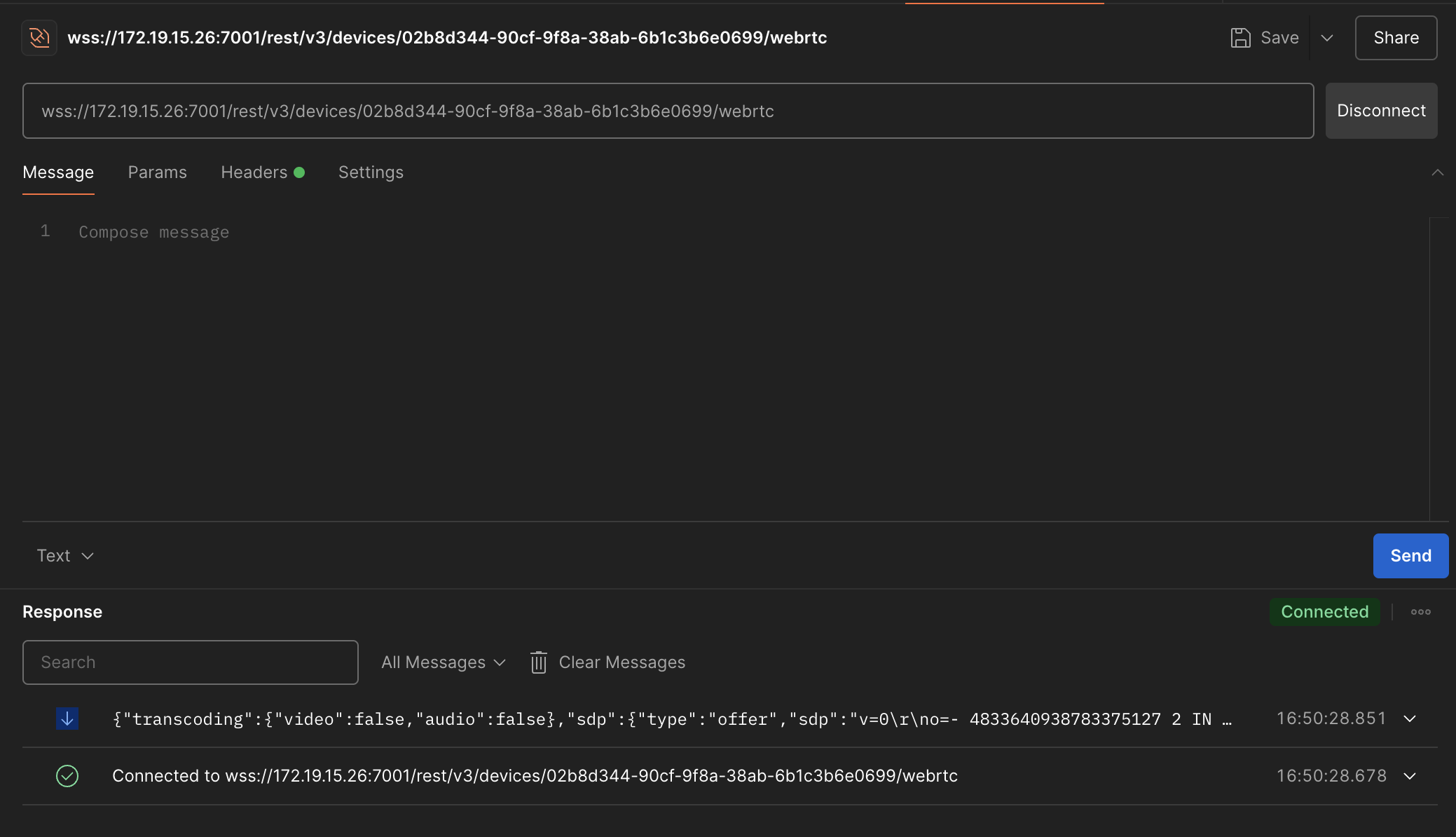
It requires header, but the header should be “Authorization: Bearer {Token}”
2. **Is there a specific handshake or authentication message** I need to send immediately after WebSocket connection opens?
No, there is no specific or special authentication message.
3. **Does the endpoint require any specific WebSocket subprotocols** in the connection request?
No, standard websocket in wss is good.
4. **Are there any CORS or security settings** on the NX server that need to be configured for WebRTC WebSocket connections?
CORS issue is asked to be handled from the client side due to the security concern of OPTIONS method and on-the-fly pre-request. So if you have CORS issue, please simply use proxy to solve this, and it is for most of the common use cases.
5. **Is the endpoint path correct?** Should it be `/rest/v3/devices/{cameraId}/webrtc` or something else?
Yes, it is correct, but you need to use the right authentication scheme, please refer to the answer above.
 0
0
Please sign in to leave a comment.
Comments
1 comment