Schedule altering via HTTP Request
Completed
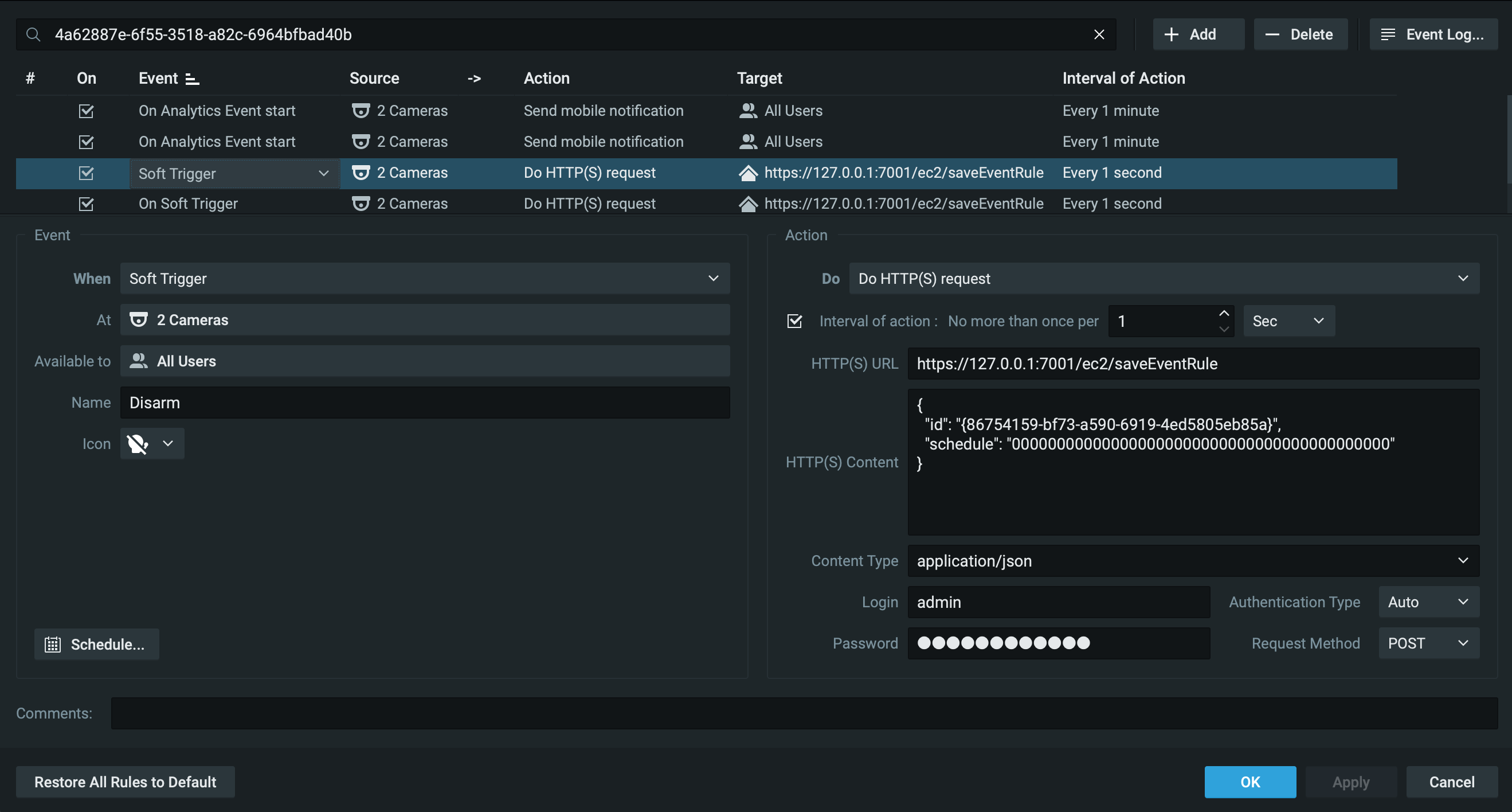
So ive been trying to add a soft trigger that enables/disables the send mobile notifications of a different rule, however I've followed 2 separate guide on this forum exactly and have had no success
so i thought id try a different route by changing the schedule of the on Analytics Event, but im hitting the exact same issue… it just doesnt work, has anyone got any suggestions?
Thank you
John
-

Hi John Hanbury,
Although the existing article was correct, I've rewritten the applicable article yesterday to make it a bit easier to follow.
Two things I noticed from your screenshot:
-
The body is incorrect; it should something like (to disable the rule):
{ "id": "3fa85f64-5717-4562-b3fc-2c963f66afa6", "disabled": true } - For the Authorization, you use the local admin account.
The local admin account always uses Bearer authentication, while this rule requires a user account with Digest authentication enabled. That being said; it is generally recommended to use dedicated user account (Poweruser level) to authorize API requests.
For your convenience, here the link to the applicable support article:
0 -
-
Hi Norman,
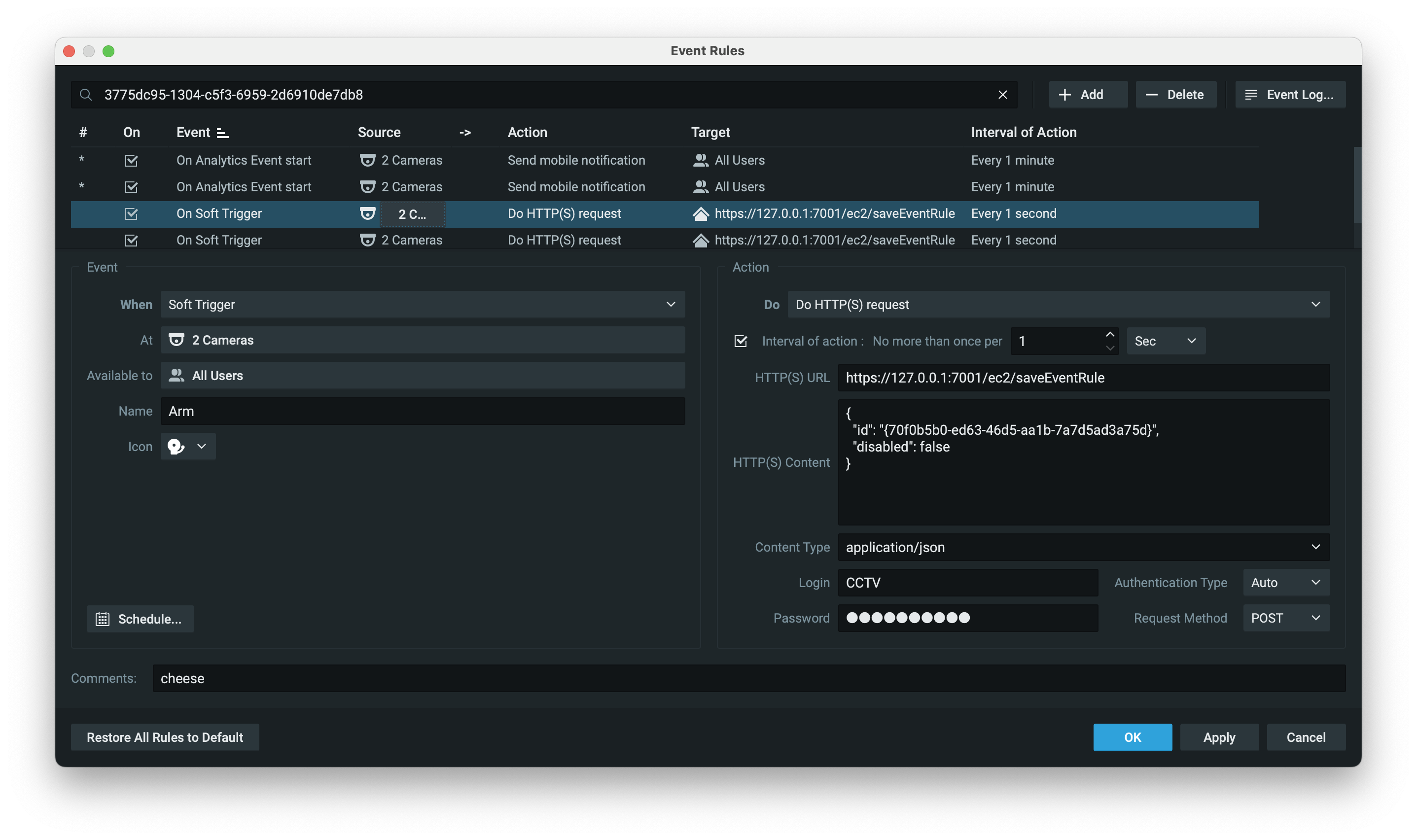
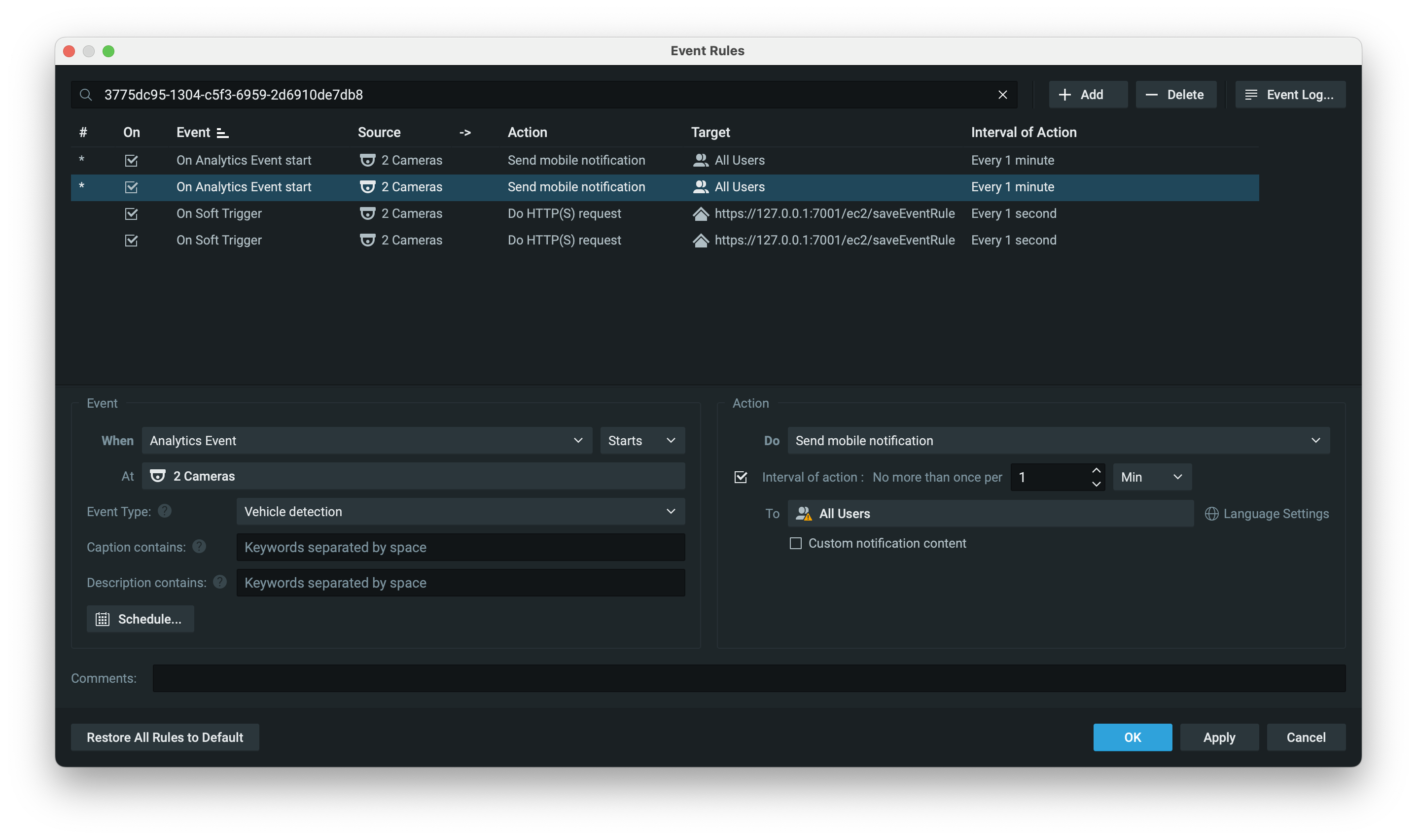
thank you for the quick reply, i've tried what you've said and still get the same result ill share you the get event rules (ive removed all but the 4 i need) and the images of the rules. any help is much appreciated.
 0
0 -
Hi John Hanbury,
Based on the screenshots, I noticed you added {} in the body around the rule ID.
If you remove these (and assuming user CCTV is a user with Digest Auth enabled) it should work.So if you change the body to:
{
  "id": "70f0b5b0-ed63-46d5-aa1b-7a7d5ad3a75d",
  "disabled": true
}
It should work.
If it still fails, please add support_52@networkoptix.com as a Poweruser, and I'll check it remotely.
Give the rule you want to disable a name, and the rules you created to enable/disable, and share the names, so I can check them.
PS 1: I removed the body output, since it contained sensitive information.
PS 2: I'll be on a holiday soon, so please don't wait too long adding the user account to the system.
0 -
ive added you to the tower, there are only 4 rules
1 to send notificatons to cloud users on Human detection
1 to send notificatons to cloud users on Vehicle detection
1 Soft trigger to arm both vehicle and Human detection
1 soft trigger to disarm both vehicle and human detection
thank you for your help
0 -
Hi John Hanbury,
I did a brief check, and noticed that you didn't enable Digest Authentication for user CCTV.
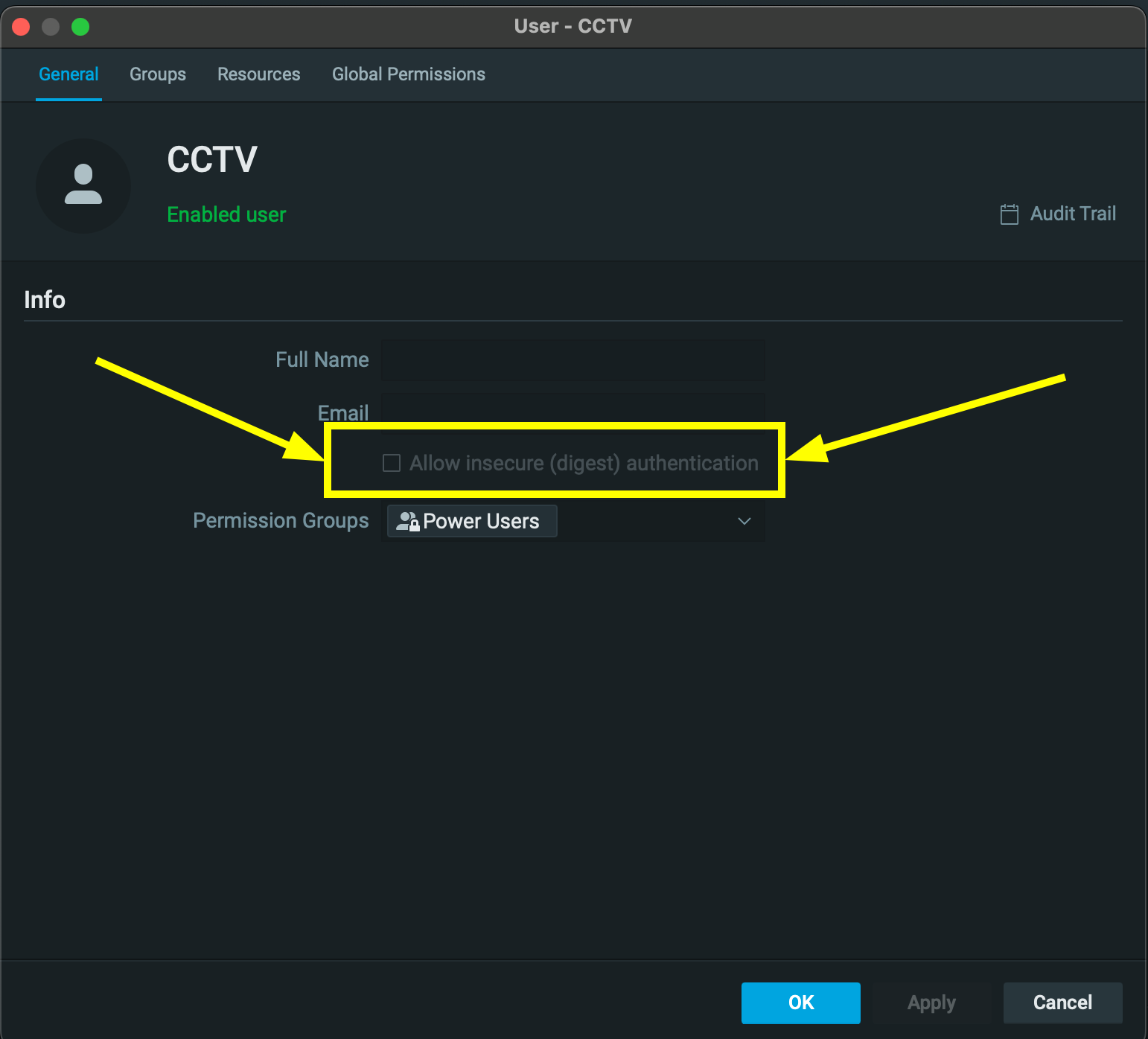
Please tick the checkbox, and Apply, and it should work.
0
Post is closed for comments.
Comments
5 comments