ARM Time issue
Answered
Hello Norman
I have setup a new server ARM NX.
But the VMS Time is not sync, 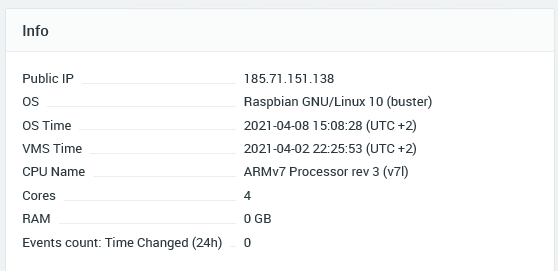
Server info : 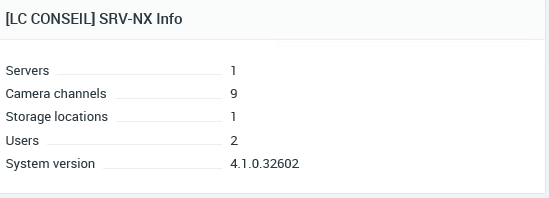
NTP is active in my ARM and time is sync : 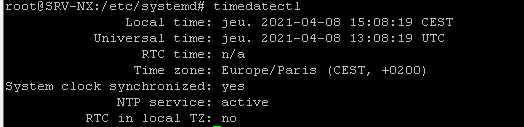
I don't understand what happen...
-

Hi Jordan IUNCKER,
I assume that the device isn't connected to the internet or has limitations on the internet?
Your RTC is missing and no RTC in local TZ and this might cause an offset.
0 -
Hi Norman
The ARM server is connected to the internet, and I can login in with My NxClient & NX Cloud account.
I can ping my server ntp on my raspberry and I don't have any problem...
Only the "VMS TIME" is not correct ... my server is sync and no problem...Raspberry don't have RTC as default
0 -
Hi Jordan,
Regarding:
Raspberry don't have RTC as default
I know. Therefore, such issues might occur.
Please check the Time Synchronization tab, in the System Administration menu.
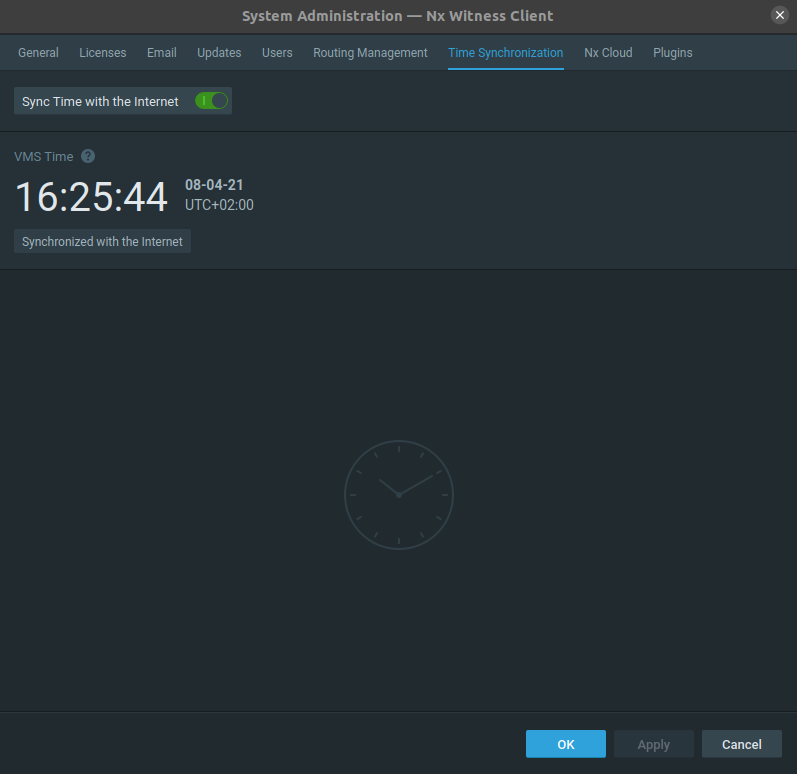
Works just fine here.
0 -
Hi Norman
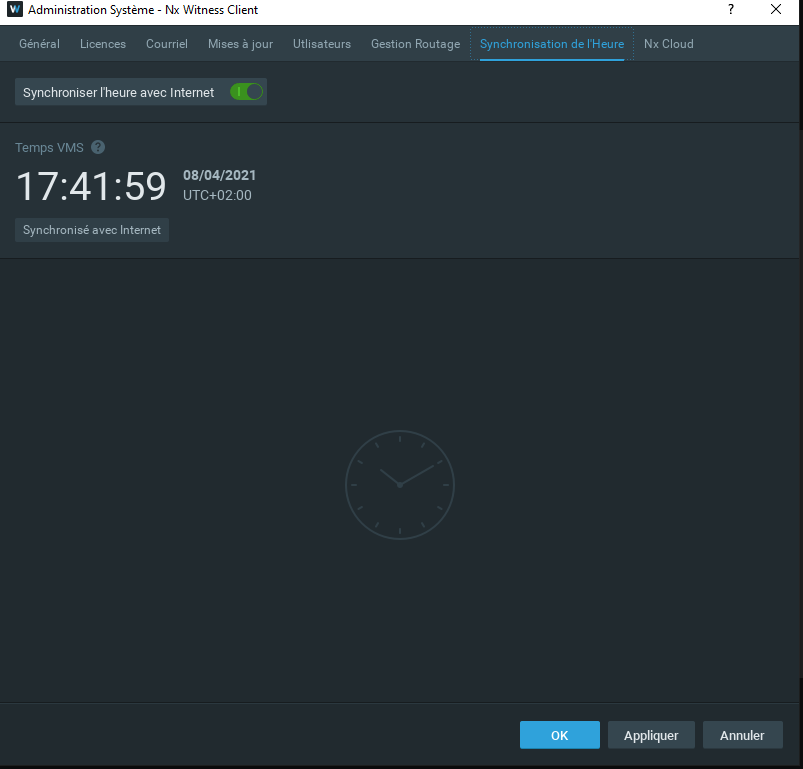
Work just fine here too in my NxClient...
But Server don't sync the VMS Time.. I don't understand what happen..
Can you check in the web administration page ?0 -
Forward the device over port 7001 and 22 (assuming SSH is enabled) and share the credentials to amsterdam@networkoptix.com and we'll check it asap.
0 -
Hi Norman
Send me your public ip please
0 -
Hi Jordan,
My public IP is 80.100.140.188, bit it might be another colleague that dives into it and he hasn't got a fixed public IP address.
So if you rely on me, it might take a few days.
0 -
Hi Norman
Okey no problem,
I can only forward to a public ip sorry.
When my engineer open the access, I send you an email with all credentials.
Thanks0 -
Hi Jordan IUNCKER,
We have not heard back from you in a while, so we are going to assume your question has been answered and set this topic to 'Answered'.
0
Please sign in to leave a comment.
Comments
9 comments