Add “quality” parameter to the cameraThumbnail API (Feature Request)
Answered
JPG Thumbnails acquired by the API are softer and about half the file size of JPG ScreenShot method in the client. It would appear that the API is using lower quality settings when extracting the thumbnail than the Screenshot method? I would like the option.
Using forcedPrimary btw.
-

Hi Paul,
API doesn't change any picture parameters, the original picture from a video being converted to jpeg without any compression. Server uses ffmpeg to convert raw frame to jpeg image with the following parameters:
width = same as original;

height = same as original;

bit_rate = width * height;

time_base.num = 1;

time_base.den = 30;

codec = mjpeg

fmt = yuvj420p
If I disable timestamp in desktop client when saving the screenshot, I'll get almost same file size as thumbnails API.
You can use imageFormat=raw to get raw frame from API and convert it to jpeg with a different tool. Here is an example of ffmpeg command to convert raw frame to jpeg.
ffmpeg -f rawvideo -pixel_format yuvj420p -s 1920x1080 -i cameraThumbnail -frames:v 1 -c mjpeg -b 2073600 frame.jpeg
JIRA-VMS-21590
0 -
Interesting. I will have to investigate further. I am not able to recreate your findings with TS off. PNG, TIFF, and RAW are good images, but huge file sizes. I am calling the API from AWS servers and would rather not have to convert or deal with the increased upload bandwidth.
I am using /ec2/cameraThumbnail?cameraId=AC-CB-51-07-3E-4F&time=2020-12-08T11%3A05%3A00.000&imageFormat=jpg&streamSelectionMode=forcedPrimary&aspectRatio=source.
Nothing unusual there...
Attached are my results from desktop client vs API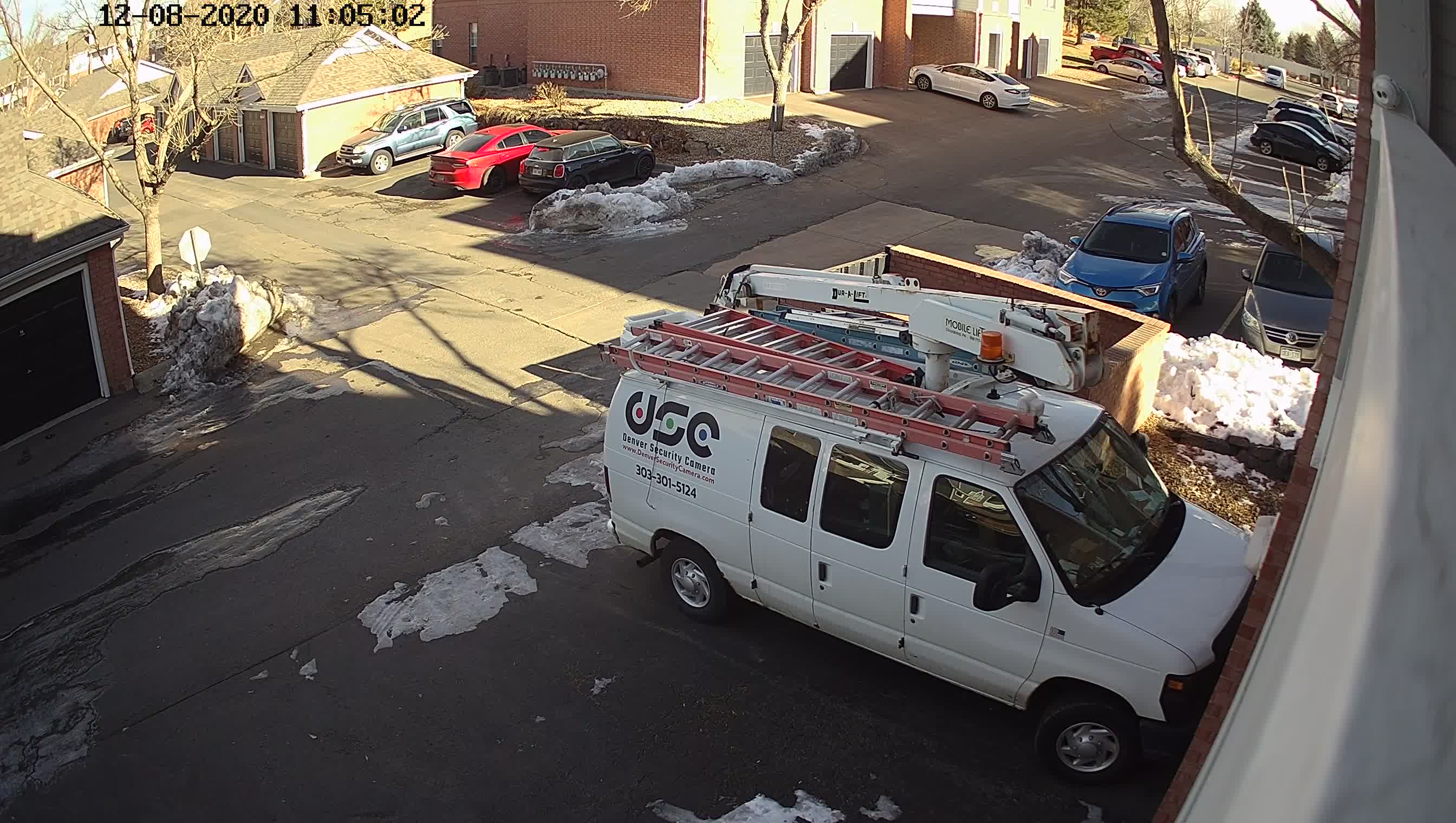
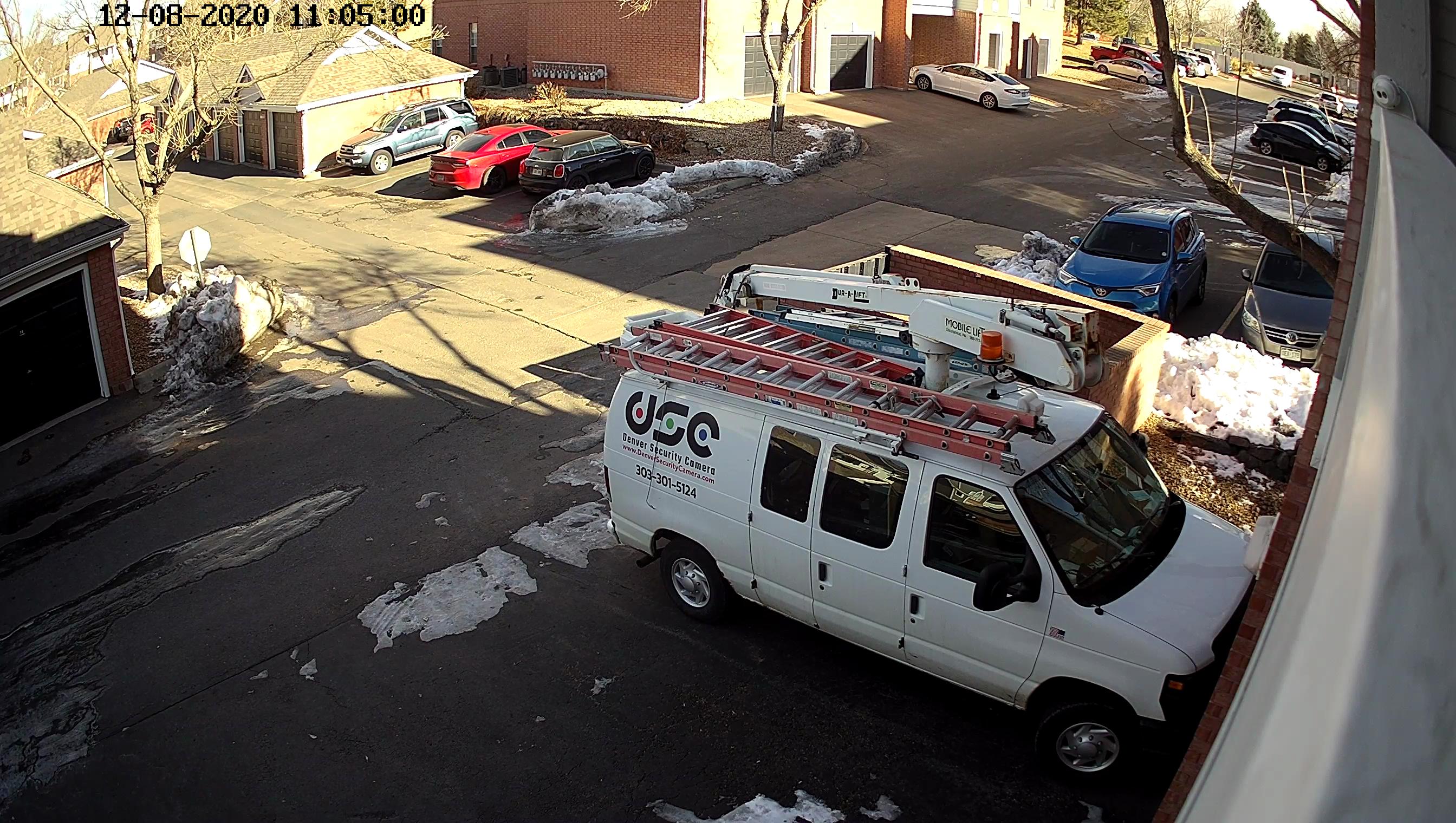 0
0 -
Paul, do you enable the Image Enhancement feature in the GUI before taking the screenshot? It seems I've got a similar result when I enable the Image Enhancement feature in GUI.
0 -

I would like to have such a feature too.
Jpeg have lower quality than png/raw and I can't change it but jpeg format is the fastest. Taking raw or png is relatively slow since I need to receive a lot of data in both cases. On top of that calling this method with imageFormat=png takes a lot of resources because png encoding is much more cpu-consuming. Thus, it's more preferable to be able to choose quality for jpg.
You can see enlarged png and jpeg crops for comparison.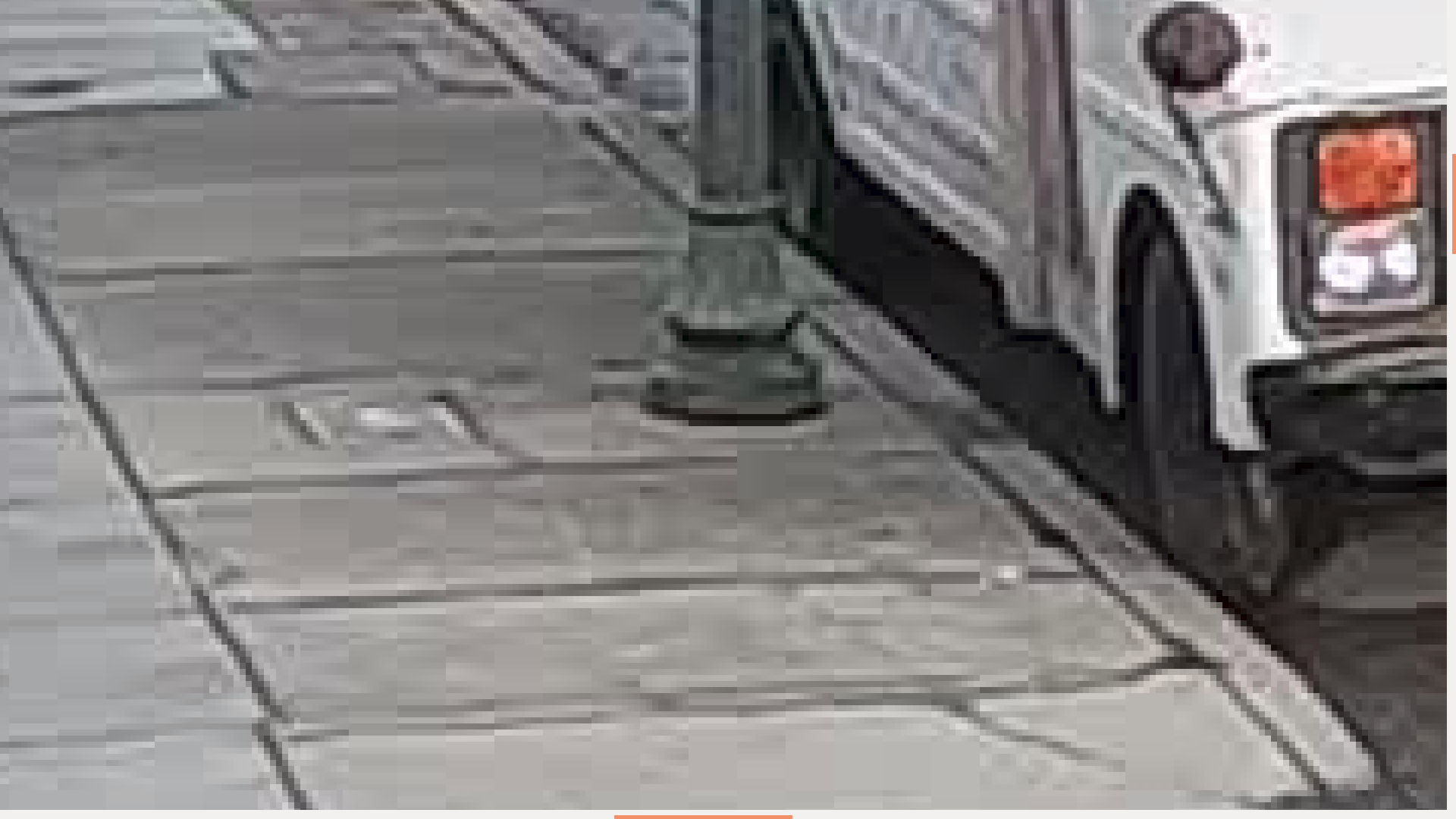
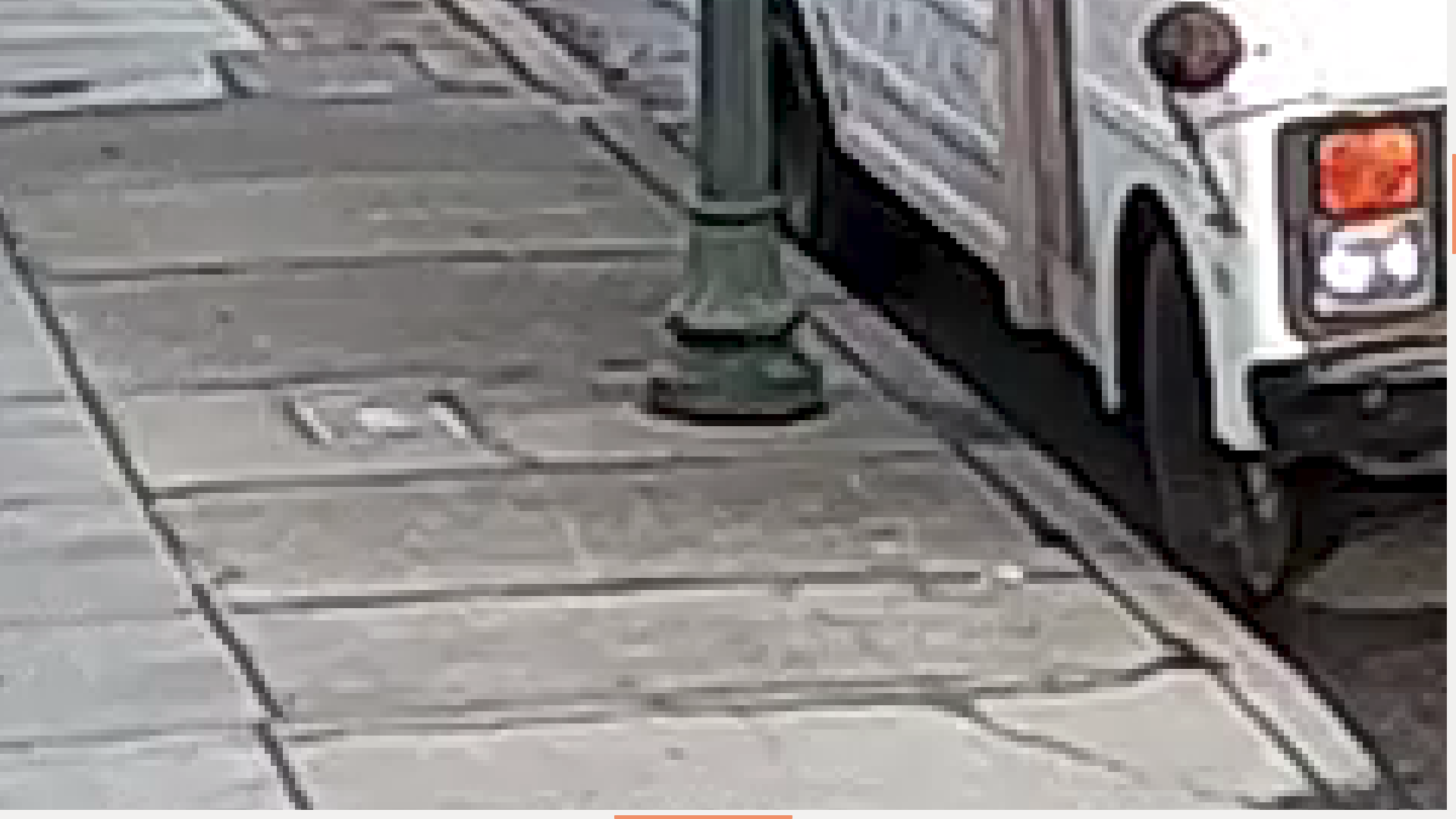 0
0 -

Hi,
Thanks guys for sharing your experience and opinion.
I created a feature request.0 -
Thanks Andrey
0
Please sign in to leave a comment.
Comments
6 comments