NX Client PTZ Presets
Answered
Hi,
We are using NX 4.2.0.34860 version.
In the NX client, we are trying to open the PTZ manage screen, it hangs for a while
and the request always fails to load the presets.
Thanks.
Yuval
-

Hi Yuval Avishid,
The reason for this issue might be the PTZ camera does not support Absolute PTZ or sometimes the camera might have some limitations on the Preset name or symbols, or maybe some ONVIF implementation issue on the firmware.(most likely)
Please first try to update the system to the latest v5.0.0 and re-add the camera to see if the function can work. The current latest available is 5.0.0.35745.
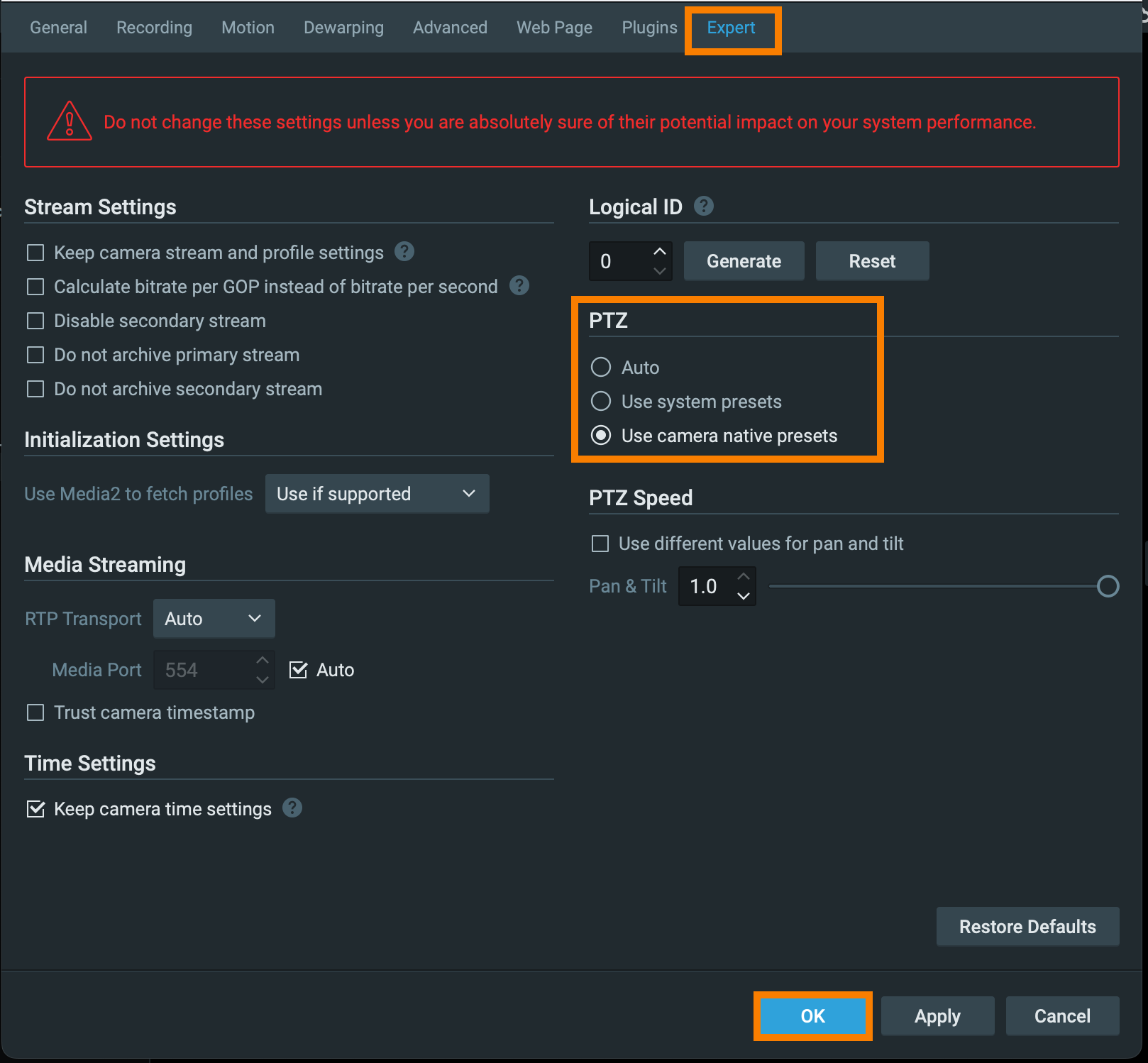
If not, maybe you could try to set up the preset on the camera and then choose the option , "Use Camera native preset" on the camera in Camera settings.
 0
0 -
Hi Ichiro,
Unfortunately, we can’t update right now to the newest version of NX.
PTZ manage worked before.
I have tried your solution with the changes from PTZ to native, and it still didn’t work.
I changed back to PTZ Auto mode, and I have noticed strange behavior. I could see a portion of the presets in the PTZ before clicking the manage button, but when I pressed the manage button, it appeared to load until the timeout, then nothing happened.
Moreover, I have tried to send a request via API, and it sometimes succeeds but most of the time it doesn’t.
Presets without manage screen: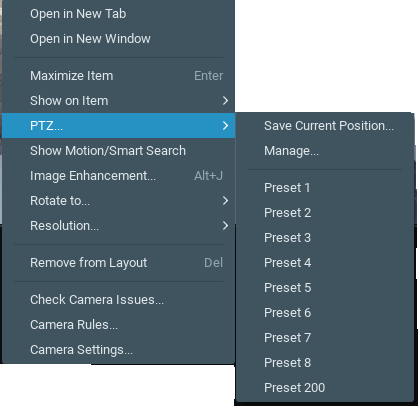
When clicking on PTZ manage: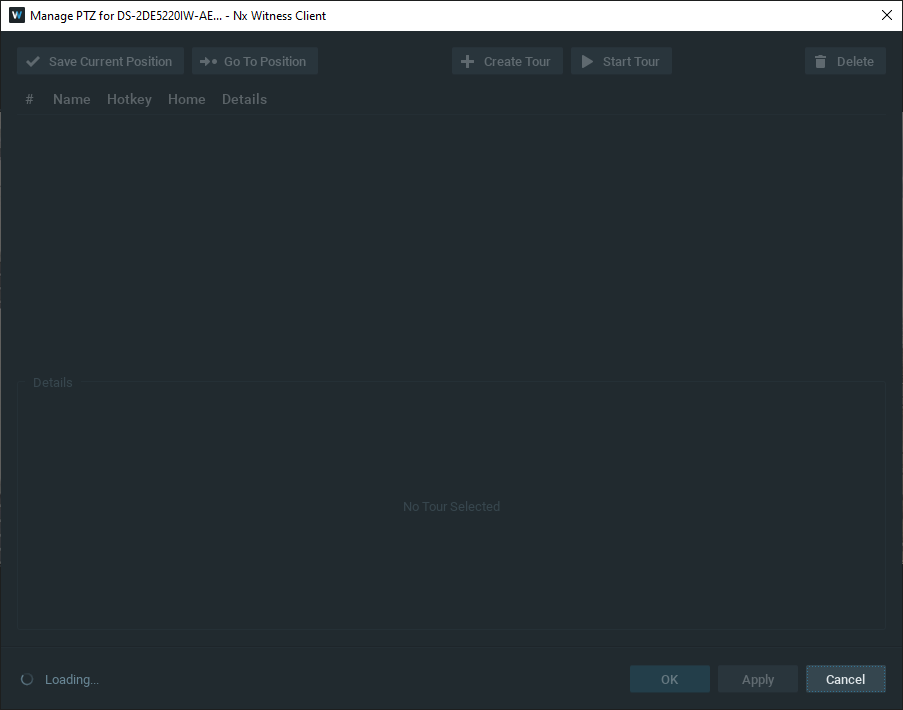
Result from the API request:{"error":"0","errorString":"","reply":[{"id":"3c01a8c6-eb05-472f-b151-3b6922d9c2d9","name":"Preset 1"},{"id":"6ce01cb2-eee4-43f8-b792-3e3fb1505de3","name":"Preset 2"},{"id":"5592b865-889c-4e00-b549-86052e80f950","name":"Preset 3"},{"id":"888311ad-61e8-4e35-ab65-813859d6338e","name":"Preset 4"},{"id":"52a47a7b-92ec-4a96-88a3-b83e5dc7cc42","name":"Preset 5"},{"id":"613a0b74-44d7-4ecf-a17a-cec3e4165859","name":"Preset 6"},{"id":"fa35a1d0-f875-4131-9340-a0c3e30f94cc","name":"Preset 7"},{"id":"637323f1-1604-41a1-9c1e-fc352eeea914","name":"Preset 8"},{"id":"c148db51-794b-461a-b93c-73efca88cee0","name":"Preset 200"}]}Thanks,
Yuval.0 -
Hi Yuval Avishid,
I checked the issue on 5.0.0.35745, but I don't see the same issue.
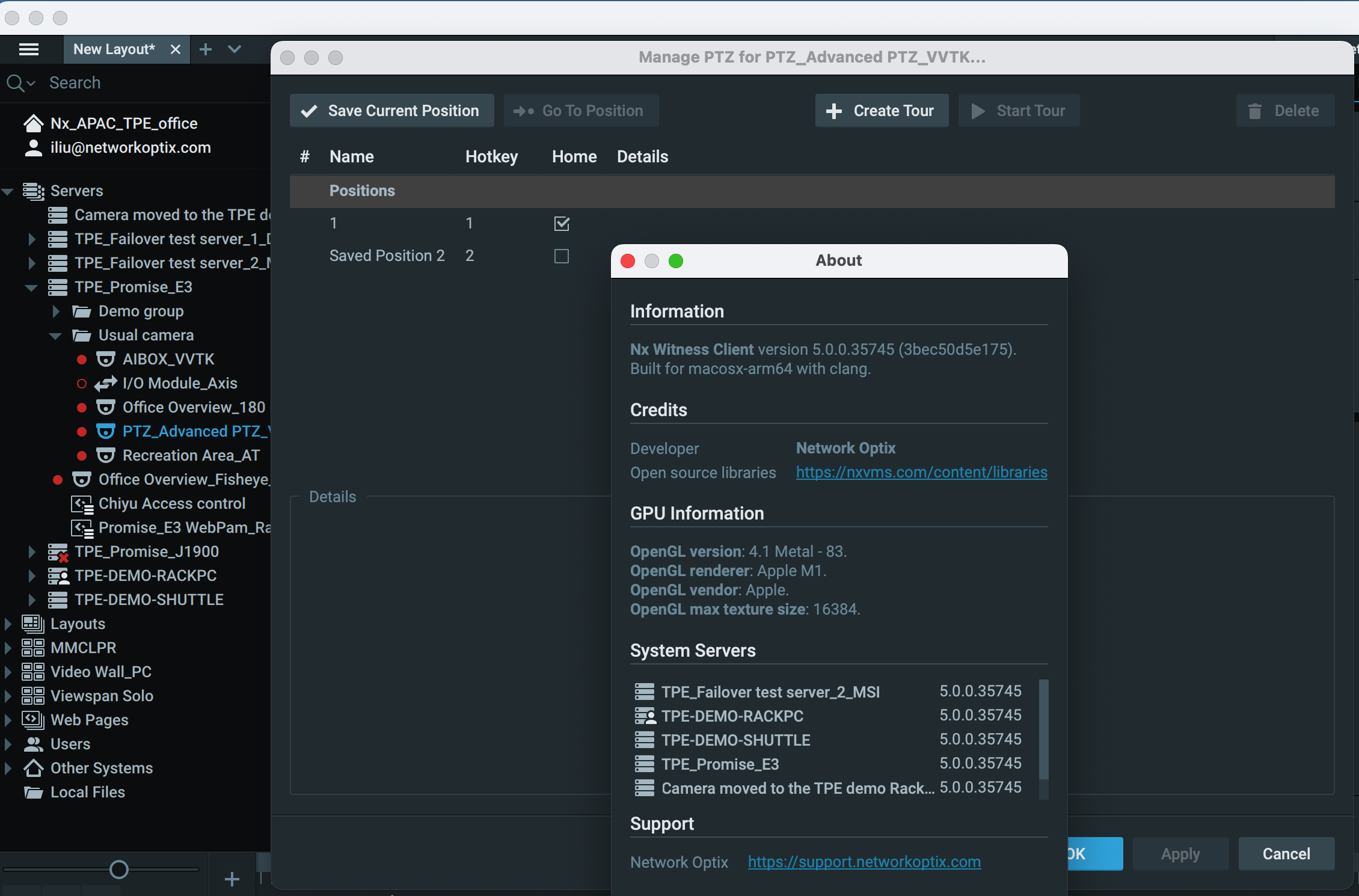
If your can't update the system, probably you may try to delete the camera and re-add to see if that helps.
Thanks.0
Please sign in to leave a comment.
Comments
3 comments