NX 5.0.0.35270 virtual camera archiving failed!
Answered
We implementes the virtual camera archiving according to NX official API: https://support.networkoptix.com/hc/en-us/articles/360017704814-Virtual-Camera-API-Calls-How-to-Import-Files-to-Camera-Archive-via-the-Server-API
It works fine both on NX Witness 4.0 and 5.0 until 5.0.0.35270.
The API flow and problem:
Each API works fine except for "/api/virutalCamera/extend"
This this the flow we try to upload a file and import it to Virtual Camera in 5.0.0.35270
- Cerate Uploder by /api/download with upload parameter
- Upload Chunck by /api/downloads/ <upload name>/chunks/<id>
- Lock Camera /api/virtualCamera/consume
- Import to Virtual Camera by /api/virtualCamera/lock
- Mointor Consuming by /api/virutalCamera/extend <= Something goes wrong HERE!!
- Unlock Camera /api/virtualCamera/release
In the Step 5, the API call always return the following response, the comusming is always ture, it means that importing to virtual camera not complete.
(I called the API once per second, the consuming is still true even after 5 minutes)
{"error":"0","errorId":"ok","errorString":"","reply":{"consuming":true,"locked":true,"progress":0,"success":true,"token":"{00000000-0000-0000-0000-000000000000}","userId":"{99cbc715-539b-4bfe-856f-799b45b69b1e}"}}
However, after degrade the server to 5.0.0.347454, everything works fine again.
In the Step 5 of the API flow described above, the API "/api/virtualCamera/extend" will return consuming false after importing to Virtual Camera complete.
(The consuming turns to false in seconds)
{"error":"0","errorId":"ok","errorString":"","reply":{"consuming":false,"locked":true,"progress":100,"success":true,"token":"{00000000-0000-0000-0000-000000000000}","userId":"{99cbc715-539b-4bfe-856f-799b45b69b1e}"}}
======
We also try the log export
Here are also the Log for the reference
Logfile download
https://www.dropbox.com/s/hoalobt0pynbkbf/nx_log_virtual_cam_problem.zip?dl=0
Then I start to upload file to virtual camera, my virtual camer name is "vcam-salute_002988", that is automatically created by BWC.
The first file can be uploaded successfully, as you can see as the following screenshot:
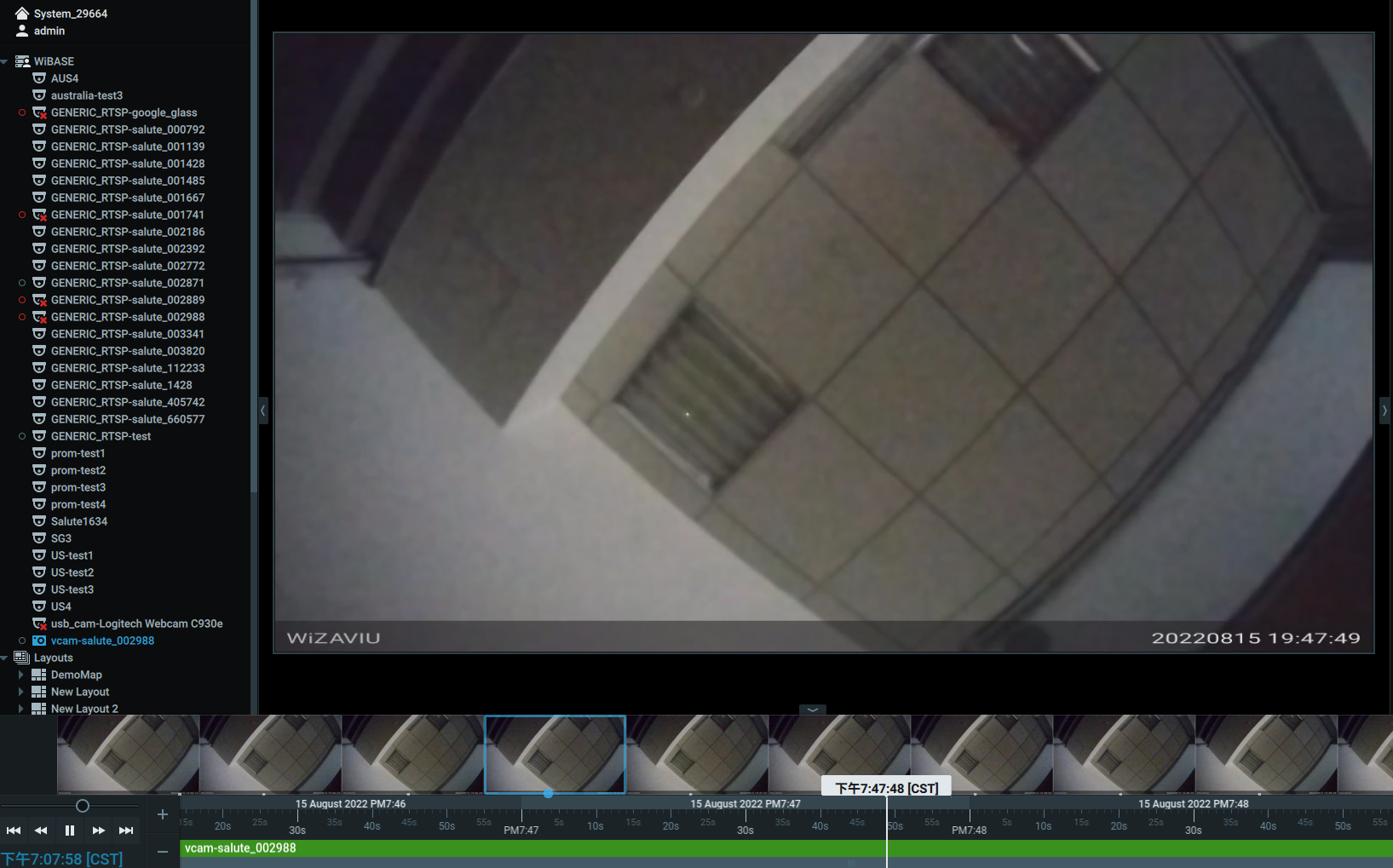
But the monitoring status is always consuming=true, just like what I described below
Then the nex file upload will be blocked, until server error reported.
If I downgrade ther server version from 5.0.0.35270 to 5.0.0.34745, I can upload file to virtual camera one by one successfully.
-

Hello Kuo-Lun Tang,
5. Mointor Consuming by /api/virutalCamera/extend <= Something goes wrong HERE!!
(I called the API once per second, the consuming is still true even after 5 minutes)
The progress is reported in the "progress" value in the returned JSON. At this step, the API has to be periodically invoked until the "progress" value is 0.
You could have a look at an example in our repository.
https://github.com/networkoptix/nx_open_integrations/blob/master/python/examples/import_to_virtual_camera.pySee the _check_progress() method.
0
Please sign in to leave a comment.
Comments
1 comment