NX Witness Mobile iOS App Not Saving Credentials

Hi,
I have a use case where the NX Witness Mobile iOS App accesses the NX Server directly via a static public IP that has an associated FQDN and a port forward setup on the router to make the connectivity possible from the Internet. This is preferred over connecting to the NX Server over NX Cloud which is much slower so NX Cloud is only used for push notifications. All viewing of video etc. is done with the NX Server directly which is super fast and responsive.
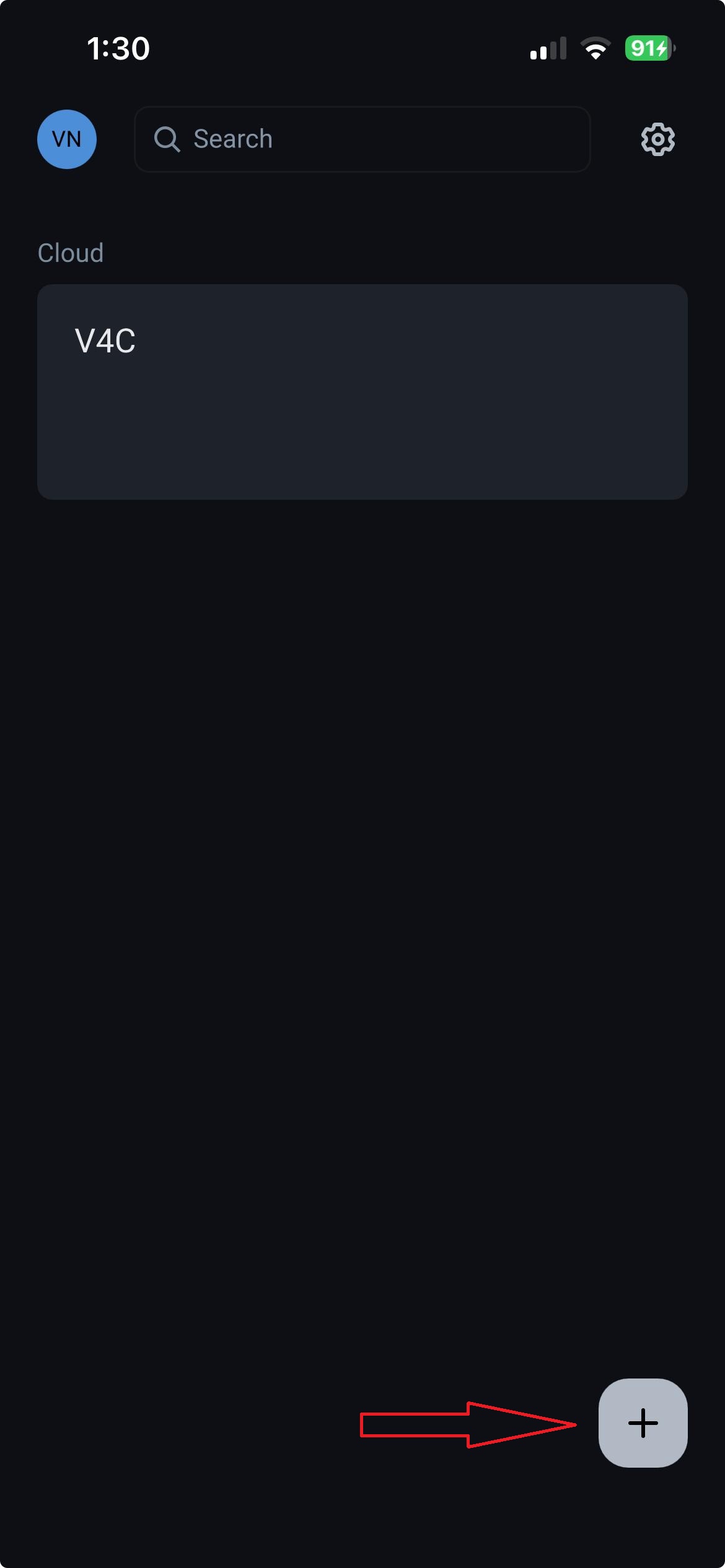
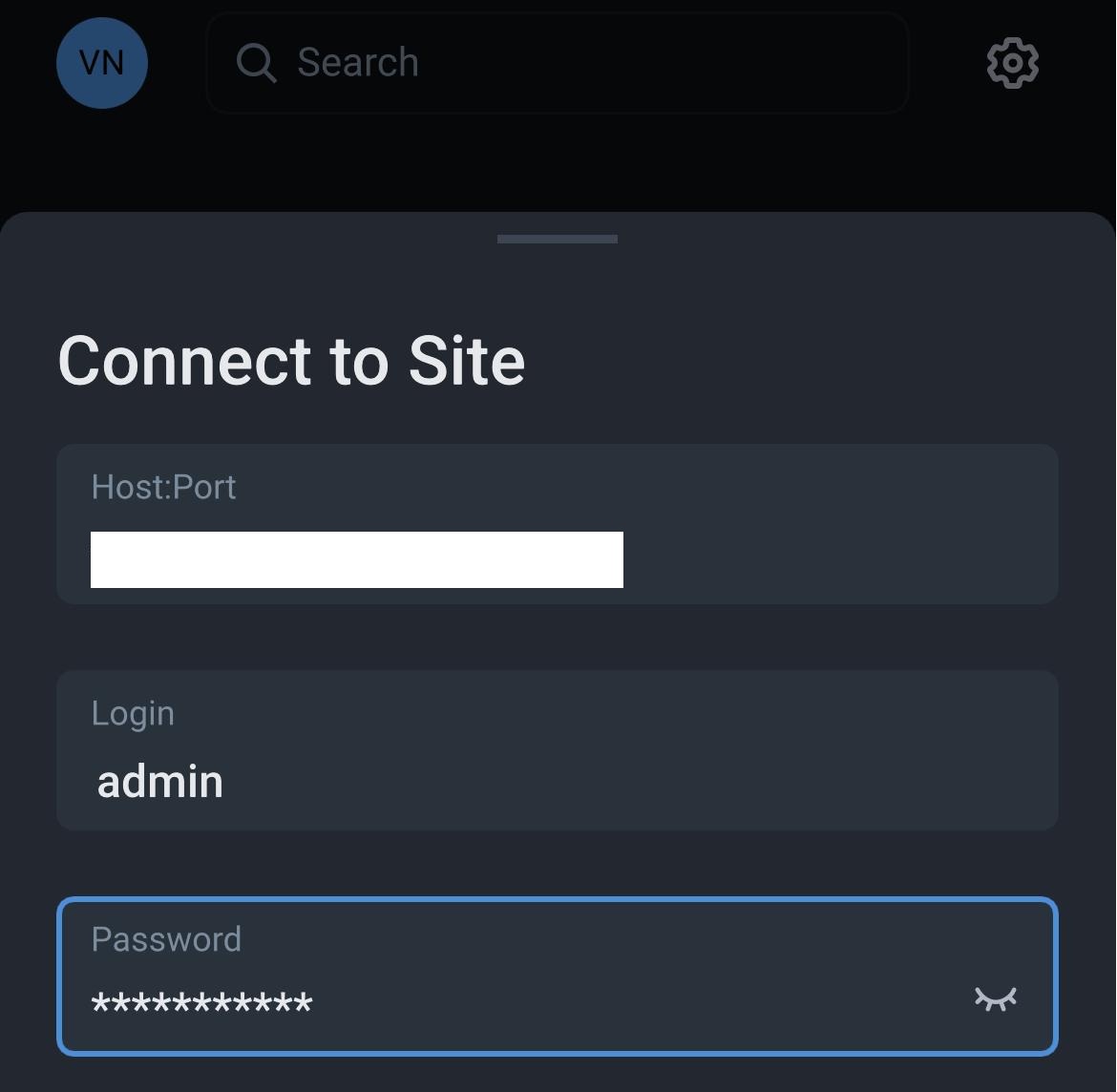
The issue I have is the NX Witness Mobile iOS App keeps forgetting the direct NX Server details credentials and I'm having to constantly re-add it via the ‘+’ button and type in the server details and credentials over and over again to access the NX Server directly.
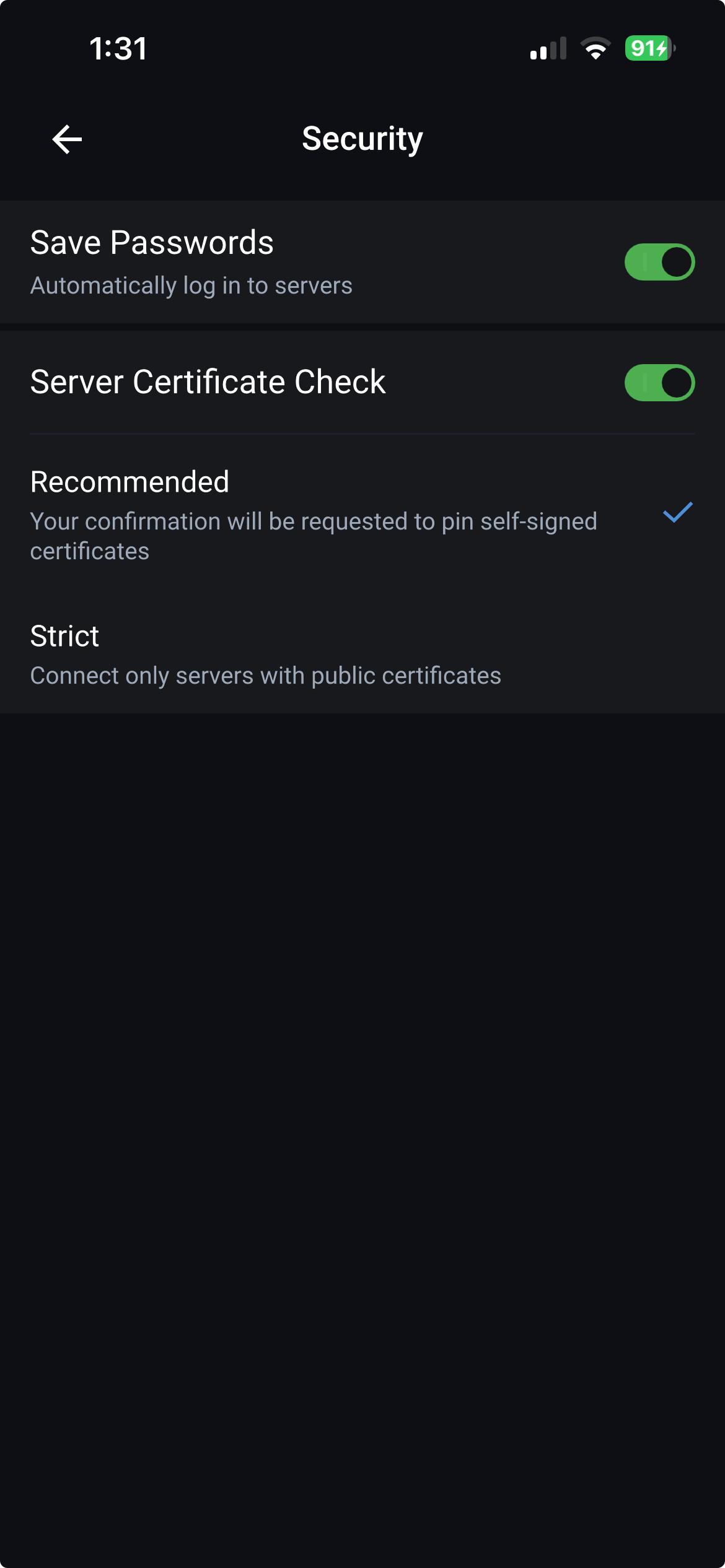
Can please get some help to make the NX Witness Mobile iOS App always remember the direct NX Server details and credentials? Attached is a screenshot of what needs to be typed in. The “Saved Passwords” option is definitely ticked in the NX Witness Mobile iOS App Security settings.
The NX Witness Mobile iOS App version is the latest 26.1.1.43120 and it has always happened with previous versions too.
Thanks
-
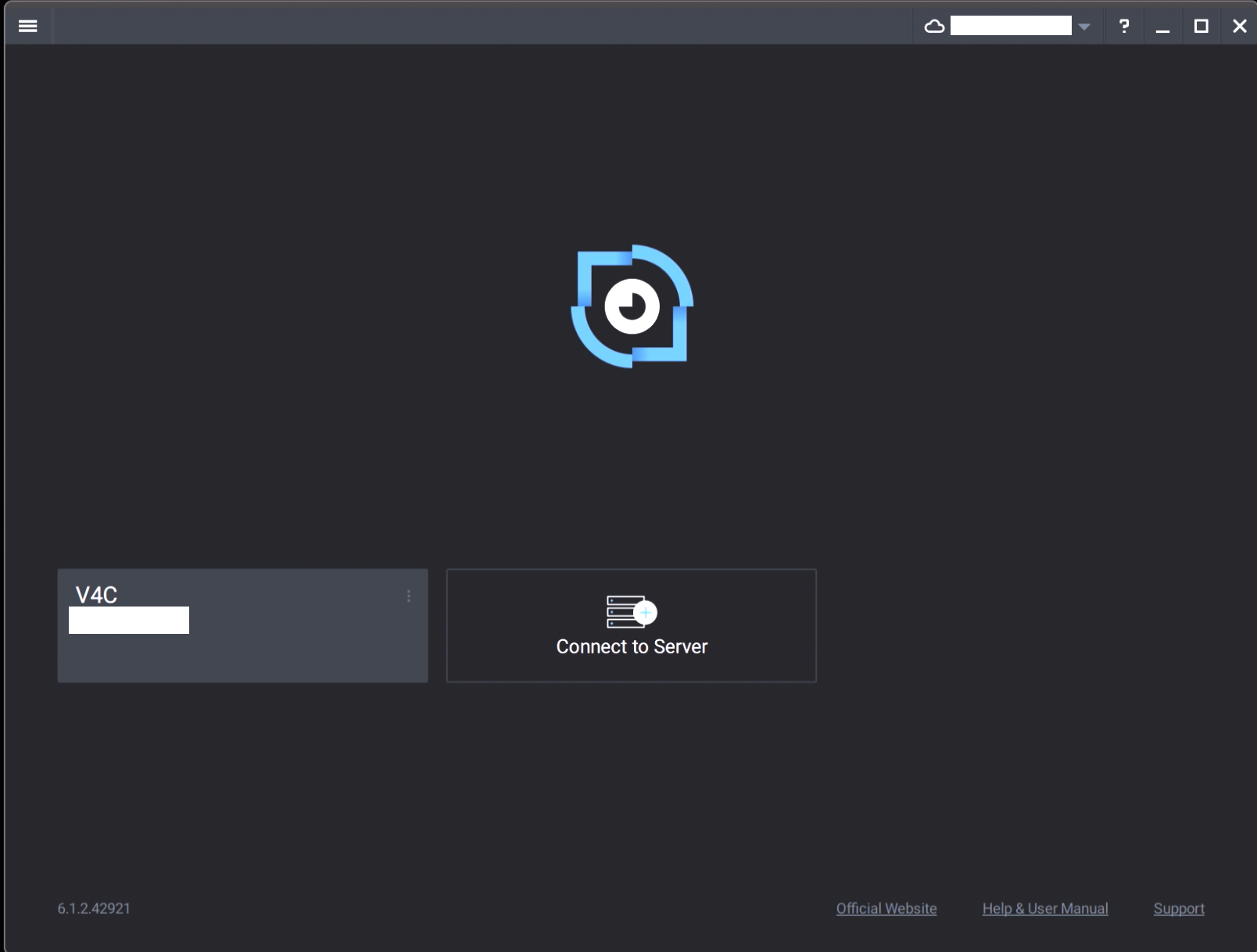
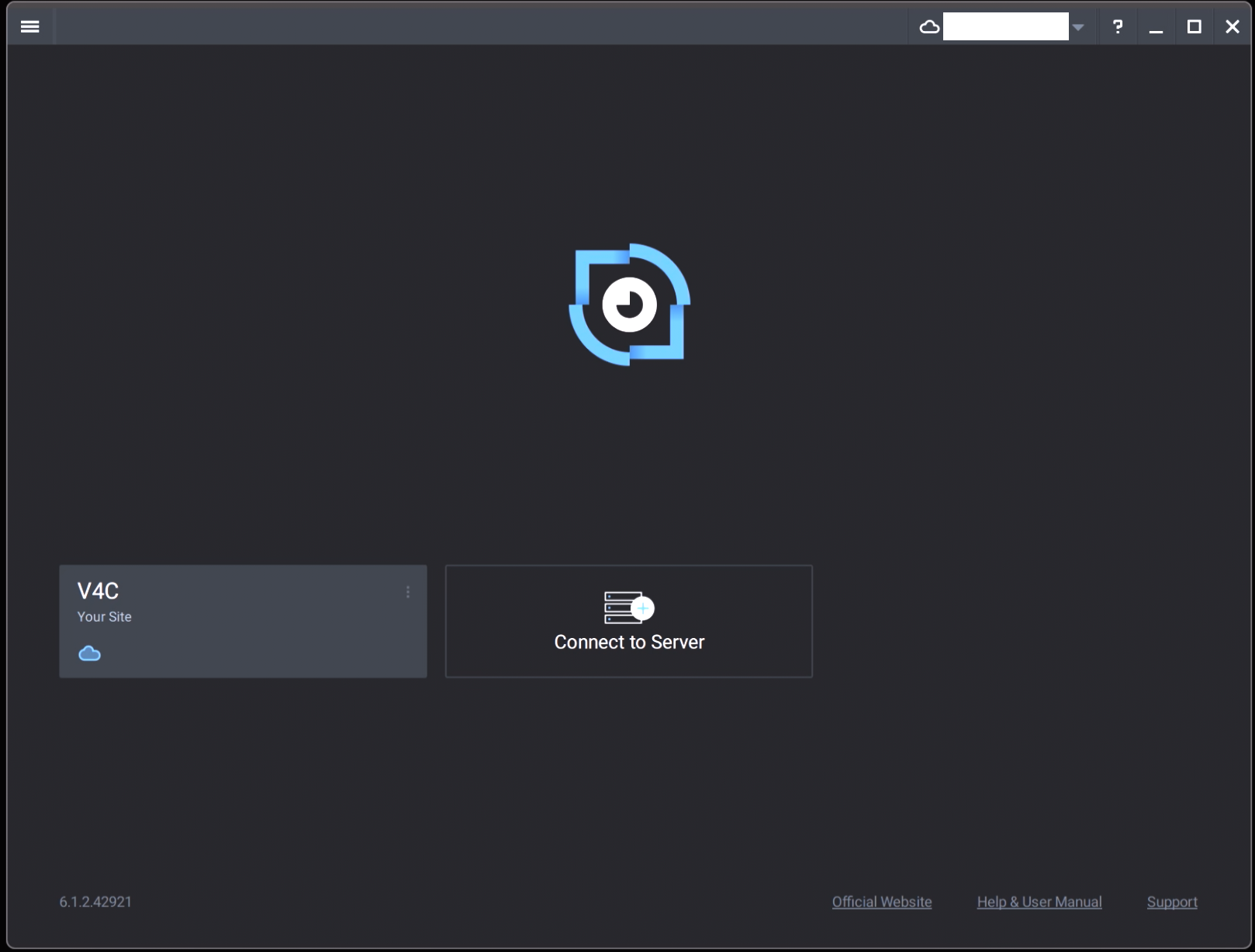
As an additional data point, the NX Witness PC App also does something similar.
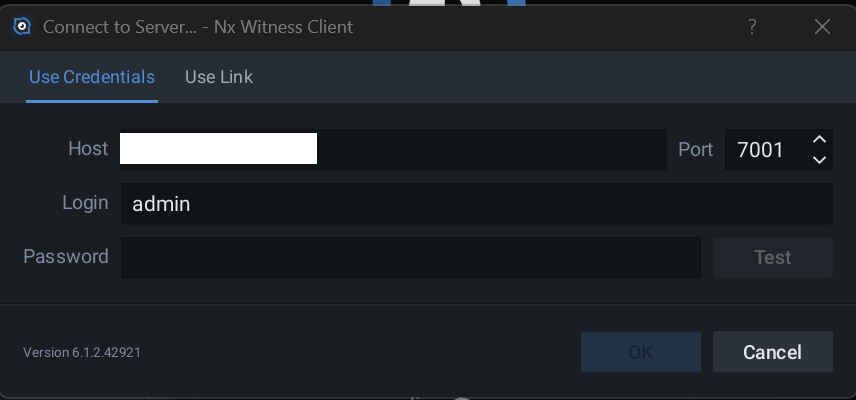
When it first opens it does show the direct server access but after a few seconds it flips over to the NX Cloud access and I have to click on the Connect to Server icon to re-add. On the PC App it at least remembers the Host and Username and I'm having to only type in the Password but it would also be nice if it's all remembered and preferred for next time.
In terms of priority for me, I'd like the issue resolved with the NX Witness Mobile iOS App and then the PC App as secondary as it's not used anywhere as much as the Mobile iOS App.
 0
0
Please sign in to leave a comment.
Comments
1 comment